




For years, SurveyMonkey has been one of the most widely used survey tools for collecting customer and employee feedback. It’s reliable for basic surveys, but in 2026, many teams are realising that collecting responses isn’t the same as understanding users.
The limitations usually appear after data collection. As feedback volumes grow, especially in open-ended responses, teams are left with dashboards and exports that still require manual interpretation. SurveyMonkey offers some automated analysis features, but its AI capabilities remain relatively limited compared to newer platforms built specifically for qualitative insight generation. For many teams, turning raw responses into clear themes and decisions still takes time and effort.
This gap has led to a growing search for SurveyMonkey alternatives. Not because survey creation is the problem, but because insight extraction is. Modern teams increasingly expect tools to assist with pattern detection, summarization, and prioritization of feedback, rather than leaving analysis entirely to the user.
In this guide, we evaluate the leading SurveyMonkey alternatives available in 2026. Each platform is reviewed based on its approach to qualitative analysis, AI support, usability, and fit for different team sizes. The goal is to help you identify tools that move beyond basic survey reporting and better support how feedback is analyzed and acted on today.
TLDR;
- SurveyMonkey is a widely used survey platform, but many teams find it increasingly survey-centric, limited in AI capabilities, and less effective when it comes to turning qualitative feedback into fast, actionable insights.
- We analyzed the best SurveyMonkey alternatives in 2026 based on key factors such as AI-powered analysis, qualitative insight depth, conversational survey and interview capabilities, usability testing support, workflow automation, integrations, scalability, and ease of use.
- Based on our research, top SurveyMonkey alternatives include TheySaid, Qualtrics, Typeform, Hotjar, SurveySparrow, Alchemer, QuestionPro, Zoho Survey, each serving different needs, from basic surveys to enterprise research and behavioral analytics.
- TheySaid stands out as the best overall SurveyMonkey alternative by combining surveys, interviews, forms, polls, pulses, and AI user testing into a single platform, then using AI to analyze responses, detect themes, and deliver actionable insights. For teams looking to move beyond data collection and act on feedback faster, TheySaid offers the most complete solution. Try it for free!
Why People Look for SurveyMonkey Alternatives?
SurveyMonkey works well for basic surveys, but as teams scale their feedback programs, many find it no longer keeps up with how they need to collect, analyze, and act on feedback. Below are the most common reasons teams start looking for SurveyMonkey alternatives.
- Limited AI capabilities for analysis: SurveyMonkey focuses primarily on data collection. Its AI-assisted features are basic, and analyzing large volumes of open-ended responses still requires manual effort.
- Manual work with qualitative feedback: Teams often need to export data, tag responses, or build reports outside the platform to understand themes and sentiment, slowing down the insight process.
- Slower time-to-insight: For product and UX teams, waiting days or weeks to interpret feedback reduces the value of user input, especially in fast iteration cycles.
- Advanced features tied to higher pricing tiers: Access to deeper analysis and customization is often restricted to more expensive plans, which can feel inefficient for teams that need insight quality rather than scale.
- Not designed for insight-first workflows: SurveyMonkey is survey-centric. Newer alternatives are built around summarization, theme detection, and prioritization, helping teams move from feedback to action faster.
- Growing expectations around AI-driven tools: As AI-powered feedback analysis becomes more common, teams compare SurveyMonkey with platforms that offer a clearer, automated understanding of qualitative data.
Top SurveyMonkey Alternatives & Tools Compared
Recommended Read: Top Employee Satisfaction Survey Tools for 2026
What are the Best SurveyMonkey Alternatives in 2026?
The best SurveyMonkey alternatives in 2026 depend on how your team collects, analyzes, and acts on feedback. While SurveyMonkey works for basic surveys, many teams now need stronger AI capabilities, deeper qualitative insights, and faster time-to-value. Based on our analysis, the top SurveyMonkey alternatives include:
- TheySaid – Best overall SurveyMonkey alternative for AI-powered feedback, surveys, interviews, polls, usability testing, and actionable qualitative insights in one platform.
- Qualtrics – Best for enterprise-scale experience management (XM), advanced research programs, and governance.
- Typeform – Best for design-first, highly engaging surveys and forms.
- Hotjar – Best for behavioral insights, heatmaps, session recordings, and in-product feedback.
- Alchemer – Best for advanced survey logic, customization, and workflow-driven surveys.
Let’s take a closer look at each of these SurveyMonkey alternatives to understand where they fit best and how they compare based on different feedback and research needs.
1. TheySaid: Best SurveyMonkey Alternative & All-in-One AI Feedback Platform in 2026
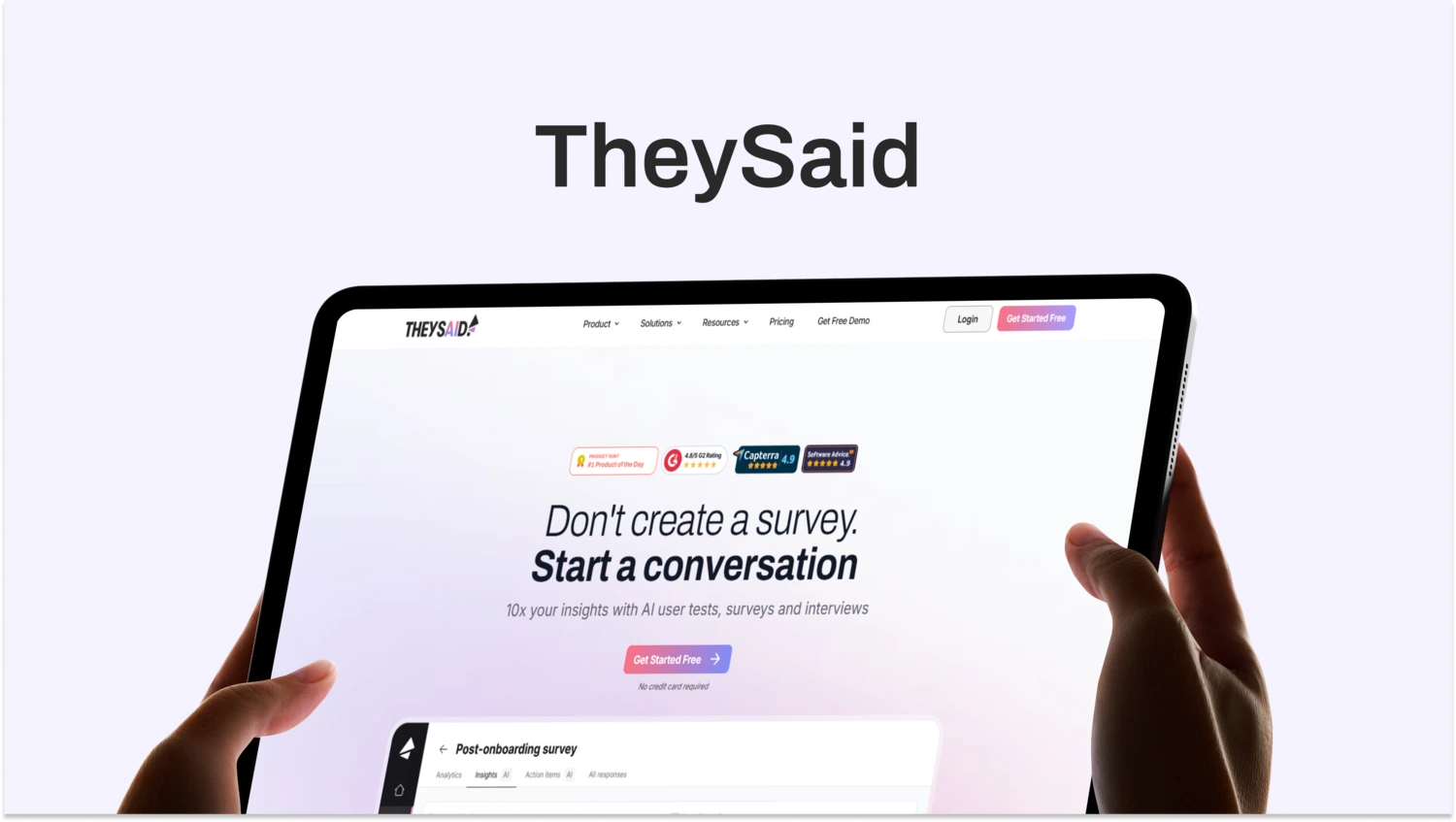
TheySaid is built as an all-in-one system for collecting, understanding, and acting on feedback. Unlike SurveyMonkey, which centers on traditional surveys and reporting, TheySaid is designed around AI-driven conversations and insight generation across surveys, interviews, forms, polls, pulses, and usability tests.
Instead of static questionnaires, TheySaid uses conversational AI, adaptive follow-ups, and logic branching to uncover deeper context automatically. Teams can build projects with AI in seconds, import legacy surveys, or run voice-enabled interviews that feel natural to respondents while producing structured, traceable insights behind the scenes.
Best for: Product teams, UX researchers, CX teams, customer success, HR leaders, startups, mid-market, and enterprise teams
Use Case: Surveys, AI interviews, AI user testing, onboarding feedback, win/loss analysis, churn analysis, employee feedback, product discovery, continuous sentiment tracking
G2 Rating: 4.7/5
What Makes TheySaid the Best SurveyMonkey Alternative in 2026?
TheySaid stands out because it’s built as the everything app for feedback, not just a survey tool.
- One platform for every feedback format: Surveys, interviews, forms, polls, pulses, and AI user tests all live in a single workflow instead of fragmented tools.
- Build with AI in seconds: Create surveys, interviews, or forms from a simple prompt, import existing surveys, or refine questions instantly with AI.
- Conversational by default: Human-like AI chat, adaptive follow-ups, and conditional logic allow feedback to feel natural while uncovering deeper insights.
- Voice-enabled participation: Two-way voice lets respondents speak naturally while AI reads questions aloud, capturing emotion and speed alongside content.
- Insight-first analysis: AI reviews every response, detects themes, tracks trends, and generates strategic recommendations without hiding the source data.
Key Features of TheySaid
- AI surveys, interviews, forms, polls, and pulses
- Conversational UI with human-like AI chat
- Conditional logic with AI-driven follow-ups
- Two-way voice input and playback
- AI user testing with voice and video recordings
- Survey import from SurveyMonkey, Qualtrics, and Typeform
- Pre-built templates for common feedback use cases
- Panel recruiting or bring-your-own participants
- AI sidebar for summaries, insights, and next-step suggestions
- Integrations with Salesforce, HubSpot, Slack, and more
- Roles, permissions, and enterprise-grade security
TheySaid Pros
- Replaces multiple feedback tools with one platform
- AI builds and improves projects instantly
- Adaptive follow-ups uncover the “why” behind responses
- Voice and conversational formats improve engagement
- Usability testing captures real behavior with voice and video
- AI Insights 2.0 delivers themes, trends, and action items
- Centralized dashboard for all qualitative feedback
- Modern, branded UI improves response quality
TheySaid Cons
- AI-driven feedback may feel unfamiliar to some teams initially
- Insight quality depends on the context provided to AI
- Sensitive topics require careful configuration and compliance
TheySaid Pricing
- Free plan available to get started
- Paid plans unlock advanced AI features and collaboration
- Custom pricing for enterprise deployments
- Demo available for full platform access
2. Qualtrics: Enterprise-Grade Survey & Experience Management Platform
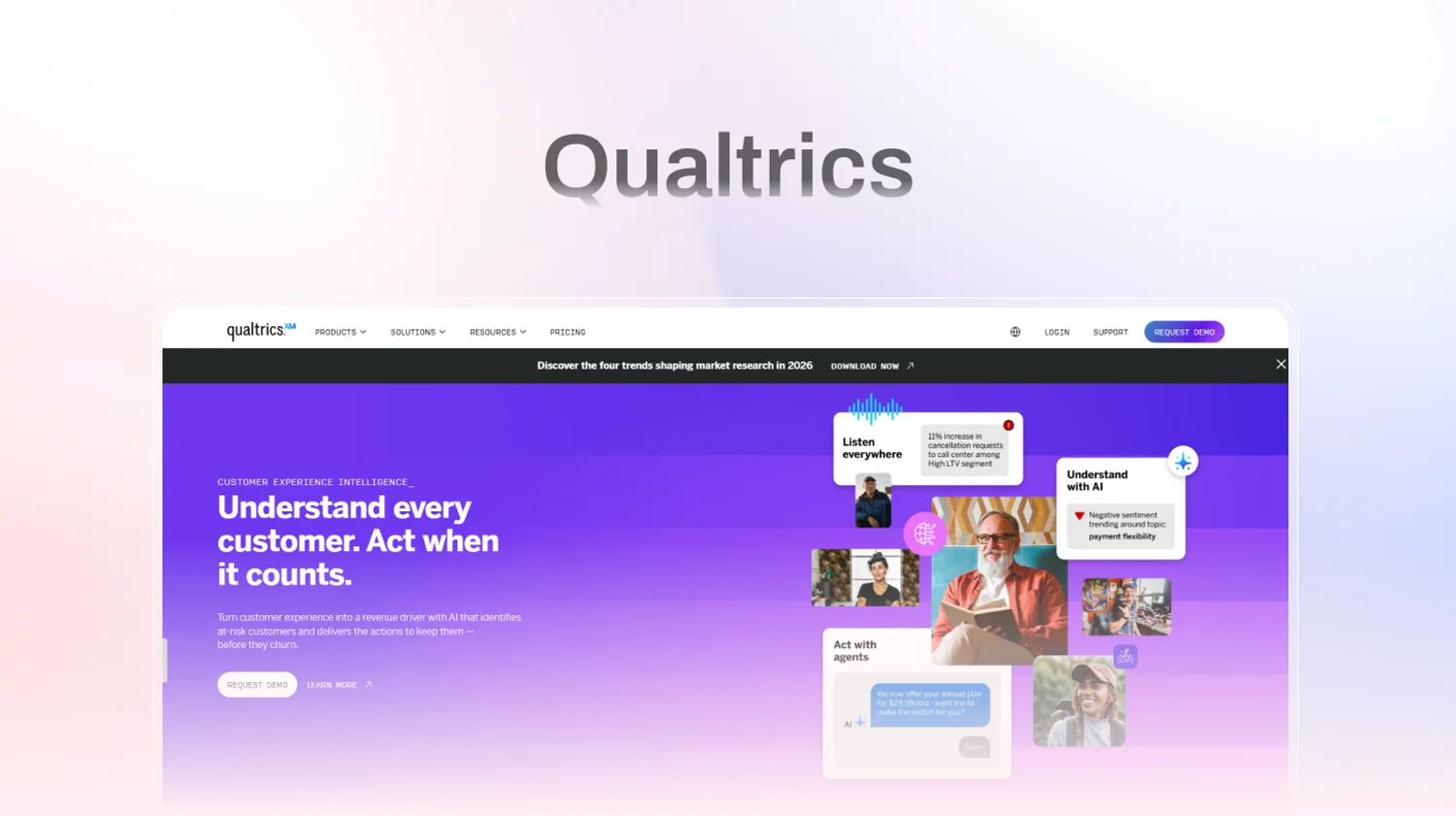
Qualtrics is one of the most established platforms in the survey and experience management space. It’s widely used by large organizations that run complex research programs across customer experience, employee engagement, and market research. Compared to SurveyMonkey, Qualtrics offers significantly deeper analytics, stronger governance, and enterprise-grade controls.
Where Qualtrics excels is scale and structure. It’s designed for organizations that need advanced survey logic, robust data segmentation, compliance controls, and centralized management across teams. That depth makes it powerful but also heavier. For many teams, the challenge isn’t collecting data with Qualtrics, but navigating the platform and turning insights around quickly.
Best for: Large enterprises, research teams, CX leaders, HR teams, academic and market research organizations
Use Case: Enterprise customer experience programs, employee engagement surveys, brand tracking, market research studies, and advanced survey programs
G2 Rating: 4.3/5
What Makes Qualtrics a Popular SurveyMonkey Alternative in 2026?
Qualtrics is often chosen when organizations need control, depth, and scale rather than speed.
- Advanced survey logic and customization: Qualtrics supports complex branching, conditional logic, quotas, and survey flows that go far beyond basic survey tools.
- Enterprise-grade analytics and reporting: The platform includes advanced dashboards, segmentation, and text analytics designed for large data sets and long-term programs.
- Centralized governance and compliance: Strong permissioning, security, and compliance features make it suitable for regulated industries and global teams.
- Broad experience management coverage: Qualtrics extends beyond surveys into CX, EX, brand, and product experience, positioning itself as a full XM suite rather than a single-purpose tool.
Key Features of Qualtrics
- Advanced survey builder with complex logic and customization
- Text analytics and sentiment analysis for open-ended responses
- Custom dashboards and enterprise reporting
- Multi-channel distribution, including email, web, and in-product
- Strong role-based access and governance controls
- Survey templates for CX, EX, and market research
- Integrations with enterprise systems and CRMs
Qualtrics Pros
- Extremely powerful for large-scale and complex survey programs
- Strong analytics and reporting capabilities
- Suitable for regulated, enterprise environments
- Supports multiple experience management use cases in one platform
Qualtrics Cons
- Steep learning curve for new or non-research users
- Slower time-to-insight compared to AI-first tools
- Can feel heavy for product and UX teams running lightweight research
- Pricing and packaging can be complex and expensive
Qualtrics Pricing
- Custom, enterprise-level pricing
- No transparent public pricing
- Typically requires annual contracts
- Best suited for organizations with dedicated research or CX teams
3. Zonka Feedback: AI-Powered Customer Feedback & Intelligence Platform
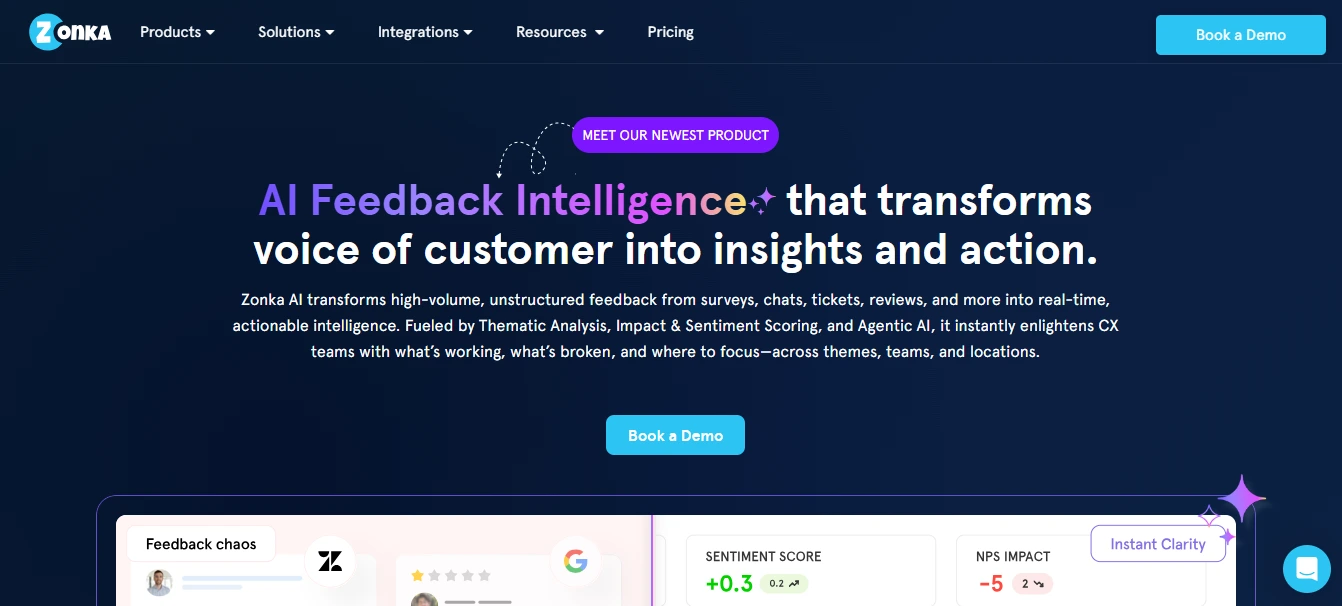
Zonka Feedback is an AI-powered Customer Feedback & Intelligence Platform designed for teams that want more flexibility, faster setup, and deeper insights than traditional survey tools like SurveyMonkey. It combines omnichannel surveys with advanced AI analytics, helping businesses collect, analyze, and act on feedback in real time across digital and physical touchpoints.
Where Zonka Feedback stands out is its balance of usability and intelligence. Teams can launch NPS, CSAT, CES, and custom surveys quickly across email, SMS, WhatsApp, web, in-app, and kiosks, while built-in AI automatically surfaces themes, sentiment, and impact. This makes it easier to move from raw responses to clear actions without the complexity of enterprise-heavy research platforms.
Best for: SMBs and mid-market companies, CX and support teams, product and growth teams, multi-location businesses.
Use Case: Customer satisfaction tracking, NPS and CSAT programs, product and feature feedback, post-support and post-transaction surveys, in-app and website feedback, and closed-loop feedback workflows.
G2 Rating: 4.7/5
What Makes Zonka Feedback a Strong SurveyMonkey Alternative in 2026?
Zonka Feedback is often chosen by teams that want more than basic surveys, without the overhead of complex enterprise tools.
- AI-driven feedback intelligence: Automatic theme detection, sentiment analysis, impact scoring, and Ask AI help teams understand open-ended feedback at scale.
- True omnichannel surveys: Collect feedback via email, SMS, WhatsApp, web widgets, in-app SDKs, QR codes, and offline kiosk mode from one platform.
- Faster feedback-to-action workflows: A centralized inbox, alerts, and automation make it easier to close the loop with customers and internal teams.
- Flexible and scalable setup: Designed to be easy to deploy for small teams while still supporting advanced CX programs as organizations grow.
Key Features of Zonka Feedback
- Omnichannel surveys for NPS, CSAT, CES, and custom use cases
- AI feedback intelligence with themes, sentiment, entities, and impact analysis
- Real-time dashboards, reports, and alerts
- Centralized response inbox with case management and workflows
- In-app, website, and offline kiosk surveys
- Integrations with CRM, helpdesk, and collaboration tools
Zonka Feedback Pros
- Easy to set up and use compared to enterprise survey platforms
- Strong AI capabilities for analyzing qualitative feedback
- Wide range of survey channels, including WhatsApp and offline kiosks
- Good balance of depth and usability for CX and product teams
Zonka Feedback Cons
- Advanced AI and automation features may require onboarding for new users
- Pricing is not publicly listed, which can require sales engagement
- UI can feel dense for teams only running very simple surveys
Zonka Feedback Pricing
- Pricing available on request
- Custom plans based on features, channels, and scale
- Suitable for SMBs to mid-market and growing CX programs
4. Hotjar: SurveyMonkey Alternative for Behavioral Insights & In-Product Feedback
Hotjar approaches feedback from a different angle than traditional survey tools. Instead of starting with questionnaires, Hotjar focuses on understanding what users do, then layering feedback on top of that behavior. It combines heatmaps, session recordings, and on-site surveys to help teams see where users struggle and why.
Hotjar doesn’t aim to replace full survey platforms for research-heavy programs. Its strength is context. By tying feedback directly to user behavior inside a product or website, it helps teams connect qualitative comments to real interactions, something SurveyMonkey can’t do on its own.
Best for: Product teams, UX designers, growth teams, conversion optimization teams
Use Case: Website and product feedback, UX research, usability testing, funnel analysis, on-page surveys, conversion optimization
G2 Rating: 4.3/5

What Makes Hotjar a Popular SurveyMonkey Alternative in 2026?
Hotjar stands out when teams need behavioral context alongside feedback.
- Behavior-first insights: Heatmaps and session recordings show where users click, scroll, hesitate, or drop off, adding context that traditional surveys lack.
- In-product and on-site surveys: Teams can ask targeted questions at specific moments, such as after a user completes (or abandons) a flow.
- Visual understanding of UX problems: Watching real user sessions often surfaces issues that survey responses alone don’t explain.
- Fast setup for live products: Hotjar is easy to deploy on websites and web apps, making it useful for continuous UX monitoring.
Key Features of Hotjar
- Heatmaps for clicks, scrolls, and interactions
- Session recordings for real user behavior
- On-site surveys and feedback widgets
- Funnel and drop-off analysis
- Targeted feedback based on user behavior
- Integrations with analytics and product tools
- Dashboards for UX insights
Hotjar Pros
- Strong visual insight into user behavior
- Excellent for identifying UX and usability issues
- Easy to deploy and start using quickly
- Works well alongside surveys for a richer context
- Useful for conversion and funnel optimization
Hotjar Cons
- Not a full survey or research platform
- Limited AI-driven qualitative analysis
- Not suited for long-form surveys or interviews
- Requires pairing with other tools for deeper research
Hotjar Pricing
- Free plan available with usage limits
- Paid plans scale based on session volume and features
- Pricing increases with higher traffic and recordings
5. Zoho Survey: SurveyMonkey Alternative for Integrated Business Feedback
Zoho Survey is part of the broader Zoho ecosystem, which includes CRM, help desk, marketing, and productivity tools. That integration makes Zoho Survey a strong choice for teams that want survey data to connect seamlessly with other business systems without complex setup.
Compared to SurveyMonkey, Zoho Survey offers comparable core survey features with added strengths in workflow integration and business tool connectivity. It’s especially useful for organizations already using Zoho products, as data flows directly into CRMs and analytics tools without extra steps.
Best for: Sales operations, marketing teams, support teams, small to mid-sized businesses
Use Case: Customer satisfaction surveys, lead capture, event feedback, employee surveys, and integrated business feedback loops
G2 Rating: 4.3/5
What Makes Zoho Survey a SurveyMonkey Alternative in 2026?
Zoho Survey stands out when teams want centralized feedback connected to business workflows.
- Built-in integrations with the Zoho ecosystem: Survey results can flow directly into CRM, support, and marketing tools, removing manual imports.
- Strong core survey features: Drag-and-drop builder, logic rules, multilingual support, and reporting are solid for routine feedback programs.
- Business workflow automation: Combine survey triggers with follow-up tasks, notifications, and CRM updates without third-party tools.
- Simple pricing with scale: Zoho’s bundled approach offers survey capabilities as part of broader business plans.
Key Features of Zoho Survey
- Drag-and-drop survey builder
- Conditional logic and branching
- Multi-language support
- CRM, help desk, and marketing integrations
- Real-time reporting dashboards
- Themes and branding options
- Response export and analysis tools
Zoho Survey Pros
- Strong business tool integrations
- Good core survey functionality
- Easy for teams already in the Zoho ecosystem
- Competitive pricing compared to standalone tools
Zoho Survey Cons
- Analysis features are less advanced than AI-first platforms
- Not ideal for deep qualitative or interview-style research
- Logic and reporting are solid, but not research-grade
- Limited conversational or adaptive survey styles
Zoho Survey Pricing
- Free tier available with basic features
- Paid plans scale by response volume and advanced features
- Bundles available with Zoho One / other Zoho apps
Recommended Read: 10 Best Survey Software and Tools to Collect Data in 2026
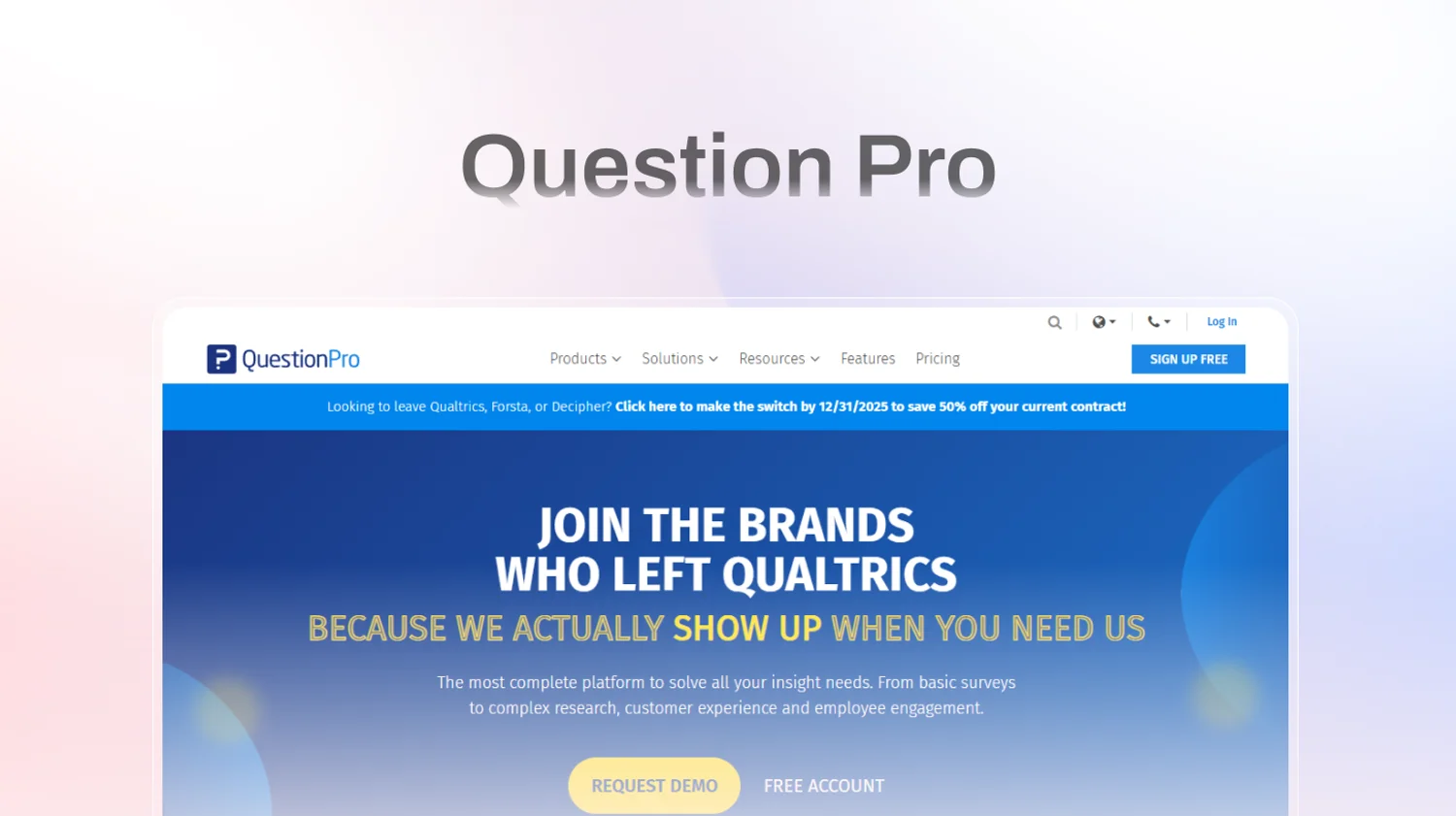
6. QuestionPro: SurveyMonkey Alternative for Research-Driven Surveys & Advanced Analytics
QuestionPro is a survey and research platform built for teams that need more structure, control, and analytical depth than basic survey tools provide. It’s commonly used for market research, customer experience measurement, and employee feedback programs that rely on structured data and repeatable methodologies.
Compared to SurveyMonkey, QuestionPro offers stronger support for research workflows, including sampling, panel management, and advanced analytics. While it’s not an AI-first platform, it appeals to teams that prioritize data rigor and reporting over conversational or adaptive feedback experiences.
Best for: Market research teams, CX teams, HR teams, academic researchers, mid-to-large organizations
Use Case: Market research studies, customer satisfaction surveys, employee engagement surveys, brand tracking, longitudinal research
G2 Rating: 4.4/5
What Makes QuestionPro a SurveyMonkey Alternative in 2026?
QuestionPro stands out when surveys are part of a formal research process.
- Research-oriented survey design: Supports structured questionnaires, logic, quotas, and sampling needed for consistent research outcomes.
- Built-in analytics and reporting: Dashboards and reports are designed for tracking trends over time rather than one-off feedback.
- Panel and sampling capabilities: Useful for teams running market research or studies that require specific audience targeting.
- Broad use across CX and HR: Commonly used for employee engagement and customer experience measurement programs.
Key Features of QuestionPro
- Advanced survey builder with logic and branching
- Research templates for CX, EX, and market studies
- Dashboards and trend reporting
- Panel management and sampling options
- Multi-channel survey distribution
- Collaboration tools for research teams
- Data export for external analysis
QuestionPro Pros
- Strong fit for structured research programs
- Good balance of survey creation and reporting
- Supports longitudinal and comparative studies
- Useful for CX and HR measurement initiatives
QuestionPro Cons
- Limited AI-powered qualitative analysis
- Interface can feel dated compared to modern tools
- Slower setup for lightweight or ad-hoc surveys
- Less suitable for conversational or interview-style feedback
QuestionPro Pricing
- Tiered pricing based on features and usage
- Free trial available
- Higher tiers are required for advanced research features
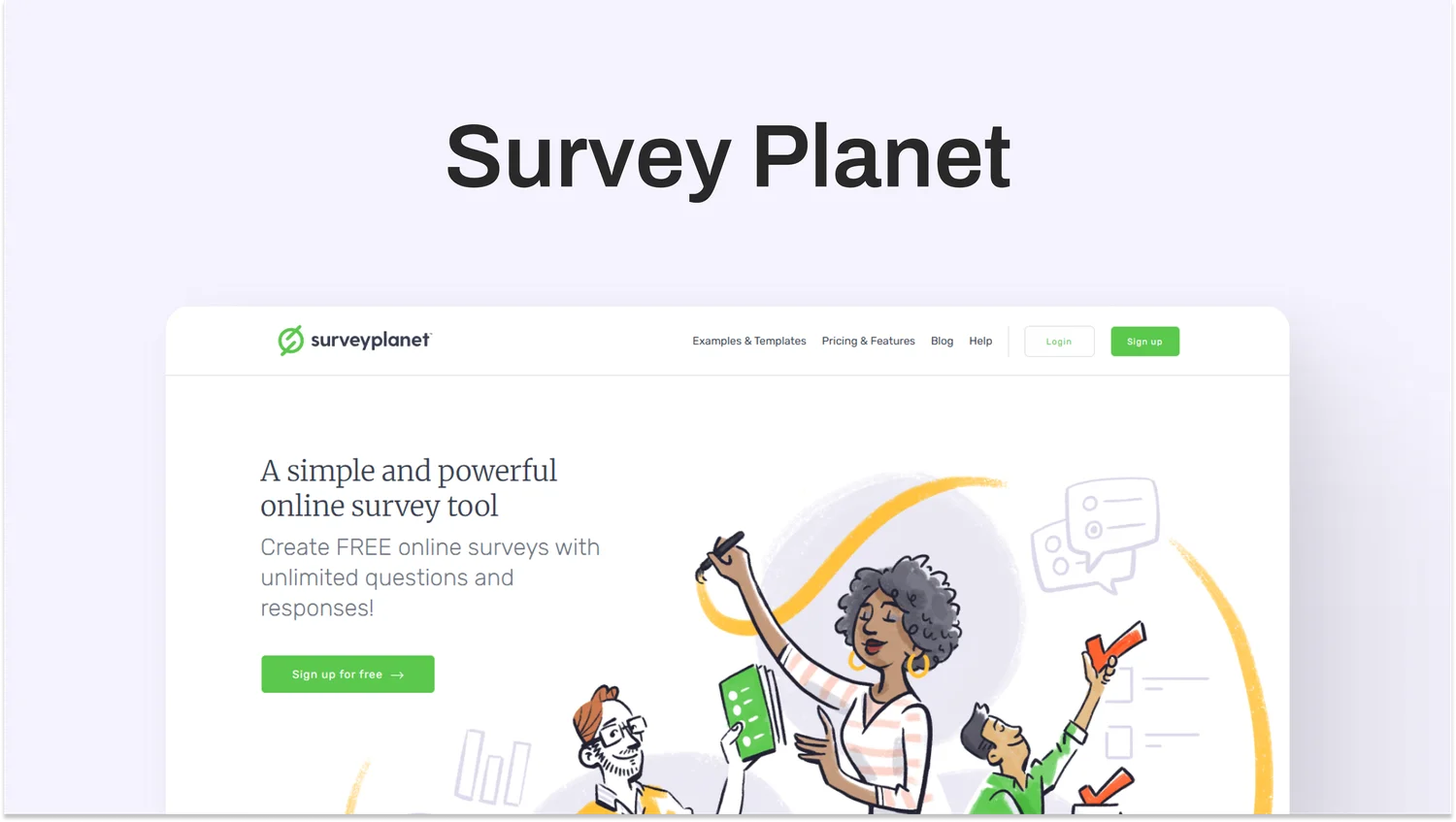
7. SurveyPlanet: SurveyMonkey Alternative for Simple, Clean Surveys
SurveyPlanet is a straightforward survey tool built for teams that want clean, easy surveys without complexity. It’s a strong choice when you need better aesthetics, unlimited surveys, and intuitive workflows, but don’t need advanced analytics or deep insight tools.
Compared to SurveyMonkey, SurveyPlanet strips away heavy menus and complex settings in favor of a user-friendly builder with essential features. It’s not designed for deep qualitative research or AI-driven analysis, but it is reliable for polls, questionnaires, and straightforward feedback.
Best for: Small to mid-sized teams, educators, event organizers, basic customer feedback programs
Use Case: Quick surveys, event feedback, internal questionnaires, simple customer satisfaction surveys
G2 Rating: 4.5/5
What Makes SurveyPlanet a SurveyMonkey Alternative in 2026?
SurveyPlanet stands out when simplicity and speed matter.
- Unlimited surveys on many plans: Even free and low-tier plans allow many surveys without overthinking quotas.
- Clean, distraction-free interface: The builder is straightforward, so non-technical users can launch surveys quickly.
- Responsive designs: Survey layouts adapt well to mobile and web without extra configuration.
- Basic logic and question types: Supports essential features like question branching and required fields.
Key Features of SurveyPlanet
- Simple drag-and-drop builder
- Unlimited surveys (depending on plan)
- Question branching and skip logic
- Custom themes and branding
- Response export and basic reporting
- Mobile-optimized surveys
SurveyPlanet Pros
- Very simple and easy to use
- Clean survey designs without extra clutter
- Unlimited surveys on many plans
- Good for internal or lightweight feedback
SurveyPlanet Cons
- Limited AI analysis or insight tools
- Reporting is basic compared to research platforms
- Not suited for deep, enterprise programs
- Few advanced logic options
SurveyPlanet Pricing
- Free tier with core features
- Paid plans unlock logic and customization
- Pricing is generally lower than that of many established survey tools
8. Alchemer: SurveyMonkey Alternative for Flexible Workflows & Data Control
Alchemer (formerly SurveyGizmo) is a flexible, enterprise-capable survey platform that excels when surveys must fit complex workflows, conditional logic, and advanced data needs. It sits between basic survey builders and heavyweight research suites, giving teams a balance of control and customizability.
While SurveyMonkey handles standard surveys well, Alchemer shines when your program requires detailed logic, data segmentation, and survey flows tailored to specific audience journeys.
Best for: Mid-to-large organizations, operations teams, advanced survey architects
Use Case: Customer experience programs with complex logic, operational feedback, segmented surveys, and data-centric survey workflows
G2 Rating: 4.5/5

What Makes Alchemer a SurveyMonkey Alternative in 2026?
Alchemer is chosen when survey design needs go beyond the basics.
- Comprehensive logic and branching: Supports advanced question routing, piping, calculations, and conditional flows that static tools struggle with.
- Customizable data handling: You can tag and structure responses with precision, making the output easier for reporting or external analysis.
- Workflow integration and automation: Survey responses can trigger actions in business systems or follow-up sequences.
- Collaboration features: Teams can share, co-edit, and manage survey builds with permissions and roles.
Key Features of Alchemer
- Drag-and-drop survey builder
- Complex branching, logic, piping, and calculations
- Custom exports and structured data outputs
- Collaborative survey design controls
- Role-based access and enterprise features
- Integrations with business systems and CRMs
Alchemer Pros
- Extremely flexible and customizable
- Strong for advanced logic and segmentation
- Great for teams that tie surveys into workflows
- Supports large, structured survey programs
Alchemer Cons
- Can feel complex for simple use cases
- The interface may take time to master
- Not focused on AI-driven insight extraction
- May feel heavy compared to modern lightweight tools
Alchemer Pricing
- Custom pricing based on business requirements
- Typically aimed at mid-to-enterprise teams
- No transparent public pricing contract sales required
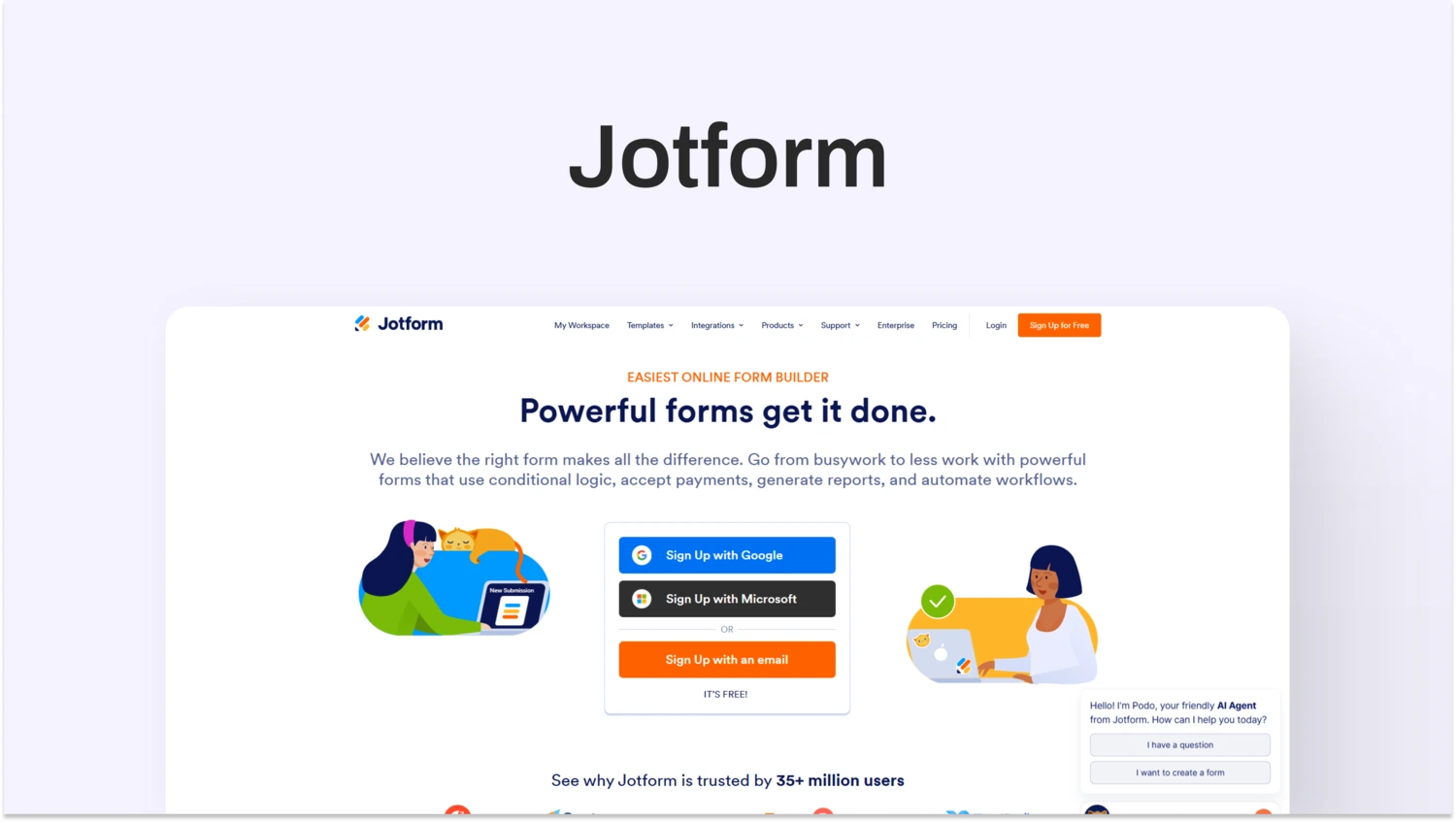
9. Jotform: SurveyMonkey Alternative for Flexible Form Building & Workflow Automation
Jotform is a versatile form and survey platform that extends beyond basic questionnaires into workflow automation and data collection across business functions. Unlike SurveyMonkey’s survey-centric model, Jotform combines intuitive form building with integrations, approval workflows, and data management tools that work well for teams needing flexible input channels tied to business processes.
Jotform is popular among operations, HR, and marketing teams that want forms and surveys to trigger actions such as routing responses, auto-notifications, or connecting with internal systems without requiring custom development.
Best for: Operations teams, HR and recruiting, customer support, marketing, event teams, small to mid-sized businesses
Use Case: Lead capture forms, event registration surveys, employee data collection, customer feedback tied to workflows, automated approvals
G2 Rating: 4.7/5
What Makes Jotform a Worthwhile SurveyMonkey Alternative in 2026?
Jotform shines when organizations don’t just collect data, they act on it:
- Flexible form and survey builder: Drag-and-drop design with robust question types and conditional logic makes it easy to tailor forms to specific workflows.
- Workflow automation: Responses can trigger approvals, notifications, integrations, or data flows into CRM and support systems without coding.
- Data handling and routing: Manage responses with built-in tables, exports, and reporting tools that integrate into your operational stack.
- Brandable templates with rich media: Embed videos, images, and custom branding without technical setup.
Key Features of Jotform
- Drag-and-drop form and survey builder
- Conditional logic and calculations
- Workflow automation (approval flows, notifications)
- Integrations with CRM, email, cloud storage, and databases
- Tables and dashboards for reporting
- Embeds, popups, and QR code distribution
- Unlimited forms on higher plans
- Mobile-friendly designs
Jotform Pros
- Easy to build complex forms without technical skills
- Automation and workflow capabilities add business value
- Strong integration ecosystem (CRM, Slack, email, cloud apps)
- Excellent for non-survey operational use cases
- High ratings for usability and flexibility
Jotform Cons
- Not specifically optimized for deep qualitative insights
- Lacks advanced AI-driven analysis compared to insight-first tools
- Reporting is functional but not research-grade
- Designed more for data collection and workflows than research programs
Jotform Pricing
- Free tier with basic forms and submissions
- Paid plans scale with form limits, users, and automation features
- Enterprise plans available for custom requirements
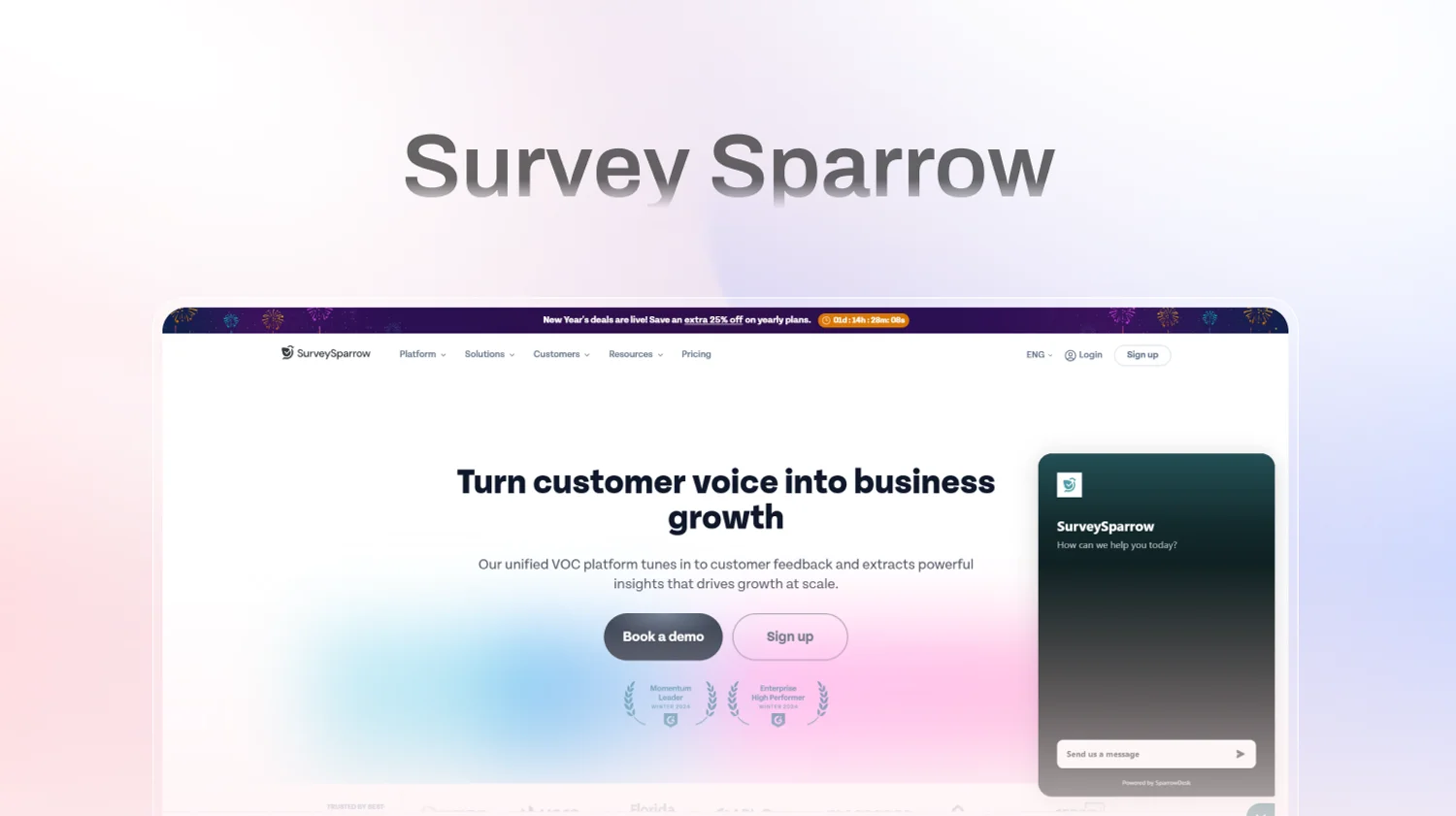
10. SurveySparrow: SurveyMonkey Alternative for Conversational Surveys & Recurring Feedback
SurveySparrow is a feedback and survey tool built around engagement and automation. Instead of traditional static surveys, SurveySparrow prioritizes conversational design and recurring feedback loops, helping teams collect responses that feel more natural and drive higher completion rates compared to standard form layouts.
Compared to SurveyMonkey, SurveySparrow is less focused on traditional reporting and more focused on participant experience and workflow automation. It’s often chosen by teams that want recurring customer or employee feedback with minimal manual setup and consistently higher response rates.
Best for: Customer experience teams, HR and people teams, product teams, mid-market companies
Use Case: Customer satisfaction surveys, NPS and CSAT programs, employee engagement check-ins, onboarding surveys, recurring pulse surveys
G2 Rating: 4.4/5
What Makes SurveySparrow a SurveyMonkey Alternative in 2026?
SurveySparrow stands out when engagement and follow-up automation matter.
- Conversational survey experience: One-question-at-a-time layouts reduce drop-off and help respondents engage more fully than traditional survey pages.
- Recurring feedback focus: Built-in scheduling and automation make it easier to run ongoing programs like NPS, CSAT, and employee pulses without manual effort.
- Multi-channel distribution: Surveys can be sent via email, web links, QR codes, and embeds useful for reaching users across touchpoints.
- Automation workflows:
Follow-ups, reminders, and routing can all be automated, reducing operational overhead for recurring programs.
Key Features of SurveySparrow
- Conversational and traditional survey formats
- Drag-and-drop builder with templates
- Automation for recurring surveys and feedback loops
- Multi-channel distribution (email, web links, QR codes, embeds)
- NPS, CSAT, and CES templates
- Basic dashboards and analytics
- Integrations with common business tools
SurveySparrow Pros
- High engagement through conversational design
- Easy to create recurring feedback programs
- User-friendly interface for non-technical teams
- Useful templates for common CX and employee programs
- Helps boost response rates compared to static surveys
SurveySparrow Cons
- Limited AI-driven analysis compared to insight-first platforms
- Analytics and reporting are basic
- Not ideal for deep qualitative research or large text analysis
- Lacks built-in usability testing or interview capabilities
SurveySparrow Pricing
- Paid plans starting at entry-level price points
- Free trial available
- Pricing increases with automation and more responses
Conclusion
The biggest takeaway from comparing these SurveyMonkey alternatives is that survey needs to change as feedback programs grow. Tools that work well for basic questionnaires often start to fall short once feedback volume increases, open-ended responses pile up, and multiple teams need insights they can actually act on.
TheySaid stands out because it’s built for this exact stage. By combining surveys, interviews, forms, polls, pulses, usability testing, and AI-driven analysis in one platform, it helps teams move from raw feedback to clear themes and decisions without relying on manual work or disconnected tools. Product, CX, UX research, customer success, HR, and leadership teams can all work from the same insights, in real time.
If your goal is simply to run surveys, there are plenty of capable options. But if your goal is to understand users faster, uncover the “why” behind feedback, and turn insights into action across teams, choosing an insight-first platform becomes essential. For teams ready to move beyond survey reporting and into real understanding, TheySaid offers the most complete path forward in 2026. Book a demo!
FAQs
Which SurveyMonkey alternative has the strongest AI features?
TheySaid offers the most advanced AI capabilities among SurveyMonkey alternatives. It uses AI to run conversational surveys and interviews, summarize responses, detect themes, track trends, and generate actionable recommendations all in one platform.
What is the best SurveyMonkey alternative overall in 2026?
TheySaid is the best overall SurveyMonkey alternative in 2026 for teams that want to move beyond data collection and into real insight. It combines surveys, interviews, forms, polls, pulses, and usability testing in one platform, then uses AI to detect themes, summarize feedback, and surface actionable recommendations automatically.
SurveyMonkey vs Qualtrics — which is better?
Choose SurveyMonkey if you primarily need simple surveys with quick setup and basic reporting. It’s easier to adapt to everyday feedback.
Choose Qualtrics if you run large, enterprise research programs requiring advanced logic, segmentation, governance, and compliance controls. Qualtrics is more powerful for structured experience programs,but also more complex and slower to generate insights.
SurveyMonkey vs TheySaid Which should teams choose?
Choose SurveyMonkey if you only need simple surveys and basic reporting.
Choose TheySaid if your team relies on qualitative feedback and needs AI to summarize responses, uncover patterns, and explain why users feel the way they do.
SurveyMonkey helps you collect responses. TheySaid helps you understand them.
SurveyMonkey vs Typeform: Which is better?
If your priority is high response rates and an engaging user experience, Typeform’s conversational, one-question-at-a-time style generally outperforms SurveyMonkey’s traditional survey layouts. Typeform is strong for customer-facing and marketing surveys where form design and experience matter.
SurveyMonkey vs QuestionPro: Which is better?
SurveyMonkey is easier to start with and is suitable for basic data collection. QuestionPro extends into research-oriented workflows, supports sampling, and offers trend reports and long-term trend tracking. It’s better for teams running structured research programs with repeated measures or panel work.






.svg)


