




Giving an interview using AI means preparing for or participating in interviews where artificial intelligence analyzes your answers, communication style, and confidence instead of relying solely on a human interviewer. In 2026, many companies use AI interviews for early screening, while job seekers increasingly use AI-powered tools to practice and improve their performance.
Whether you’re facing an AI-conducted interview or using AI to prepare for a traditional one, understanding how these systems work is essential. AI interview tools evaluate structure, clarity, tone, keywords, and even non-verbal cues in video interviews.
In this guide, you’ll learn how to give an interview using AI step by step, how AI evaluates candidates, common mistakes to avoid, and how to use AI feedback to perform with confidence.
TL;DR
- AI interviews evaluate how you communicate, not just what you say. Structure, clarity, tone, and confidence matter.
- You may face AI in two ways: AI-conducted screening interviews or AI-powered interview practice tools.
- Preparing with AI helps you practice real interview questions, spot weak areas, and improve faster with objective feedback.
- AI interviews are most common in early hiring stages, and strong preparation increases your chances of reaching a human interviewer.
If you want to practice realistic interview questions, get clear summaries of your responses, and understand exactly what’s working (and what’s not), TheySaid helps you interview smarter at scale.
Book a demo to see how TheySaid’s AI interviews turn conversations into clear, actionable insights.
What is an AI Interview?
An AI interview is an interview process where artificial intelligence is used to ask questions, analyze responses, and evaluate a candidate’s communication, structure, and confidence. Instead of relying entirely on a human interviewer, AI systems assess verbal, non-verbal, and content-based signals to support hiring decisions or interview preparation.
Types of AI Interviews
There are two main types of AI interviews:
AI-Conducted Interviews
These are automated interviews used by companies in the initial stages of hiring to screen candidates. An AI system or chatbot asks you a predefined set of questions and evaluates you on the basis of your tone and speech clarity, facial expressions, body language (for video interviews), word choice and structure, and response timing and confidence signals.
AI-Assisted Interview Prep
In this type, AI acts as your coach. Tools like mock interview apps, AI chatbots, and language models (like ChatGPT!) help you better prepare for your interview. It's like a stress-free rehearsal room where you can train yourself until you are ready to face the real challenge.
There are typically two formats:
- One-way video interviews: You record answers to preset questions. No human is present.
Live virtual interviews with AI support: A recruiter is present, but AI helps by providing real-time insights, analysis, and scoring.
Recommended read: What are AI Interviews? Benefits, Examples, and How to Run One
Why Companies Are Turning to AI Interviews: Benefits and Use Cases
To understand why AI interviews are becoming so common, it helps to look at how companies actually use them in practice. This isn’t about replacing human interviewers; it’s about handling early screening at scale. The table below shows the most common reasons companies adopt AI interviews.
Recommended read: The Role of AI in Enhancing Survey Experiences
How to Prepare for an AI Interview (Practice & Real Interviews)
Whether you're training with AI to ace a traditional interview or facing an AI system as your actual interviewer, preparation is everything. This step-by-step breakdown shows how to give an interview using AI, whether the system is screening you or reviewing your recorded responses.
Know What You’re Walking Into
First things first, is AI helping you prepare for the interview, or is it actually conducting one?
Today, AI can do both.
You can practice with AI tools to stimulate common interview questions and get real-time feedback. For Example, A marketing student applying for internships can type into ChatGPT, “Give me five common interview questions for a social media manager role,” and get an instant mock session.
Some companies use AI to conduct the first round of interviews. You will get a pre-recorded or AI-generated question, and the system evaluates you on the basis of your answers.
Practice Like It’s the Real Thing
Use AI mock tools to get comfortable. They build your muscle memory and help you get rid of performance anxiety. A pro tip is to record yourself answering real questions. Then review it. Would you hire yourself?
A UX designer notices she keeps using vague phrases like “I made it better” instead of clearly saying “I redesigned the onboarding flow to reduce drop-off by 40%.” AI points this out so she can improve.
Try these tools:
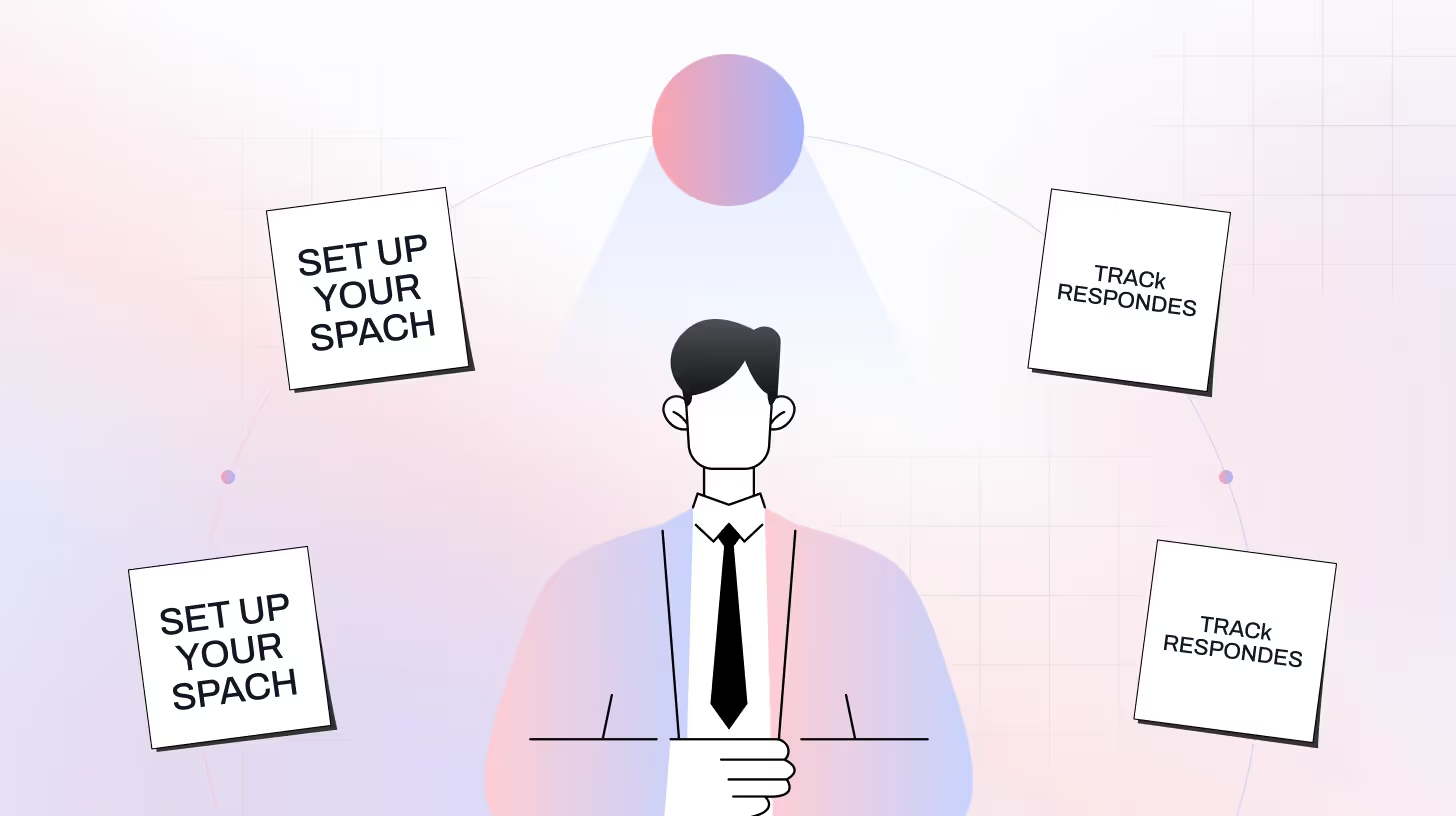
Set Up Your Space Like a Pro
AI doesn’t care about what your room looks like, but it does care about lighting, sound, and clarity. You’re on camera, so make it count.
Quick checklist:
- Bright, even lighting (natural light works!)
- Quiet space, good microphone
- Camera at eye level
- Close unnecessary tabs
Use the STAR Method
AI likes structure. Frame your answers using:
Situation → Task → Action → Result
Example:
“In my last role, we had a deadline crisis (Situation)... I was tasked with re-planning timelines (Task)... I created a sprint board and led daily standups (Action)... We delivered 3 days early (Result).”
Don’t Forget Your Body Language (If It’s on Camera)
The system may analyze your eye contact, posture, expressions, and engagement level if you're doing a video-based AI interview. Yes, even robots can read your face now.
- Look at the webcam, not the screen. It creates the illusion of eye contact.
- Sit straight but relaxed. Avoid slouching or fidgeting.
- Smile naturally. You don’t need to grin constantly, but a neutral, pleasant expression helps.
- Avoid distractions. Don’t glance at notes or multitask; the AI may flag it.
For Example, A sales candidate doing a recorded interview glances away repeatedly to read cue cards. The AI detects this as low eye contact, possibly hurting their evaluation.
Use AI Feedback to Sharpen Your Skills
The best thing about practicing with AI? You get instant, objective feedback.
AI tools may tell you:
- “You spoke too fast—average 180 words per minute.”
- “You used the word ‘team’ five times in one answer.”
- “You didn’t fully answer the ‘result’ portion of the STAR format.”
That feedback isn’t personal, it’s practical. Use it to improve one step at a time.
A startup founder preparing for an investor pitch interview realizes, through AI analysis, that she’s too focused on features, not impact. She rewrites her pitch to emphasize outcomes like “20% increase in user retention.
Also Read: Top 20 AI Recruitment Tools to Transform Your Hiring in 2026
What the AI Interview Process Looks Like (Step-by-Step)
This step-by-step guide explains how to give an interview using AI, whether you’re participating in an AI interview as part of a hiring process or using AI tools for interview preparation and practice. Understanding how AI interviews work helps you respond more clearly and confidently at every stage.
Step 1: Read the Instructions Carefully
Before the interview starts, you will receive a brief set of instructions, such as the number of questions, whether you can re-record answers, and the time limits for each response. These instructions often explain how the AI interview evaluation criteria work, including timing, structure, and response limits. If you rush past this, you might miss something important.
Step 2: Check Your Tech
Make sure your tech setup doesn’t trip you up.
- Use a laptop or desktop (not your phone)
- Test your camera and microphone
- Ensure a quiet, well-lit environment
- Close background apps and notifications
Step 3: Take a Breath, Then Hit Record
Just because it's AI, you don’t have to be robotic. Be professional, confident, and start telling your story. In most AI interviews, the system evaluates both what you say and how you say it, so clarity matters more than perfection.
Before answering each question:
- Take 3–5 seconds to think
- Jot down 1–2 bullet points (if allowed)
- Smile, and start confidently
Tip: Most AI tools allow a few seconds of thinking time—use them.
Step 4: Manage Your Time
Most platforms give you a countdown timer. Stay calm and pace your response.
- Avoid rambling, stick to key points
- Don’t panic if you make a small mistake, just keep going
Pro Tip: Practicing AI interview questions ahead of time makes it easier to stay within time limits.
Step 5: If You Can Re-record, Use It Wisely
Some AI platforms let you re-record your answer once. This is especially useful during AI interview practice, where reviewing your responses helps improve delivery. Only do it if:
- You totally blanked
- There was a loud interruption
- You realize, after finishing, that you went off-topic
Don’t re-record over minor stumbles. It’s better to sound natural than rehearsed.
Step 6: Follow Up
Even if the first round is fully automated, you’ll usually hear back within a few days.
- Keep an eye on your email
- Prepare for the next stage (usually a human interview)
How AI Interview Evaluation Criteria Work (Behind the Algorithm)
Let’s be honest, AI interviews can feel weird sometimes. You are in front of a screen and have no idea what is being judged by it. So what’s really happening behind the scenes?
Most AI interview tools evaluate a mix of verbal, non-verbal, and content-related cues. Here's what that really means:
- AI looks for role-specific keywords that match your job description. For example, for a sales role, it might expect words like “pipeline,” “quota,” or “CRM.”
- Evaluates how well you can explain ideas in a logical and organized way (Hint: The STAR method works well here.)
- AI analyzes your tone, pace, and enthusiasm. Speaking with a flat voice might lower your scores.
- Some tools look at your face to assess engagement, like smiling and looking at the camera.
What Can Hurt You:
- Monotone voice = low engagement
- Frequent filler words = unclear communication
- Long-winded answers = not concise
- Lack of keywords = not role-aligned
Understanding these AI interview evaluation criteria helps you focus on clarity, structure, and delivery, not just what you say, but how you say it.
Recommended read: How to Use AI in Hiring for Modern Recruitment Success
What AI Interviews Can and Can’t Measure
AI interview systems are good at evaluating how candidates communicate, but they don’t understand everything equally well.
AI can reliably assess structure, clarity, pacing, keyword relevance, and basic engagement signals such as eye contact or tone in video interviews. These factors help hiring teams compare candidates consistently during early screening.
What AI can’t fully measure is context and nuance. It doesn’t truly understand cultural fit, personal motivation, complex career decisions, or how someone might collaborate in real-world situations. That’s why AI interviews are usually followed by human-led conversations rather than replacing them entirely.
Understanding these limits helps candidates focus on what AI evaluates well, while knowing that deeper judgment still happens later.
When AI Interview Preparation Helps and When It Doesn’t
AI interview preparation is especially helpful when you’re facing early-stage screening interviews, recorded video responses, or roles where clear communication and structure matter most. It’s also useful for building confidence, practicing common AI interview questions, and improving clarity under time pressure.
However, AI preparation has limits. It’s less effective for final-round interviews, leadership roles, or conversations focused heavily on culture fit and personal values. In those situations, human judgment and interaction play a bigger role than structured scoring.
The best approach is to use AI interview prep as a training tool, not a replacement for real conversation practice.
Scale Your Interview Process with TheySaid’s AI Interview
TheySaid helps you scale deep, insightful interviews without wasting hours on calls. Whether you're in Sales, Marketing, Product, or HR, you can use AI to hold meaningful conversations, uncover powerful insights, and take smarter action.

Talk to anyone at scale: Candidates. Customers. Employees. Prospects. Get the depth of a real conversation without doing 100 Zoom calls.
Smart AI summaries: Don’t just collect feedback, understand it. TheySaid uses AI to summarize every interview and surface key trends.
Built-in action plans: After the interview, our AI suggests what to do next based on what people actually said.
Flexible for any team: From screening job applicants to validating product ideas, you can design your own AI interview and deploy it in minutes.
Whether you're prepping for your next role or trying to understand why customers don’t convert, TheySaid lets you interview at scale and make every conversation count.
Try TheySaid’s AI interview tool today and start learning what people really think.
FAQs
What does AI look for in interviews?
AI interview systems typically look for clear communication, logical structure, relevant keywords from the job description, confident delivery, and focused answers. In video interviews, some tools also assess non-verbal cues like eye contact and engagement.
Are AI interviews harder than traditional interviews?
AI interviews aren’t necessarily harder, but they feel different. Because there’s no live interaction, structure and clarity matter more than improvisation. Candidates who prepare with AI tools often find AI interviews more predictable and less stressful than traditional ones.
Can I practice AI interview questions before the real interview?
Yes. Many platforms allow candidates to practice AI interview questions in advance. Practicing helps you refine your answers, manage time better, and understand how AI interview evaluation criteria work before facing a real screening.
Do AI interviews replace human interviews?
No. AI interviews are usually used for early-stage screening. Human recruiters still conduct later interview rounds, especially for assessing culture fit, teamwork, and role-specific judgment.
Can I re-record answers in an AI interview?
Sometimes. Whether re-recording is allowed depends on the platform and company. If re-recording is available, it’s best to use it only when your answer goes completely off-track or is disrupted by technical issues.
What mistakes should I avoid in an AI interview?
Common AI interview mistakes include sounding overly scripted, giving vague answers, speaking too fast or too slowly, ignoring time limits, and failing to use role-relevant keywords naturally.
Are AI interviews fair for all candidates?
AI interviews aim to apply consistent evaluation criteria, but they still have limitations. That’s why most hiring processes combine AI screening with human review to ensure balanced decision-making.
Is AI interview preparation worth it?
AI interview preparation is especially useful for early screening interviews, recorded responses, and roles where communication clarity is critical. It’s best used as a training tool alongside traditional interview preparation.






.svg)


