



TL;DR
The blog covers the best AI user testing tools for 2026, including TheySaid, UserTesting, Maze, Lookback, Hotjar, Lyssna, outset, and more
These tools support AI user testing, automated user testing, and modern user experience testing for improving product usability
Includes AI-first, AI-assisted, and behavior-based user testing platforms
Helps teams collect real user feedback and generate actionable usability insights faster
Choosing the right tool depends on automation level, insight depth, speed, and research workflow fit
TheySaid is the best AI user testing tool for 2026, the only AI-native platform built from the ground up around AI moderation, with the added advantage of embedding validation directly into the build lifecycle. Book a demo with TheySaid
Why Traditional Usability Testing Is Failing Product Teams (And How AI Fixes It)
Let’s be honest: most teams aren’t struggling with user testing. They’re struggling with everything around it.
Traditional usability testing hasn’t kept up with how products are built today. Shipping is faster. Expectations are higher. And teams don’t have time for workflows that feel stuck in another decade.
Here’s where things consistently fall apart and why more teams are turning to AI.
Insight Volume Outpaces Human Capacity
Modern products generate massive amounts of user interaction data. The problem isn’t access, it’s interpretation. Teams collect far more material than they can realistically process, which leads to important signals being buried or ignored.
What changes with AI: AI prioritizes what matters. Instead of starting with raw material, teams start with distilled insights that already highlight recurring friction and behavioral patterns.
Synthesis Becomes the Bottleneck
Research doesn’t slow teams down during testing; it slows them down afterward. Insights end up scattered across notes, documents, and decks, and turning that into direction takes longer than the feature itself took to build.
What changes with AI: AI compresses synthesis into the analysis step itself, grouping related issues and surfacing clear themes while context is still fresh.
Feedback Loses Its Connection to Reality
Many research methods rely on controlled environments or artificial behavior. Over time, this creates a gap between what users say and how real customers actually behave inside the product.
What changes with AI: AI user testing tools capture signals from live usage, grounding insights in real behavior instead of rehearsed responses.
Research Setup Creates Unnecessary Drag
Planning research often turns into coordination work: aligning schedules, preparing materials, and getting approvals. By the time insights arrive, the product has already evolved.
What changes with AI: AI allows feedback collection to happen continuously as users interact naturally, reducing dependency on one-off research cycles.
Context Gets Fragmented Across Systems
User insights are often split across surveys, interviews, analytics, and recordings. Without a unified view, teams argue opinions instead of seeing patterns.
What changes with AI: AI connects signals across sources, creating a coherent narrative that teams can trust and act on.
Research Competes With Shipping
When research requires constant manual effort, it competes with delivery. Teams are forced to choose between learning and shipping.
What changes with AI: AI turns research into infrastructure always running, always learning, so teams can focus on building while insights surface in the background.
What Are the Best AI User Testing Tools in 2026?
The best AI user testing tools are platforms that help product teams capture real user behavior, analyze feedback automatically, and turn raw sessions into clear, decision-ready insights without hours of video review or biased panel testers. Based on AI depth, insight quality, speed, scalability, and real-world product usability, the top AI user testing tools include:
TheySaid: Best overall AI user testing tool for real-user insights, automated synthesis, and zero manual review.
UserTesting: Best for traditional usability testing with AI-assisted summaries and moderated studies.
Maze: Best for fast prototype testing and early-stage UX validation.
UXtweak: Best all-in-one UX research suite with flexible testing methods.
Userlytics: Best hybrid of human testing and behavioral analytics.
In the sections below, we break down each AI user testing tool in detail, AI capabilities,key features, and pricing, so you can choose the right solution for your product team in 2026.
1. TheySaid: Best AI User Testing Tool for Real-User Insights in 2026
TheySaid is the only AI-native user testing platform built from the ground up around artificial intelligence, not a legacy tool with AI bolted on. It unifies AI user testing, AI-moderated interviews, conversational AI surveys, AI polls, customizable forms, in-app prompts, and website embeds in a single workspace.
As of TheySaid 4.0, that unification goes further: validation is now embedded directly into the tools teams already build with. Instant feedback runs inside Claude Design, v0, Replit, Bolt, and Lovable through TheySaid MCP, and a validation step can auto-trigger the moment a Jira ticket exits design status — so testing stops being a separate step and becomes part of the Discover → Design → Validate → Build → Monitor lifecycle itself. That's on top of TheySaid already being the best AI user testing tool for 2026 on core AI moderation and synthesis; it's an added layer, not a replacement for what made it #1 in the first place.
Unlike traditional user testing tools that rely on video playback and professional testers, TheySaid replaces scrubbing, rewatching, and manual synthesis with AI-powered insight extraction. Every user interaction is automatically reviewed, summarized, and connected into a single narrative that shows where users struggle, why it’s happening, and what to fix next.
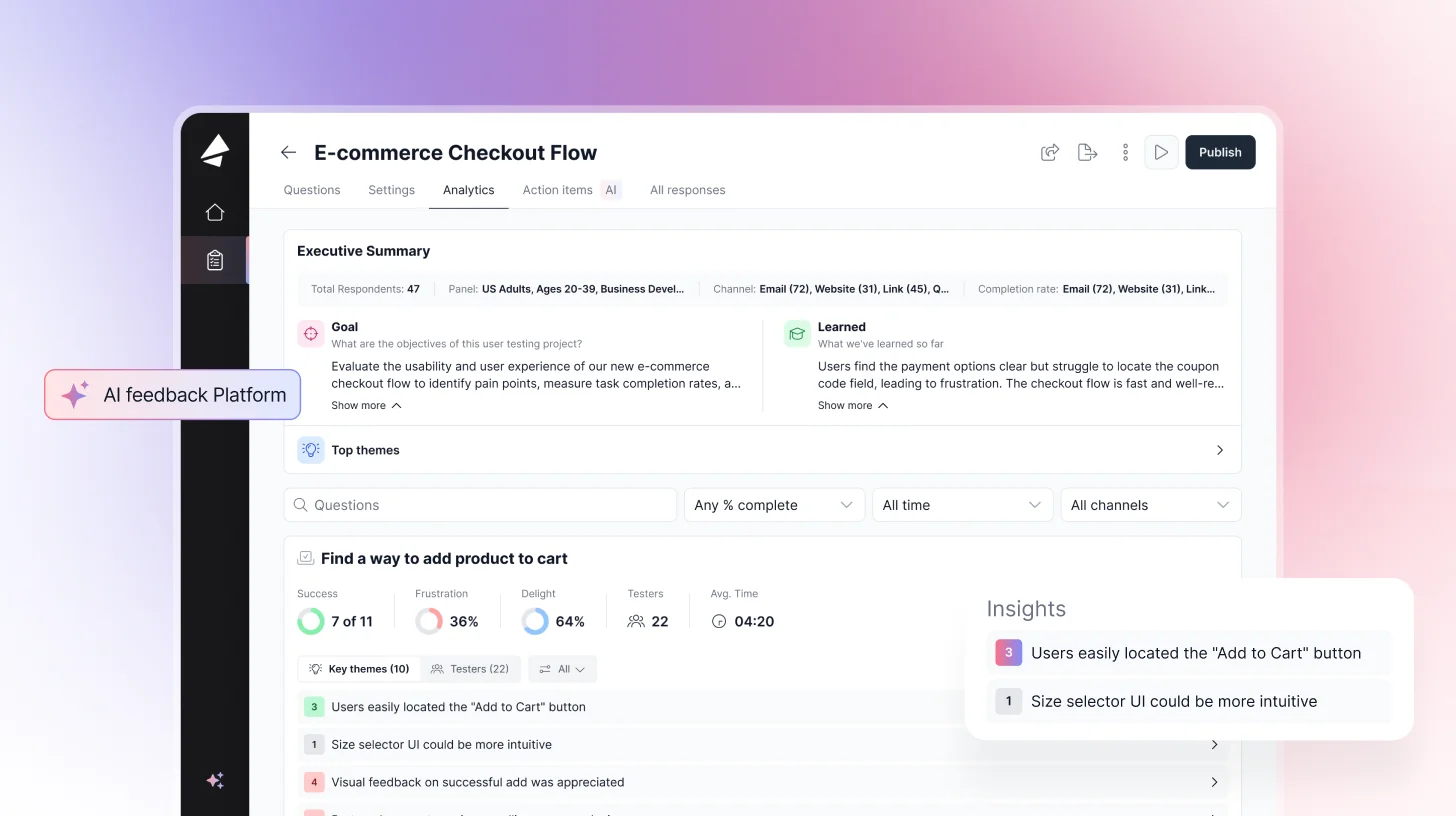
TheySaid also removes setup friction entirely. There’s no recruiting, scripting, or planning required. Tests run automatically as users interact with features, turning your product into a self-testing feedback engine that continuously surfaces high-signal insights from real customers, not professional panels.
Teams can also bring their own users, test with existing customers, or recruit B2C or B2B participants when needed.
TheySaid supports both AI-unmoderated and AI-moderated usability testing. In unmoderated sessions, users respond asynchronously by voice or typing, while AI asks smart follow-up questions to uncover the “why.” In AI-moderated sessions, AI acts as the live moderator, guiding voice-based conversations, recording the user’s screen, and synthesizing insights across sessions automatically.
AI Capabilities
- AI Insight Summaries: On-demand summaries of each session, combining user behavior, voice, and text into clear, decision-ready insights.
- Pattern Detection: Automatically identifies trends across sessions, surfacing repeated issues, behaviors, and opportunities.
- Theme Clustering: Groups qualitative feedback into structured themes with supporting user quotes as evidence.
- Friction Detection: Pinpoints exactly where users struggle, hesitate, or drop off within a flow.
- AI Follow-Up Questions: Dynamically asks contextual follow-ups to uncover deeper “why” behind user actions.
- AI Moderation: Acts as a live interviewer, probing, clarifying, and adapting questions in real time.
- AI Unmoderated Testing: Runs usability tests asynchronously, with AI guiding users and collecting structured insights at scale.
- AI Generator: Creates full surveys or usability tests from a simple prompt, no manual setup needed.
- AI Highlights: Automatically surfaces the most important moments from sessions—key reactions, confusion points, and insights.
- Auto-Generated Clips: Creates short, shareable video clips of critical usability moments (drop-offs, errors, user feedback).
- Auto-Generated Clips: Creates short, shareable video clips of critical user moments (pain points, feedback, breakthroughs).
- Behavioral Transcripts: Transforms user actions (clicks, navigation, flow) into readable step-by-step transcripts alongside feedback.
- Screen + Voice Sync Analysis: Aligns what users say with what they do, revealing gaps between intent and behavior.
- Sentiment Analysis: Detects positive, negative, and neutral sentiment across user responses and moments in
- Actionable Recommendations: Suggests what to fix or improve based on observed user behavior and feedback.
- Synthetic Testers: Configurable AI personas that act like real customers; they follow instructions, share screen, and speak out loud, unlocking fully automated usability research without recruiting. Best for early, pre-recruitment validation; still maturing as a full replacement for real-user studies.
Key Features
- AI User Testing: Screen & voice recording, AI moderation, task success rates, highlight clips results in hours, not weeks. No browser extension needed for most sites.
- AI-Moderated Interviews: Deep qualitative interviews at scale. AI probes pain points, skips irrelevant questions, adapts to each respondent. Great for churn research & win/loss analysis.
- Conversational AI: Adaptive, personalized questions that feel like a real conversation, not a boring static form. AI summaries surface themes across all responses automatically.
- In-App Prompts & Website Embeds: Trigger micro-surveys at the exact moment users experience something during onboarding, after a key action, or right before churn.
- 5M+ Participant Panel: Recruit B2B leaders, consumers, or any demographic. Or bring your own participants at zero extra cost.
- Integrations: HubSpot, Zendesk, Workday, Slack, and a lot more. Open API for custom workflows.
- 70+ Languages: AI automatically detects and responds in the user's preferred language.
- TheySaid MCP: Instant feedback and a fix-it prompt directly inside Claude Design, v0, Replit, Bolt, and Lovable, validation runs where the design or prototype is actually being built.
- Jira Ticket Testing: A validation step auto-triggers the moment a ticket exits design status, feeding feedback and recommendations straight back into the workflow.
- Unified Test Builder: Create a user test, interview, survey, or poll from one interface instead of separate tools.
- Experience Hub: Always-on monitoring across critical customer experiences, with recommendations to improve them, covering the post-launch Monitor stage.
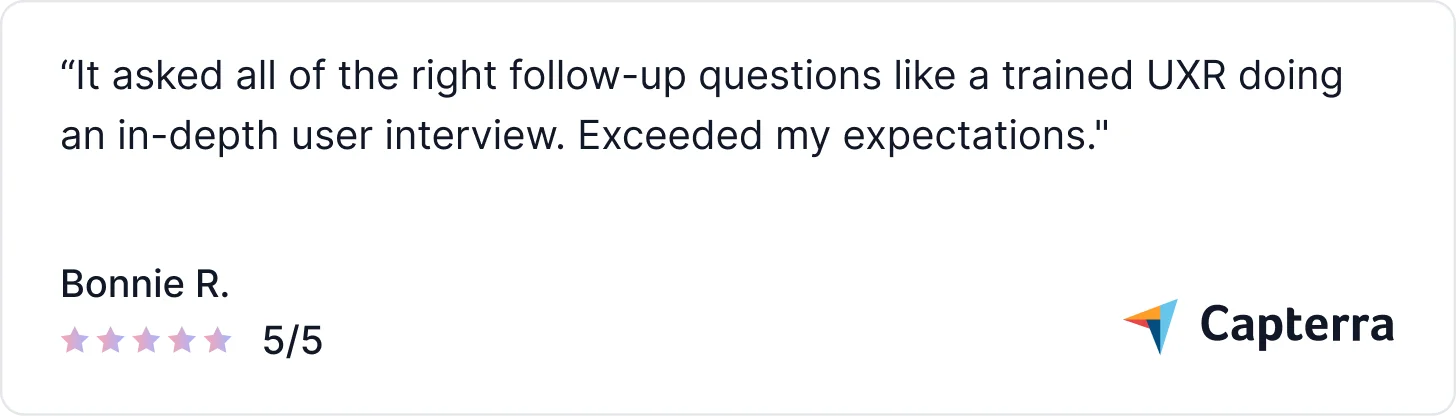
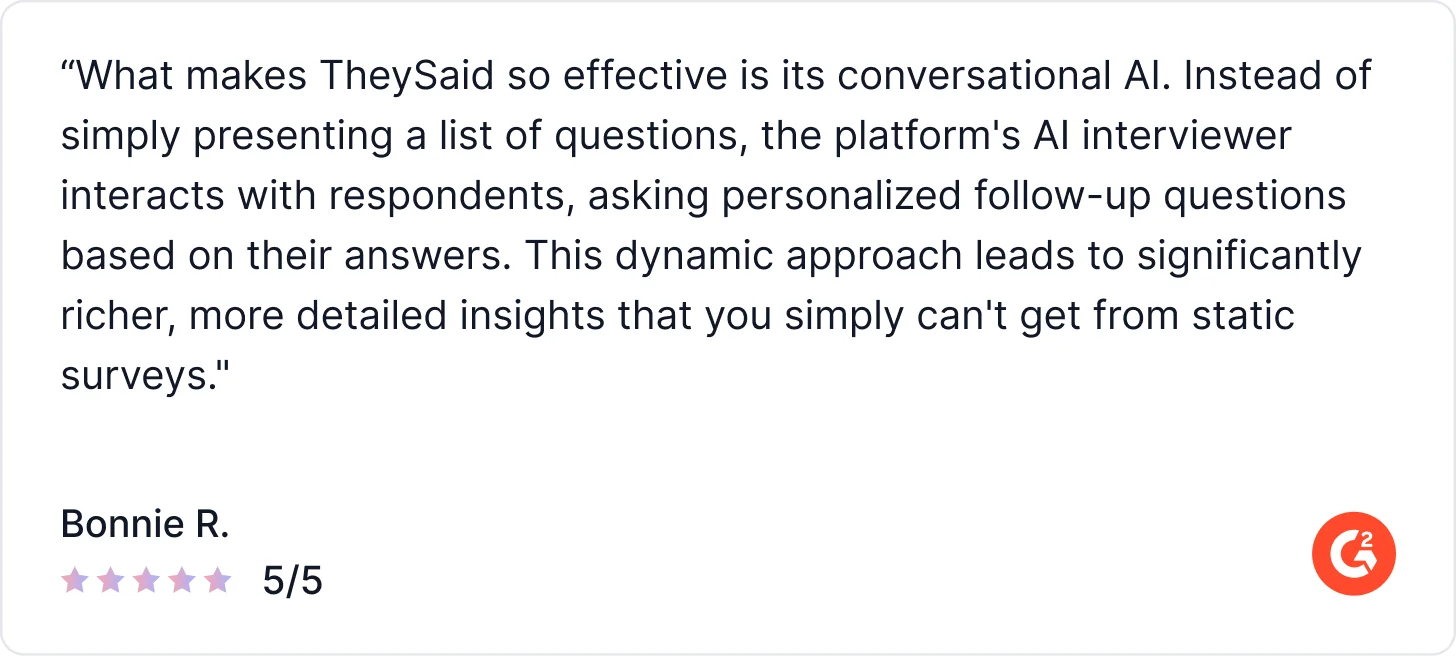
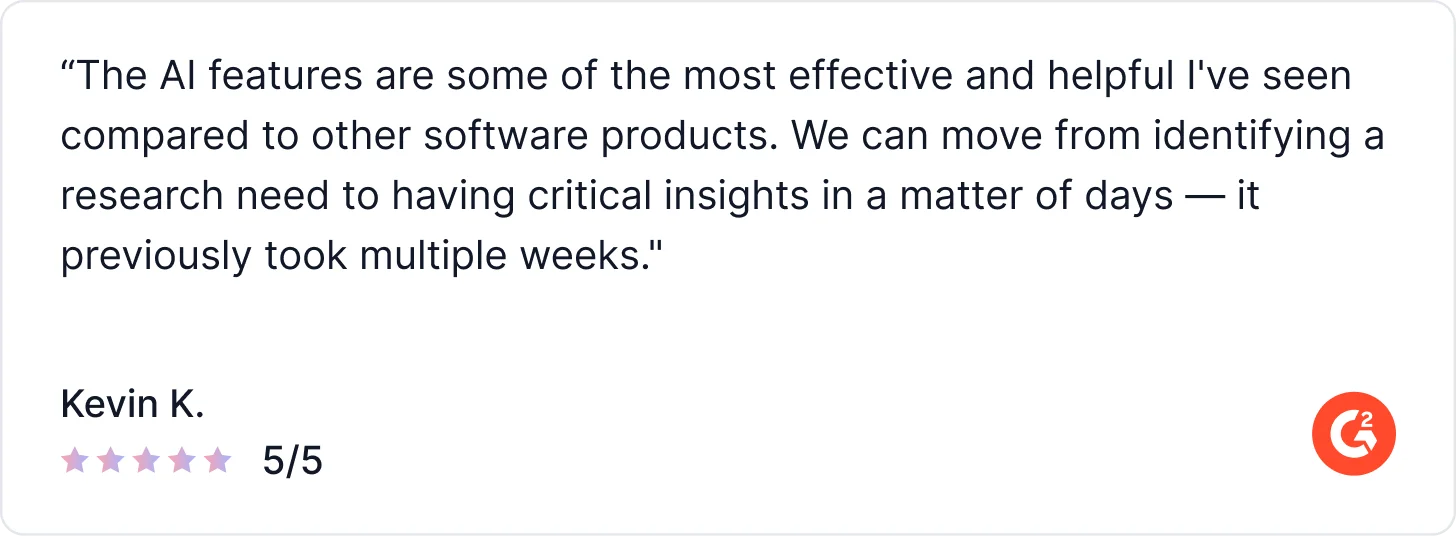
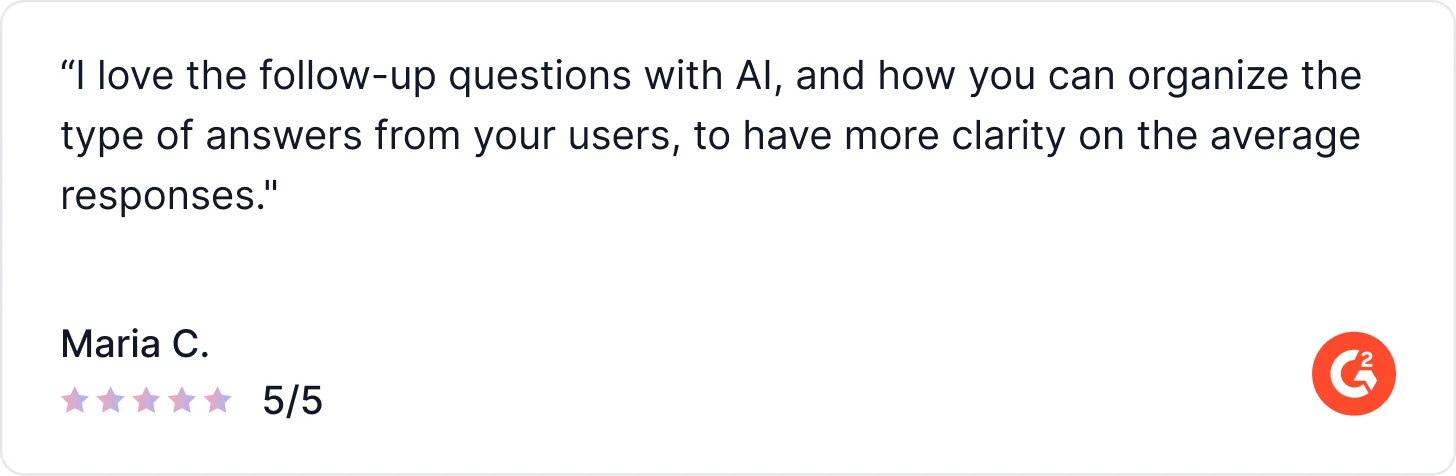
What Users Say About TheySaid
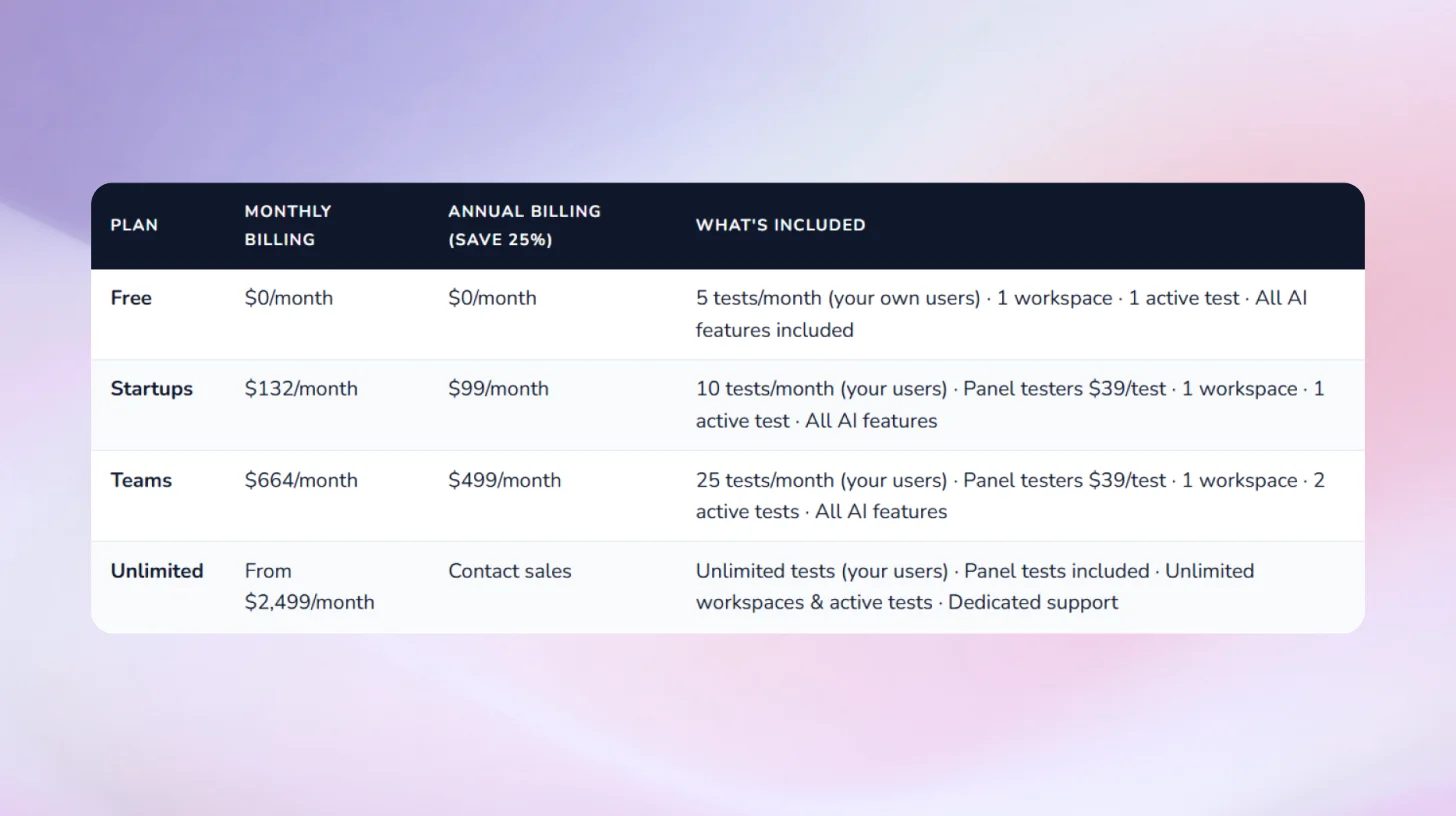
Pricing:
2. Maze: Best for Prototype Testing Within Design Workflows
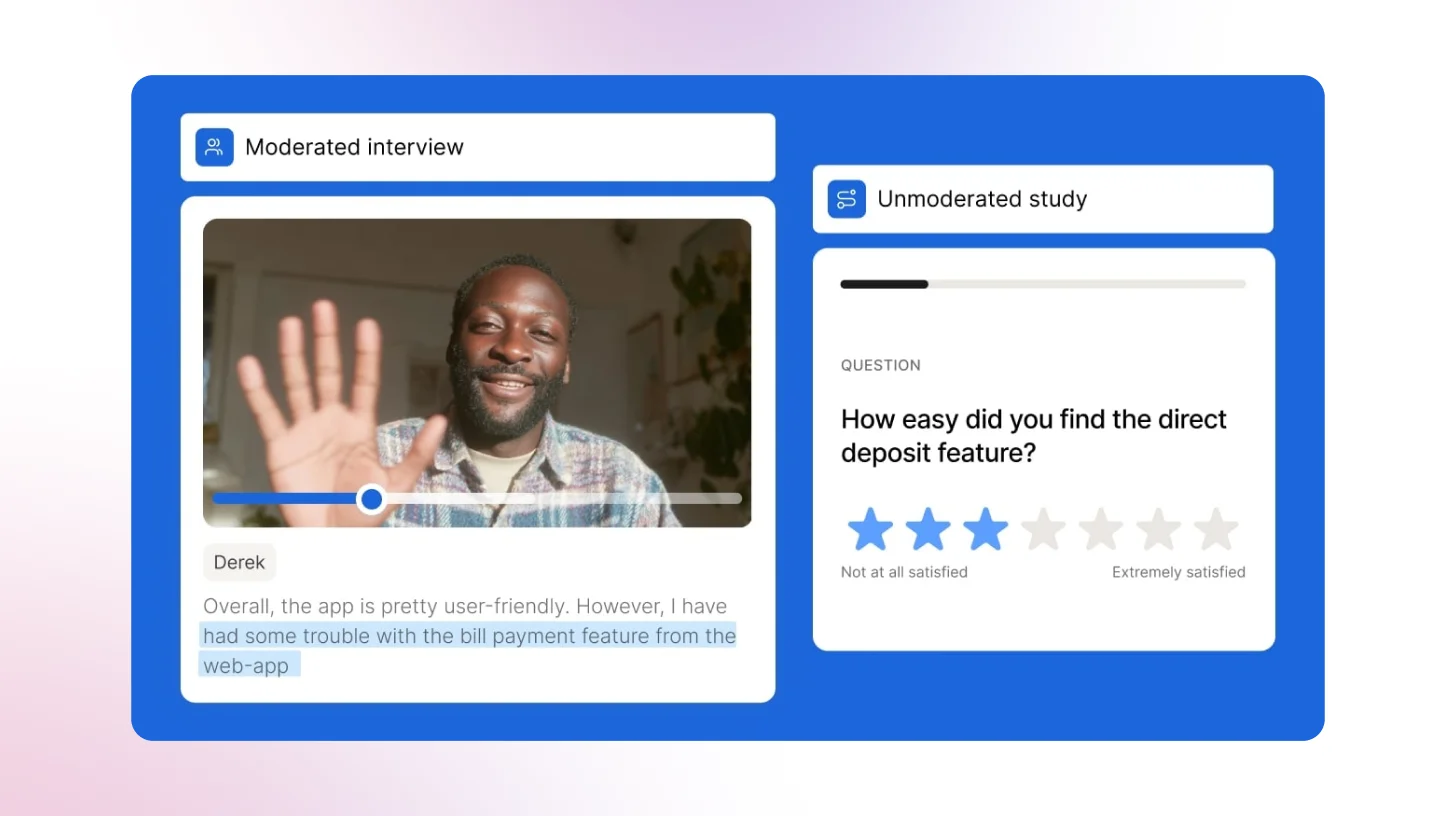
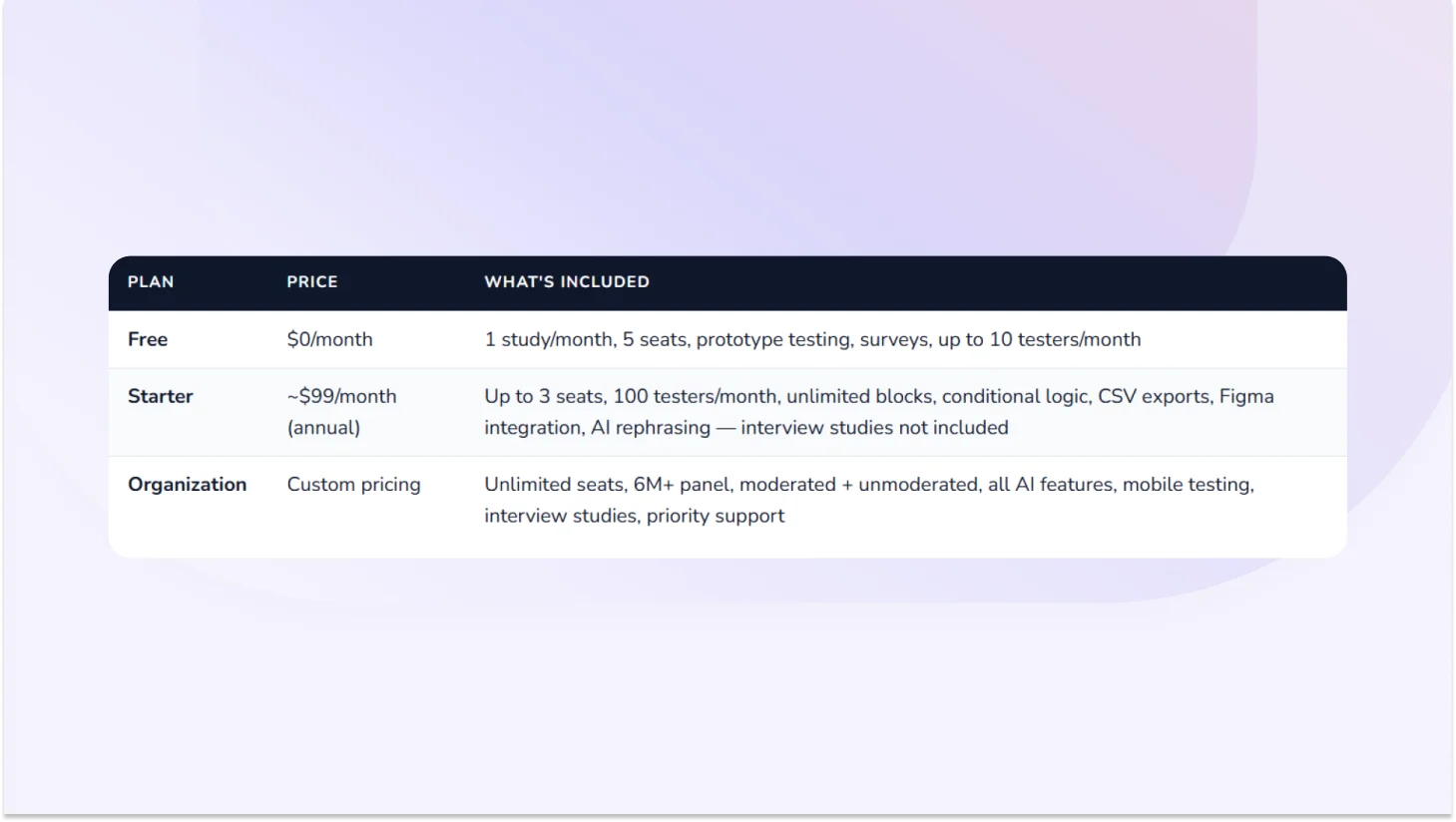
Maze is an AI-first UX research platform built primarily for design and product teams who need to validate prototypes fast. It integrates directly with Figma, supports both moderated and unmoderated usability testing, and includes an AI moderator for interview studies. With a 6M+ participant panel and automated AI reporting, Maze is genuinely strong for rapid prototype validation and iterative design testing.
AI Capabilities
- AI Moderator: Conducts interview studies autonomously with bias-aware question suggestions and real-time adaptive follow-ups.
- AI Themes: Automatically clusters qualitative responses into themes across interview studies and open-ended questions.
- Automated Reports: AI generates presentation-ready stakeholder reports with key findings, clips, and stats, with no manual editing required.
- Bias Detection: AI flags leading or biased questions during study creation to improve research quality.
Key Features
- Prototype & live website testing: From early Figma prototypes to fully live sites validate at any stage
- First-click testing & heatmaps: See where users click first, how they navigate, and which UI elements attract attention
- Task & UX metrics: Task success rates, time on task, misclick rates, drop-off benchmarkable over time
- Live mobile testing: Native iOS and Android testing via the Maze Participate app
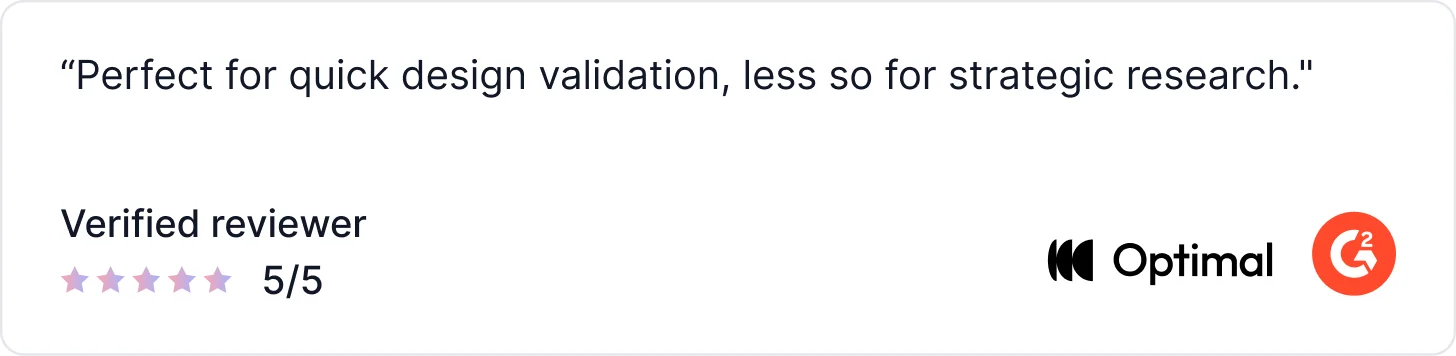
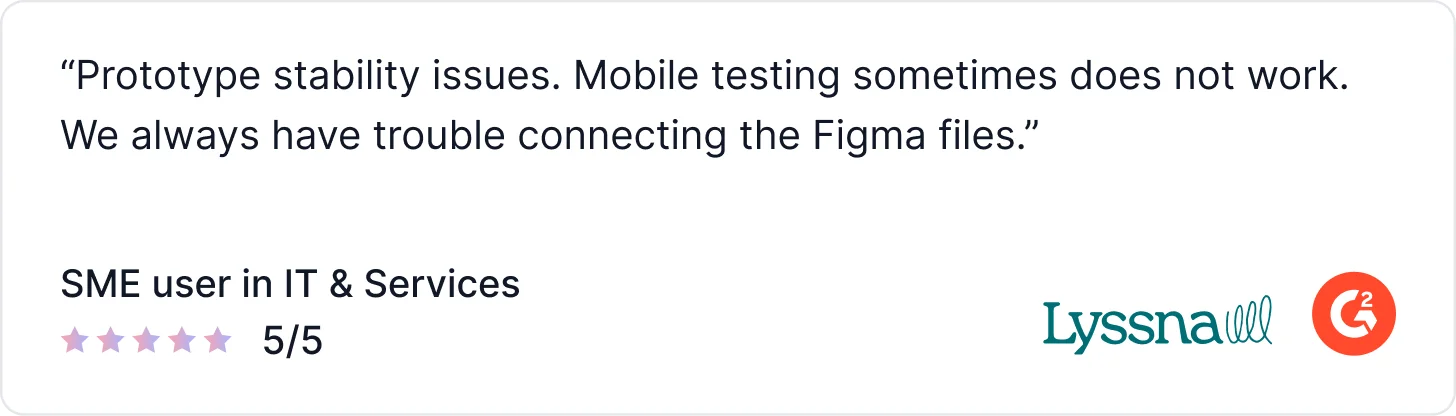
What Users Say About Maze
Pricing:
3. UserTesting: For Enterprise-Scale Research with Large Budgets
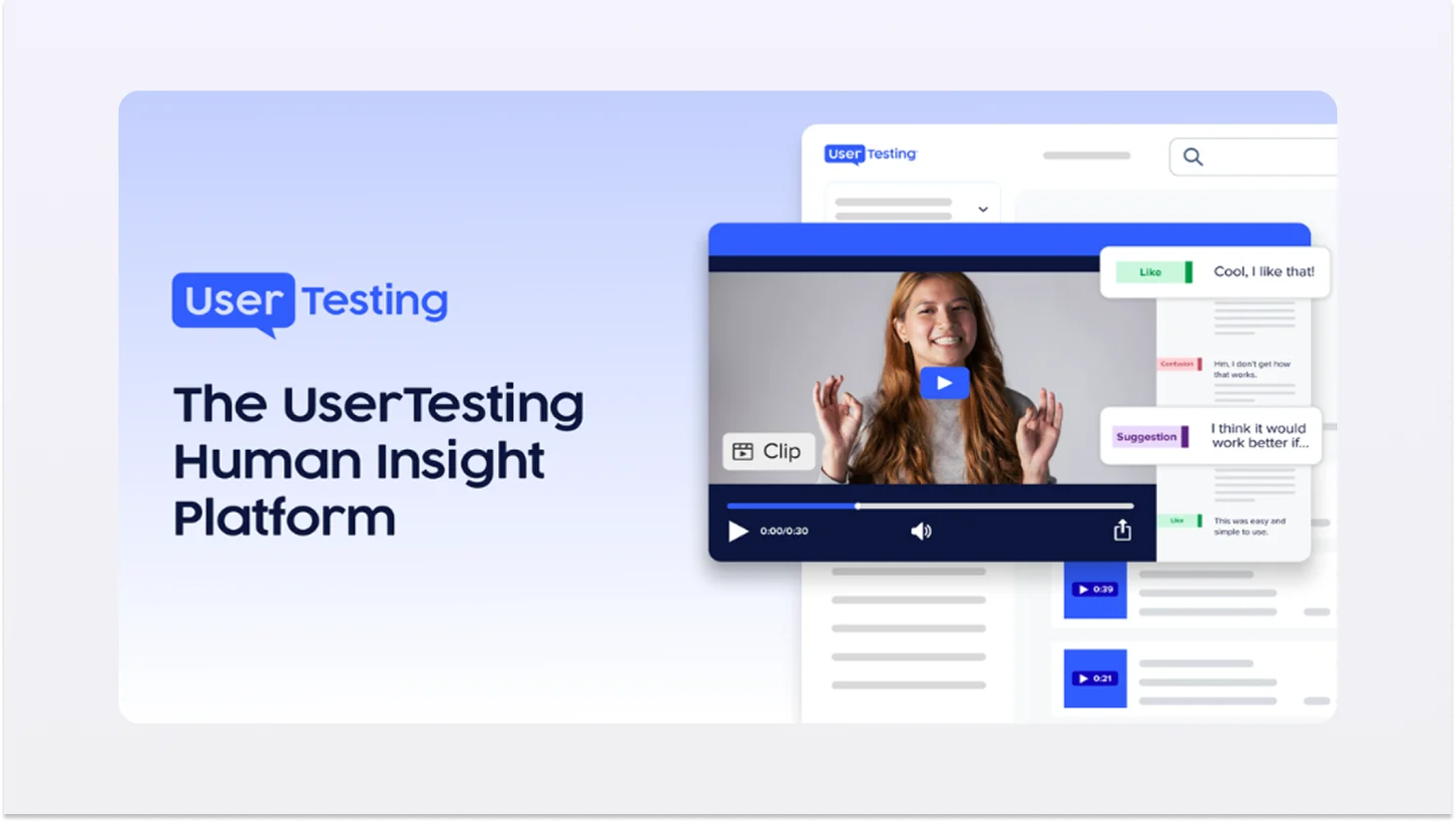
UserTesting is a well-established user research platform that supports user experience testing through moderated and unmoderated sessions, with added AI features to help teams analyze results faster. While it now includes AI-assisted summaries and highlights, UserTesting remains a video-first usability testing tool at its core.
The platform enables teams to run product usability tests using a large participant panel or custom audiences, capturing session recordings where users complete tasks and share feedback out loud. AI is used primarily during analysis to surface highlights, summarise sessions, and identify recurring themes, but researchers still rely heavily on watching videos and manually synthesizing insights.
AI Capabilities
- AI Insight Summary: AI summaries of verbal and behavioral data from completed sessions.
- Friction Detection: ML-generated indicator showing exactly where users struggle during website or prototype interactions.
- Smart Tags: Auto-generated tags that highlight key themes (easy, pain point, suggestion) in video sessions.
- Sentiment Analysis: Surfaces moments of positive and negative sentiment in recordings automatically.
- Behavioral Transcripts: AI converts click, scroll, and navigation data into readable transcripts alongside verbal feedback.
- AI Survey Themes: Automatically generates themes and counts from open-ended survey responses.
What Users Say About Usertesting
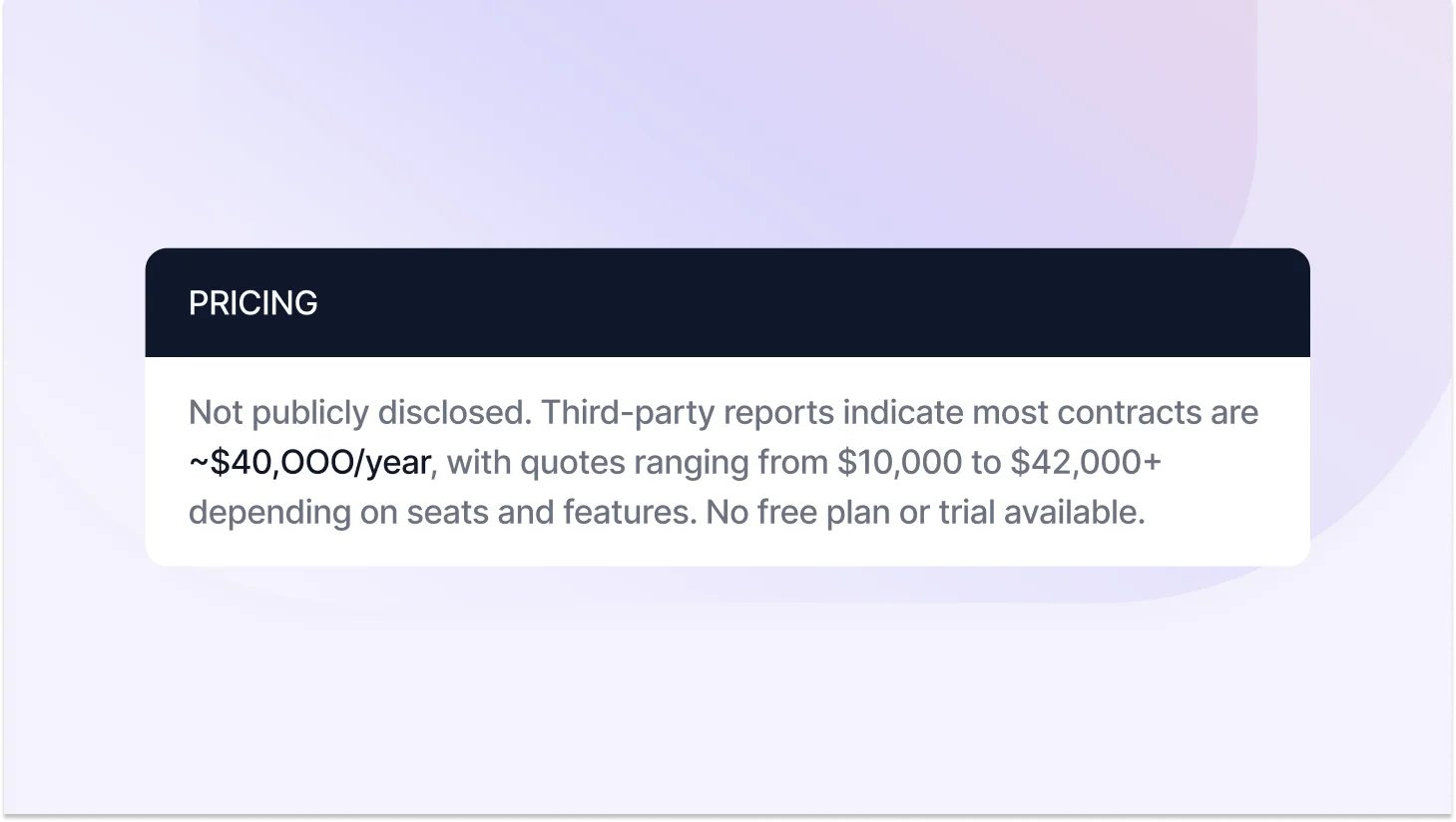
Pricing
4. Lookback: Best for Deep Qualitative Interviews & Diary Studies
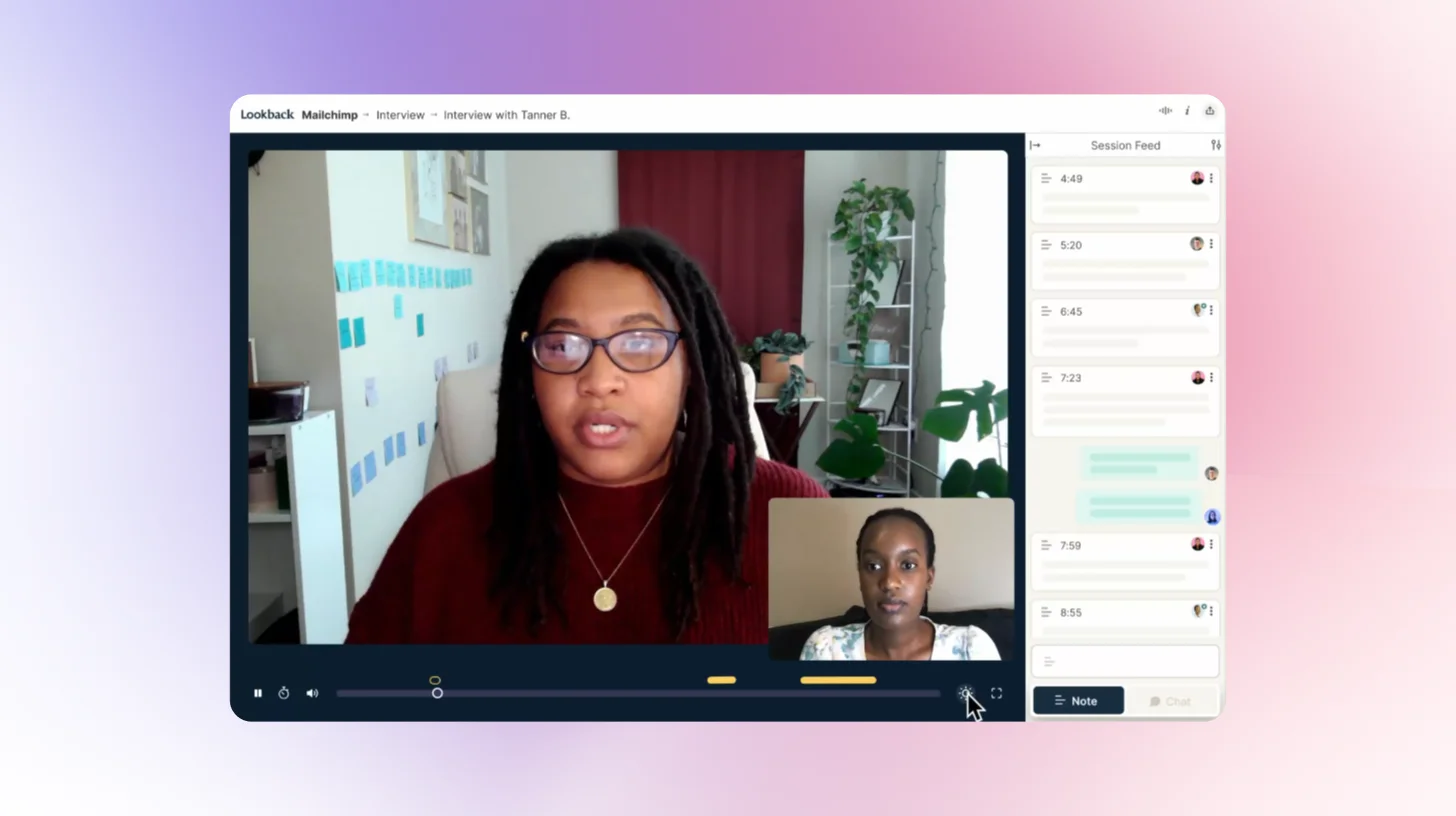
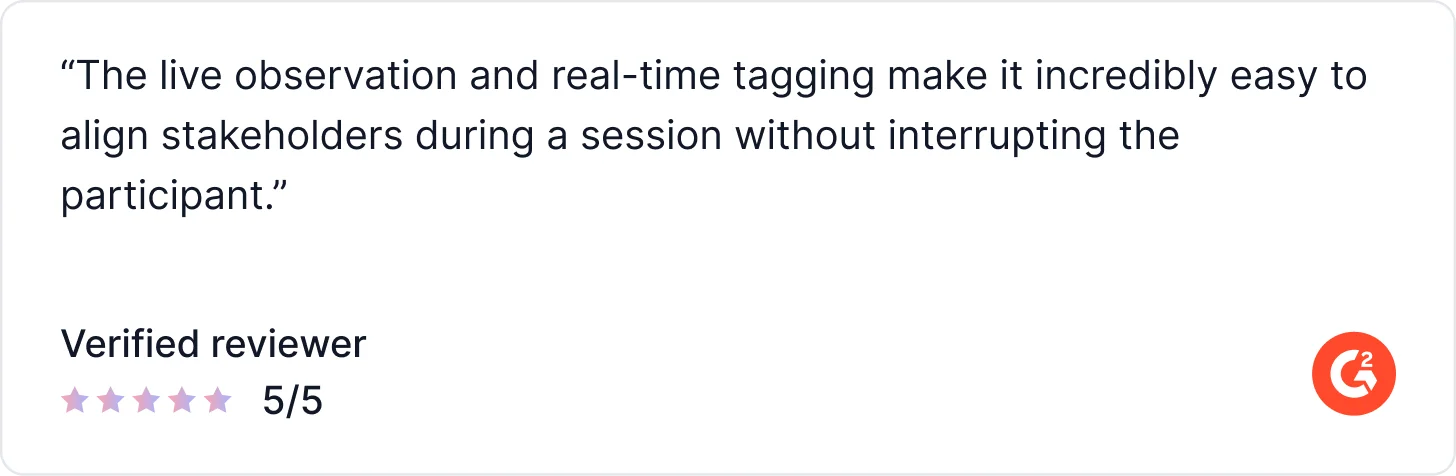
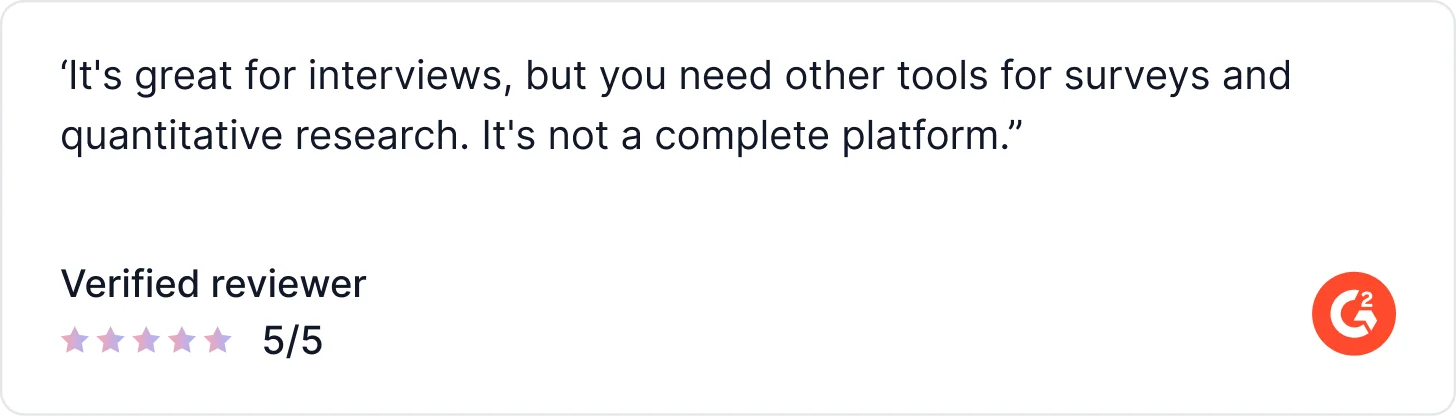
Lookback is a qualitative UX research platform built around live, recorded user sessions. Stakeholders can observe sessions in real time, tag moments, and align on insights as they happen. Its AI assistant, Eureka, handles transcripts, summaries, and highlights post-session. What Lookback doesn't do: surveys, polls, in-product prompts, or quantitative task benchmarking. Most teams pair it with a separate analytics tool.
AI Capabilities
- Eureka (AI assistant): Auto-generates transcripts, session summaries, and highlight reels from recorded sessions.
- AI Highlights: Automatically identifies and surfaces key moments across sessions for faster review.
Key Features
- Live Moderated Sessions: Conduct real-time interviews with users, including observation, commenting, and stakeholder tagging.
- Multi-Device Recording: Capture screen, audio, and video across both desktop and mobile experiences.
- AI Assistant (Eureka): Automatically generates transcripts, session summaries, and key highlights from each session.
- Diary Studies: Track user experiences over time to understand behaviors, habits, and evolving needs.
- Collaborative Review Workspace: Tag, rewatch, and synthesize sessions with your team in a centralized dashboard.
What Real Users Say About Lookback
Pricing
5. Hotjar: For Behavioral Analytics & Heatmaps on Live Websites
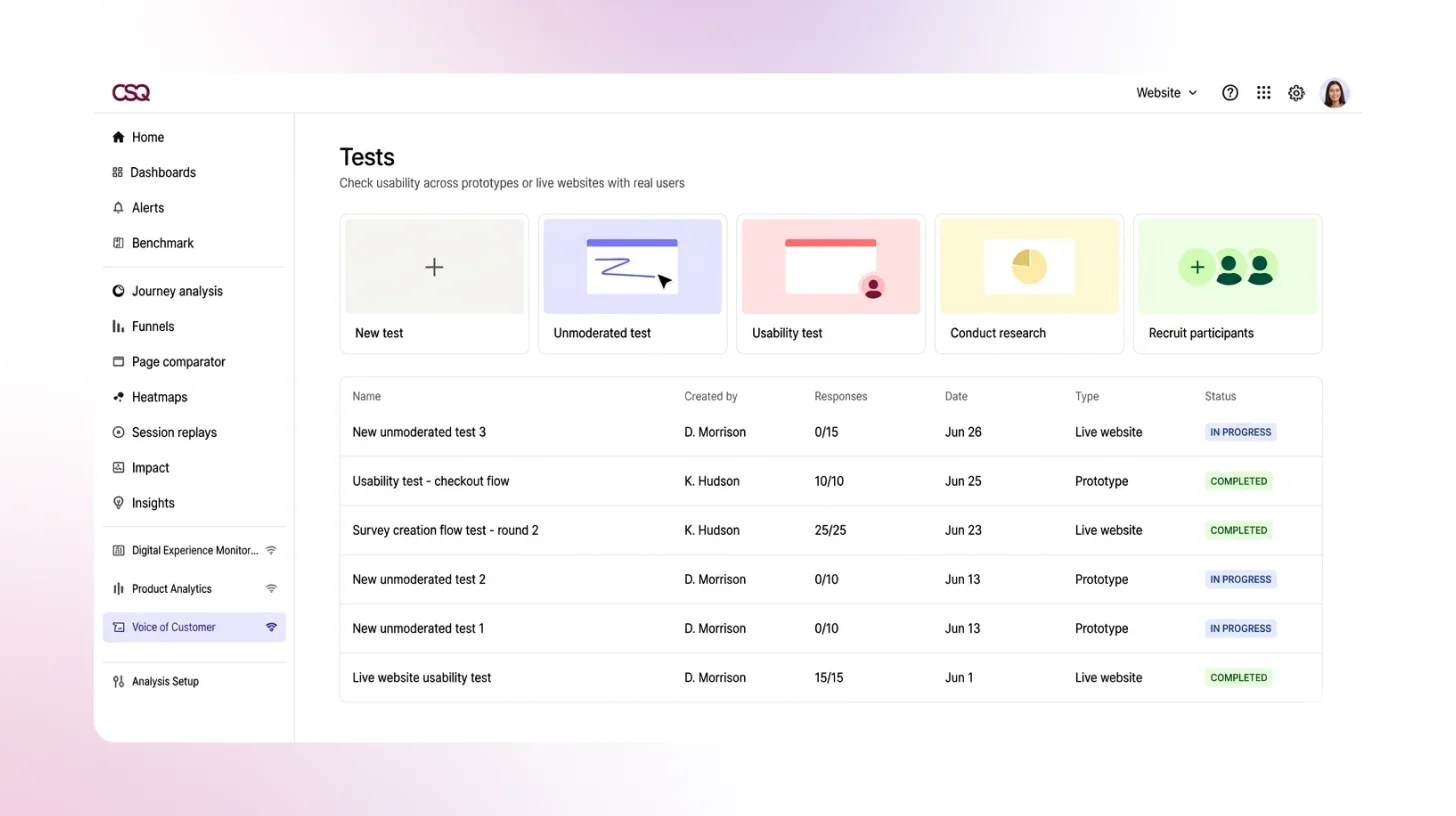
Hotjar is not a traditional AI user testing tool; it doesn't run task-based studies, AI-moderated sessions, or recruit research participants. What it does exceptionally well is reveal how real users behave on live sites: heatmaps, session recordings, scroll maps, and conversion funnel analysis. Its AI features surface behavioral patterns automatically. For structured usability testing, you'll need a separate tool.
AI Capabilities
- AI Sense: Automatically detects patterns across large volumes of session recordings and surfaces friction areas.
- AI Summaries: Generates summaries from session replay data so teams don't need to watch every recording manually.
Key Features
- Heatmaps: Visualize user behavior with click, move, and scroll maps across live pages.
- Session Recordings: Replay complete user journeys to understand real interactions and behavior.
- Funnel Analysis & Journey Mapping: Track user flows and pinpoint exactly where drop-offs occur.
- On-Page Feedback Widgets: Capture real-time feedback directly from users while they interact with your product.
- Hotjar Engage (User Interviews): Run moderated interviews with your own users or recruit from Hotjar’s panel.
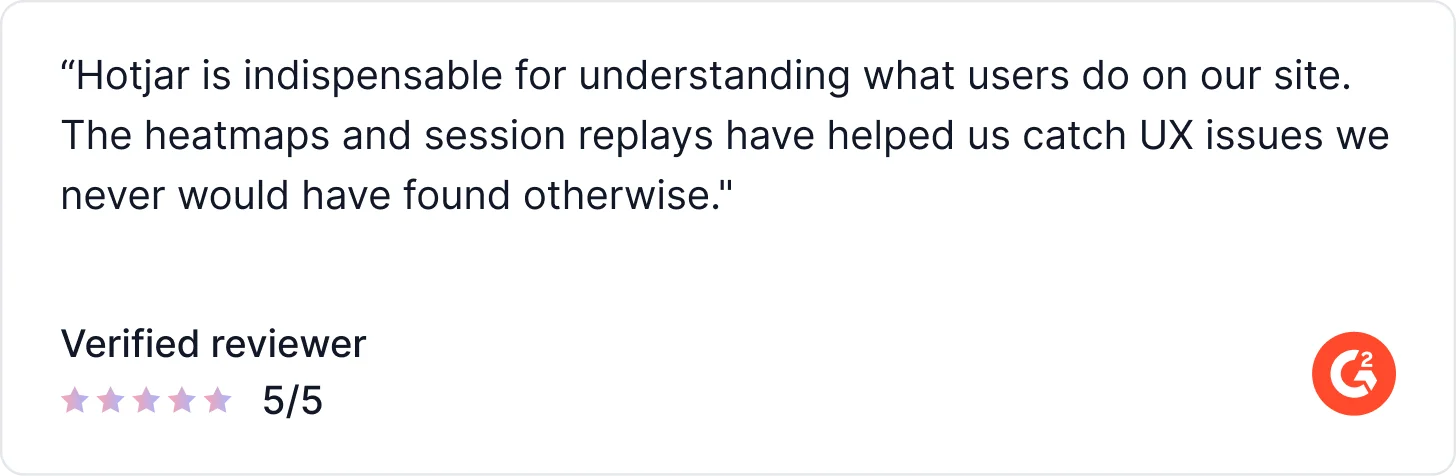
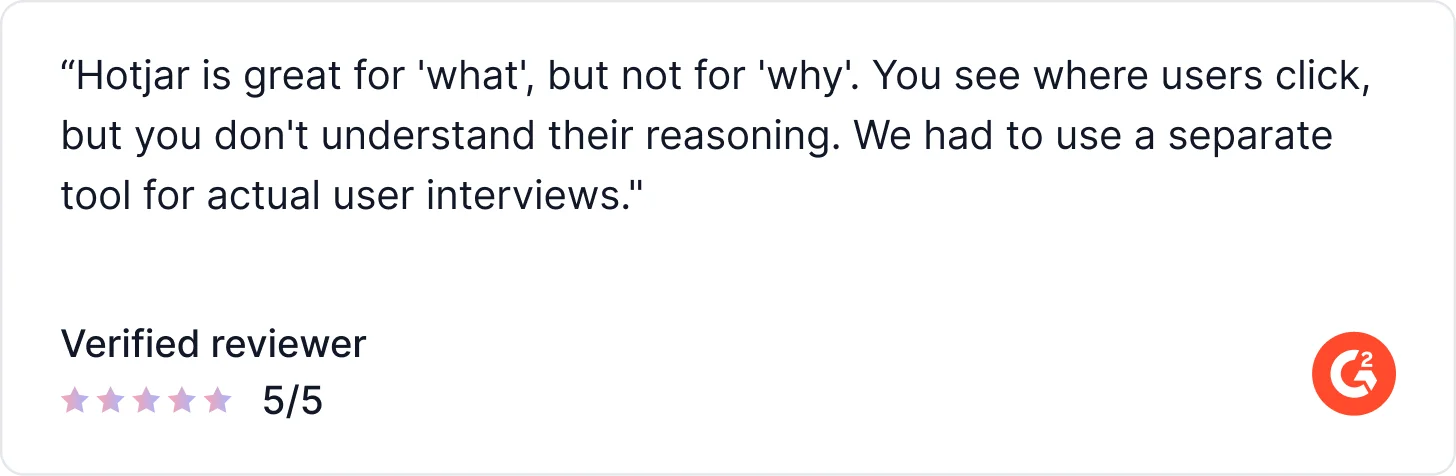
What Users Say About Hotjar
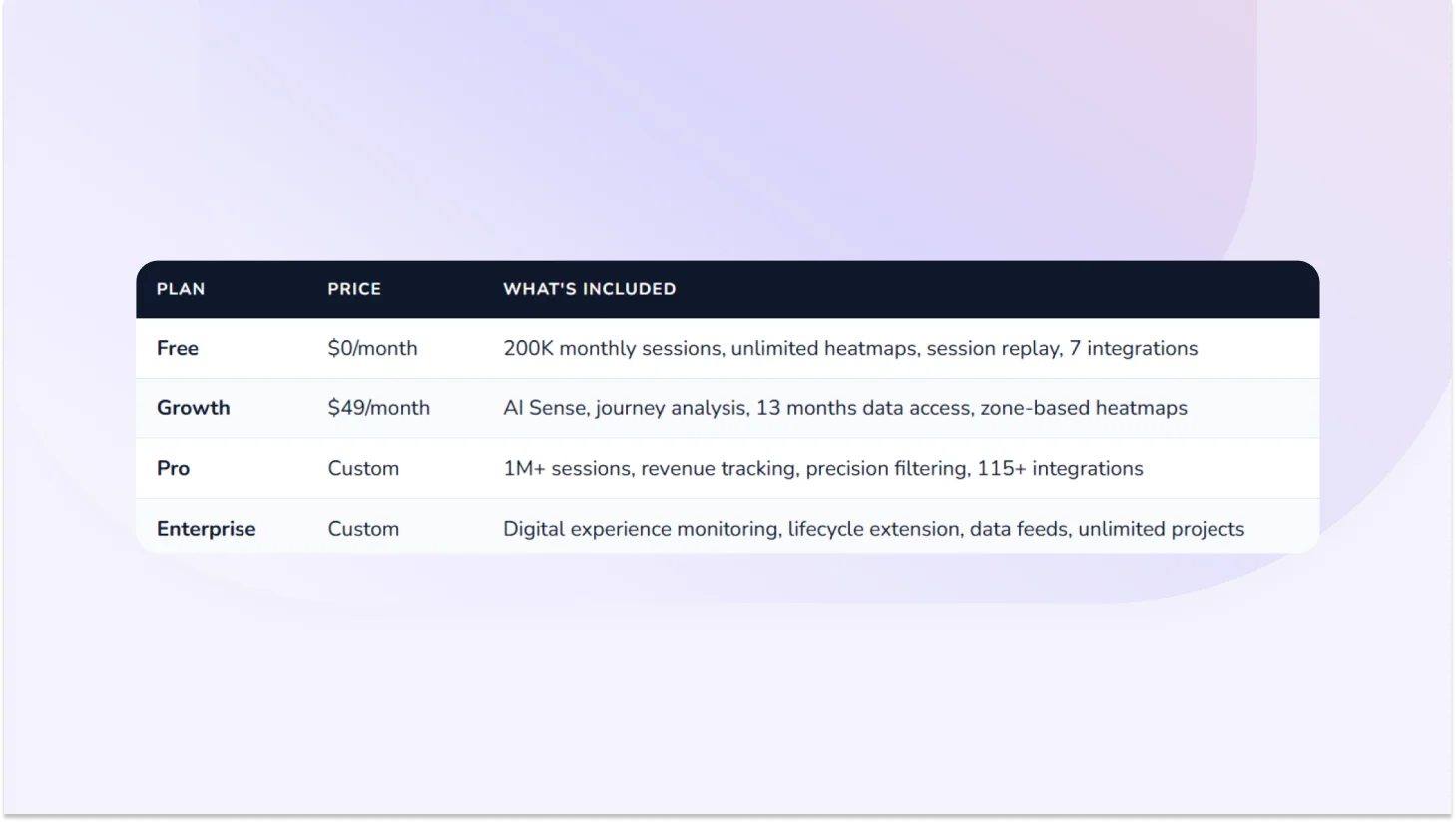
Pricing
6. Lyssna: For Quick Unmoderated Concept Validation
Lyssna (formerly UsabilityHub) is built for fast, lightweight feedback preference tests, five-second tests, first-click studies, and concept evaluation. Light AI features are available (follow-up question suggestions, text summaries). It doesn't support AI-moderated interviews, native mobile app testing, or in-product prompts. Best used for quick directional validation, not deep qualitative analysis or continuous discovery at scale.
AI Capabilities
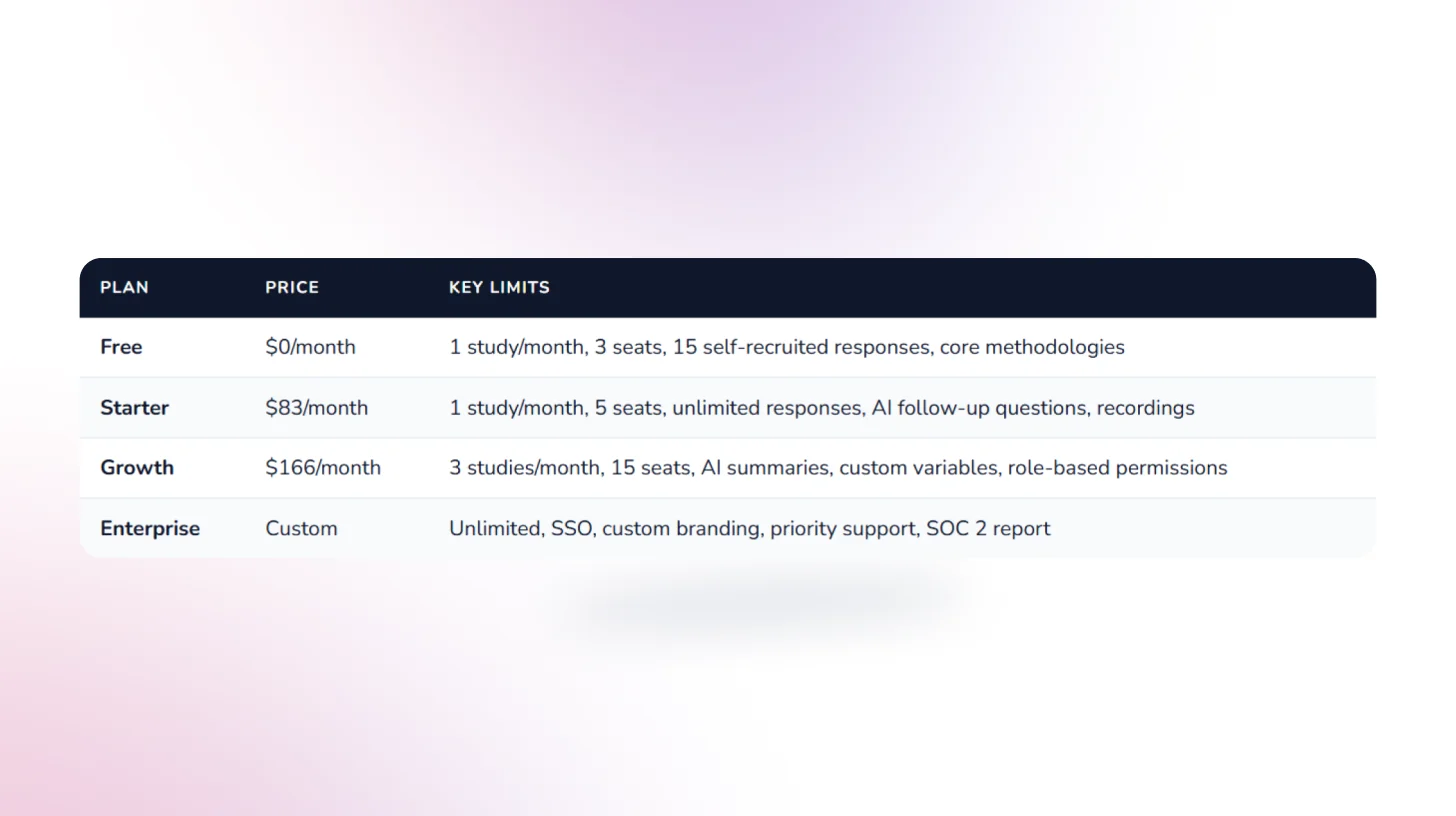
- AI Follow-up Questions: Suggests relevant follow-ups based on how respondents answer available on Starter plan and above.
- AI-Generated Summaries: Summarises open-text responses automatically — available on Growth plan and above.
Key Features
- Five-second, first-click, preference, and prototype tests: Core unmoderated research methods for fast directional feedback
- Card sorting & tree testing: IA validation methods for navigation structure
- Live website testing: Discover where and why users struggle on live websites
- 690,000+ participant panel: Global, with 395+ demographic filters. Priced separately at ~$1/credit.
- Interview studies: Recruit, schedule, conduct, and analyze user interviews in one tool
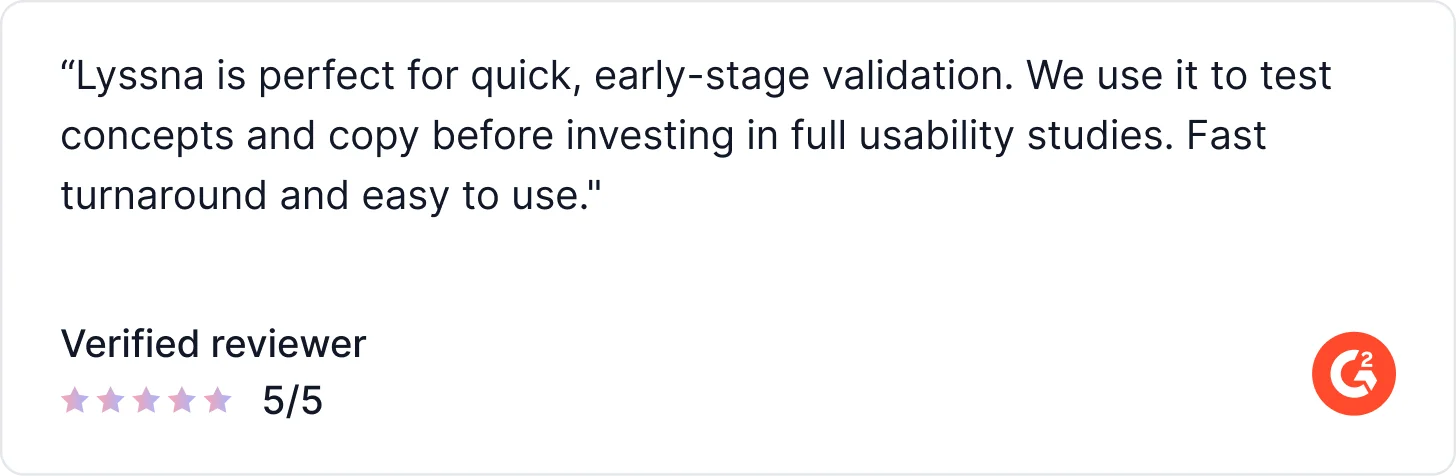
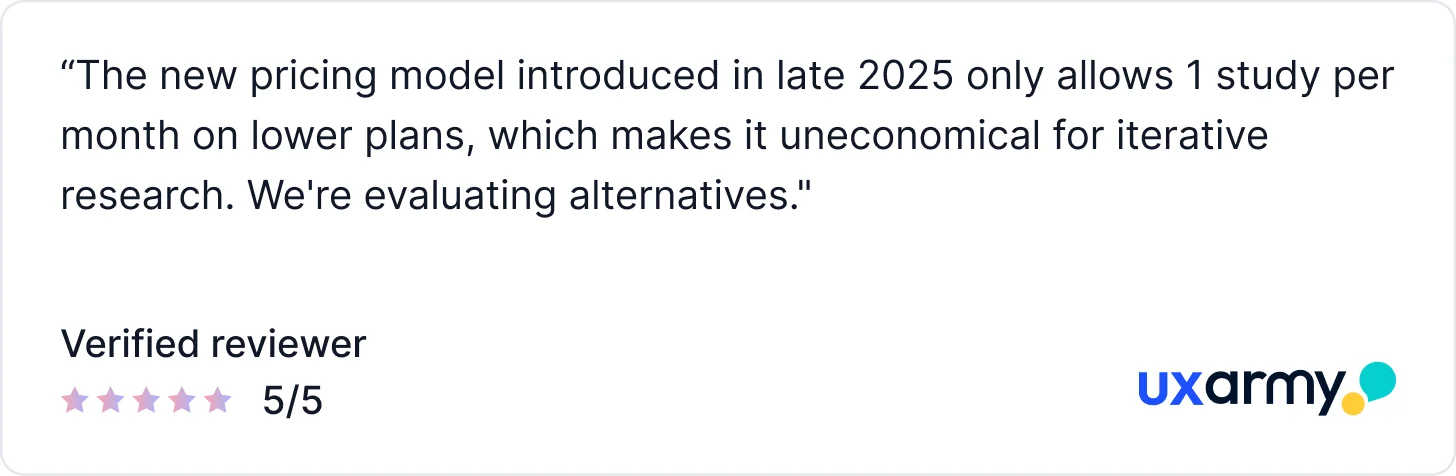
What Users Say About Lyssna
Pricing
7. Loop11: for Structured Task-Based UX Benchmarking
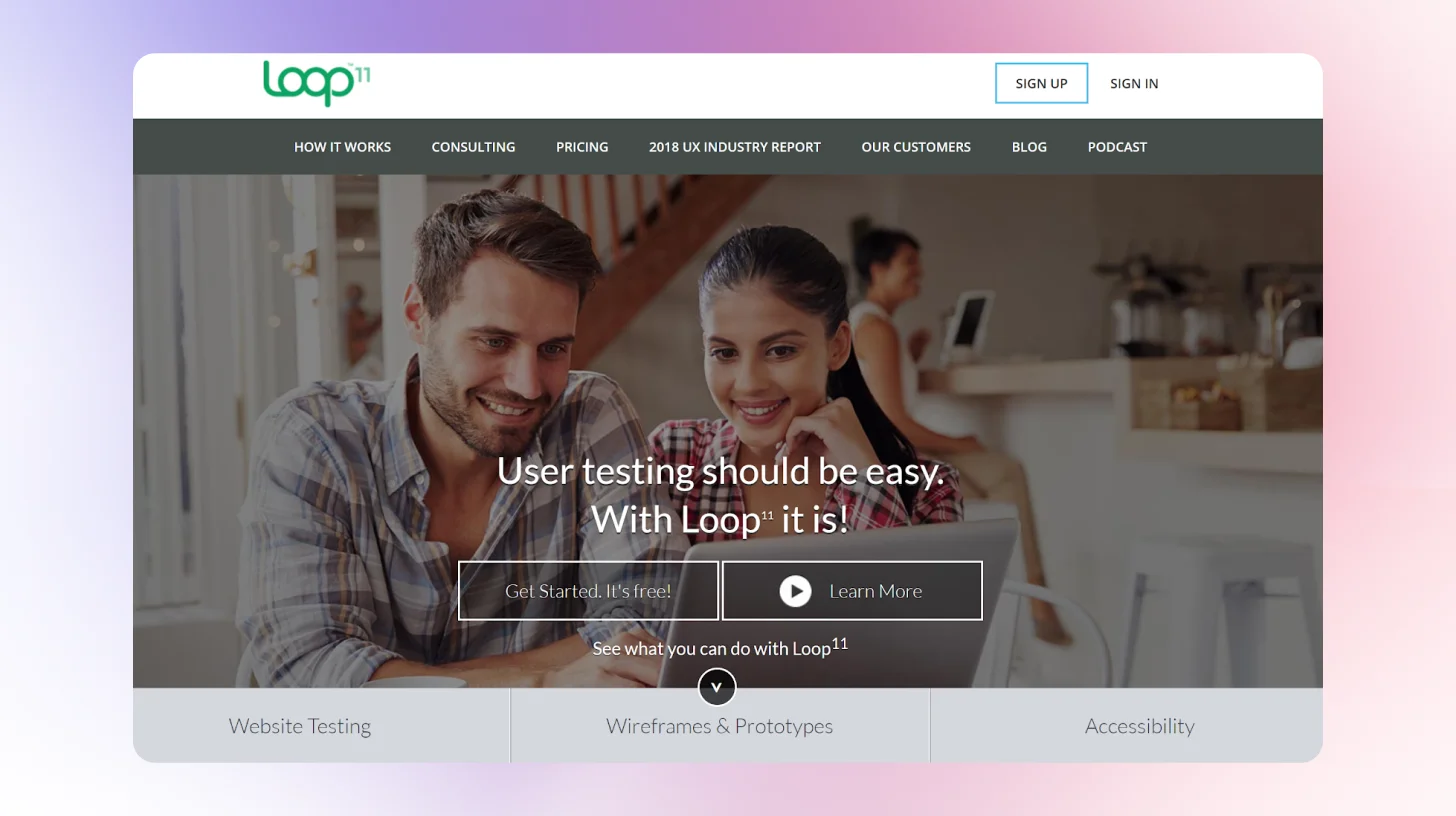
Loop11 is built around structured, task-based usability studies with detailed success metrics task completion rates, time on task, error rates, and drop-offs. Its standout AI feature is AI Browser Agents: automated usability simulations that run without human participants, useful for quick pre-recruitment friction checks. G2 rating is lower than most tools here, reflecting some UX and reporting gaps users have flagged.
AI Capabilities
- AI Test Creator: Generates task flows and questions automatically from a URL or a short brief.
- AI Browser Agents: AI agents simulate usability tests without recruiting human participants, a unique capability for automated friction detection.
- AI Summaries: Post-study AI analysis that surfaces key findings and usability patterns.
Key Features
- Remote Moderated & Unmoderated Testing: Run usability tests with or without a moderator across desktop, mobile, and tablet.
- Session Recording (Screen, Audio & Video): Capture full user interactions for deeper behavioral analysis.
- Task-Based Testing & UX Metrics: Create structured tests and measure performance with metrics like task success, time on task, and usability scores.
- Heatmaps & Clickstream Analysis: Visualize user behavior through click paths, navigation flows, and interaction patterns.
- Participant Recruitment (Panel or BYO): Recruit from Loop11’s panel or bring your own users to match your target audience.
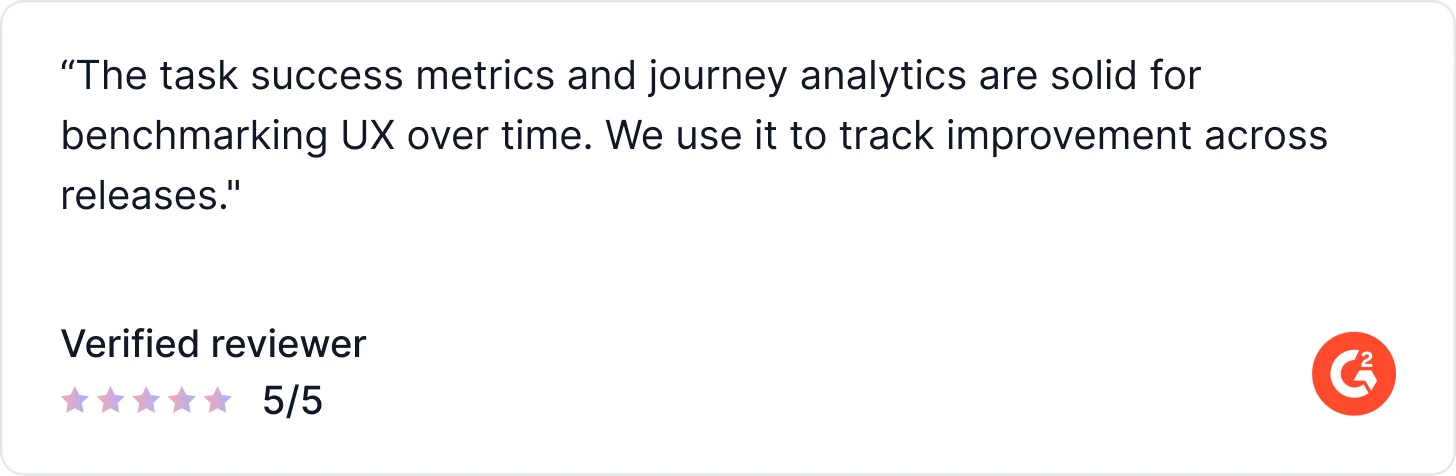
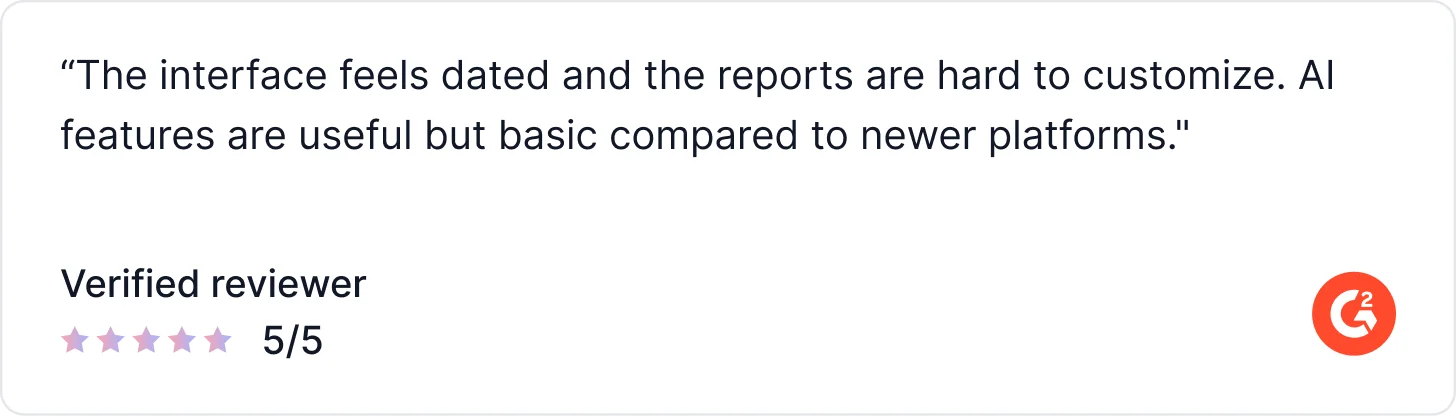
What Real Users Say About Loop11
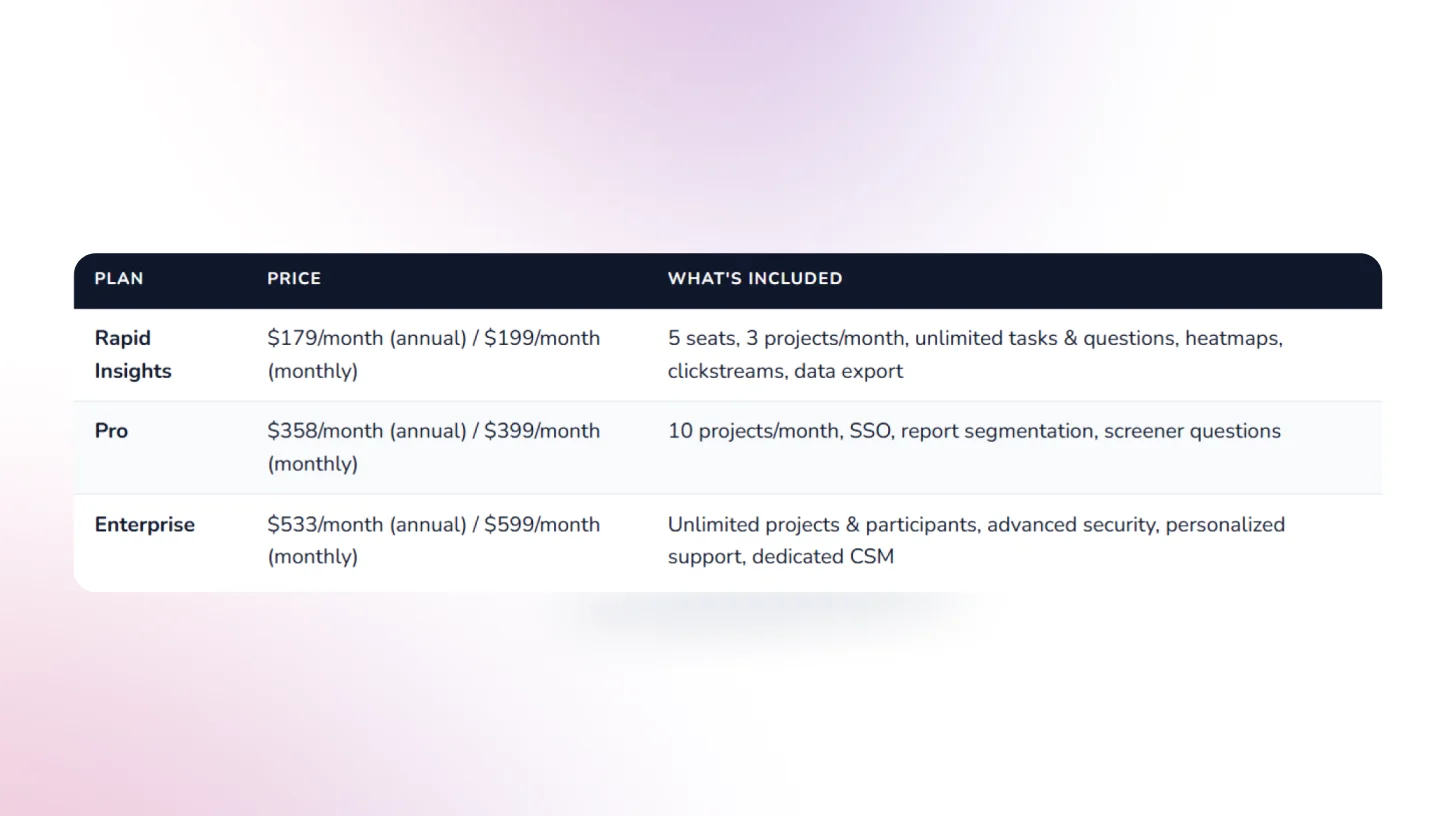
Pricing
8. UXtweak: Best All-in-One UX Research Suite with Flexible Testing Methods
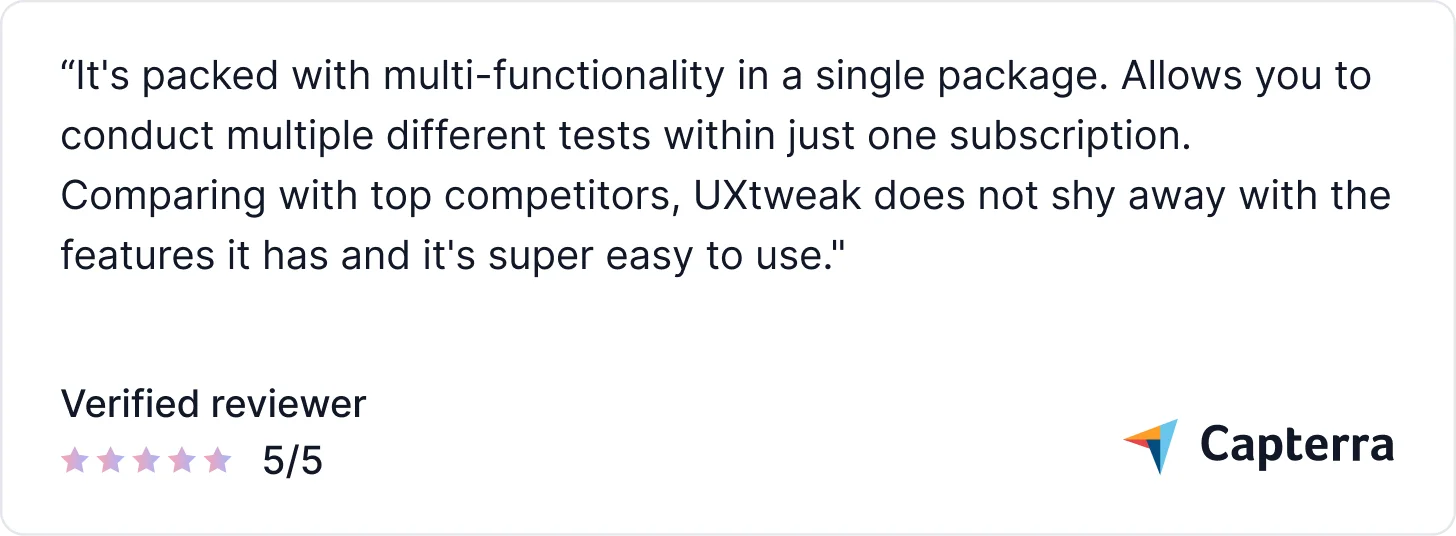
UXtweak is a comprehensive UX research platform that covers the full testing spectrum from prototype testing, website testing, and session recordings to card sorting, tree testing, and five-second tests, all in one subscription. It's praised for combining the breadth of a full research suite with pricing that's actually accessible to teams that aren't enterprise-scale.
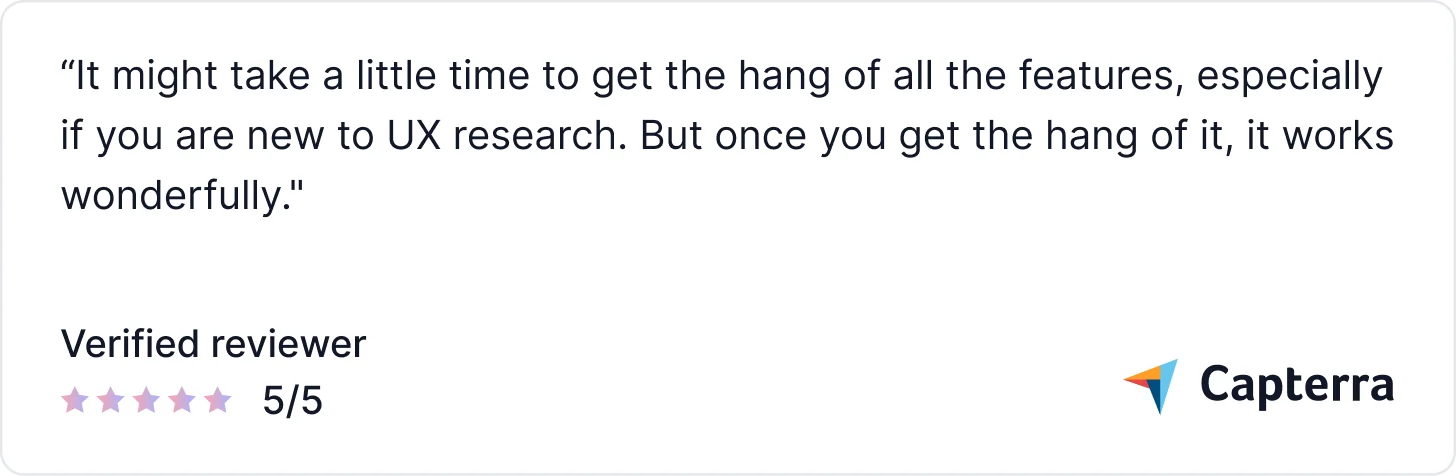
AI capabilities are more limited than those of AI-native platforms. The Business plan is needed for meaningful team use, and the learning curve can be steep for researchers new to the platform.
AI Capabilities
- AI-Assisted Analysis: Helps surface key patterns and usability issues from session recordings and study results faster than manual review.
- AI Summaries: Generates summaries from study results so teams can get an initial read on findings without manual synthesis.
- Session Insights: Combines heatmaps, clickmaps, and session recordings with AI-assisted filtering to surface friction patterns.
Key Features
- Heatmaps & session recordings: Capture where users click, scroll, and move across pages with full session replay.
- Global participant panel: Recruit participants directly from within the platform or bring your own users for free.
- Moderated study support: Run moderated card sorting, tree testing, usability studies, and live interviews all inside one platform.
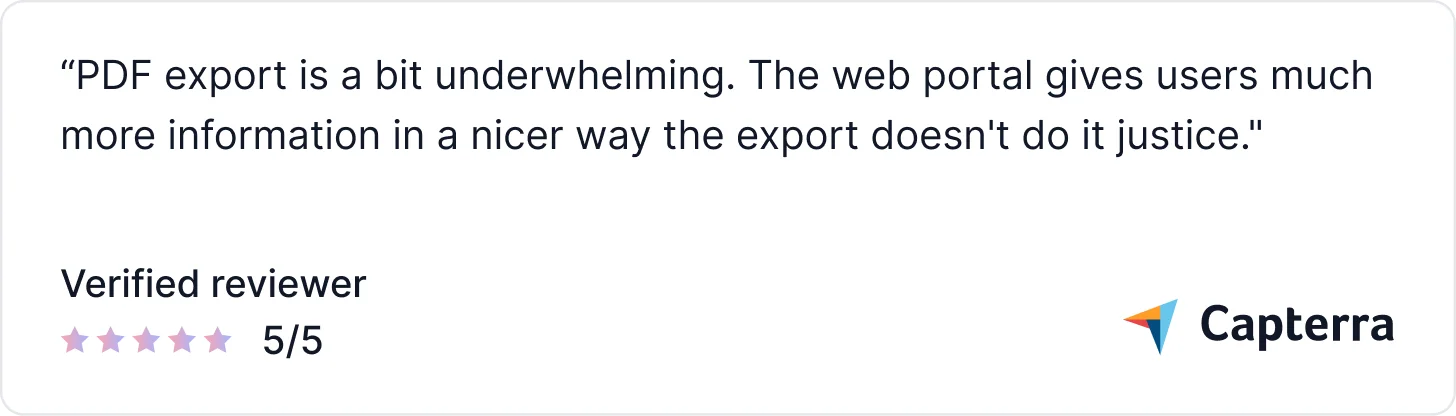
What Real Users Say About UXtweak
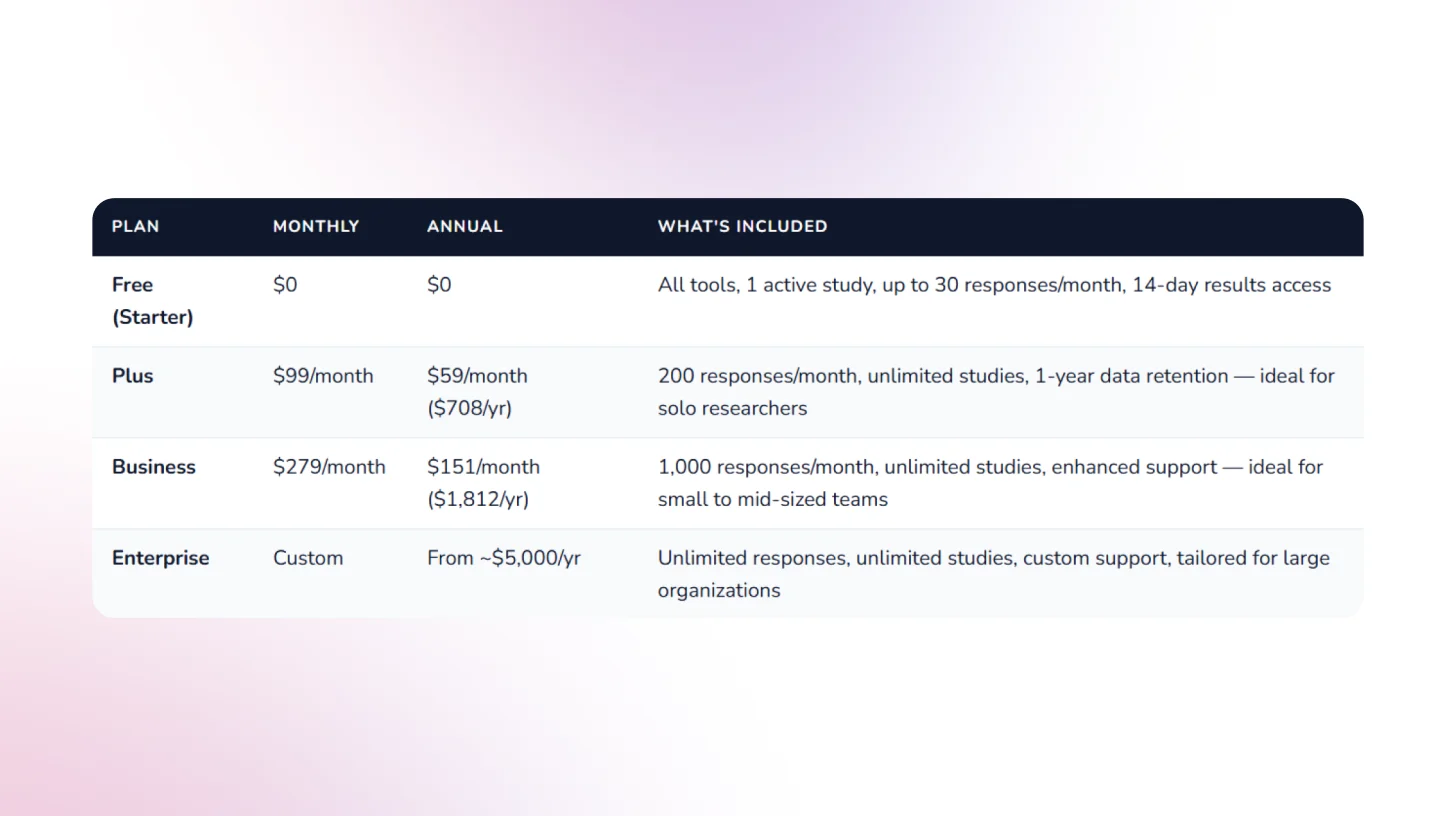
Pricing
9. Userlytics: Best for Global-Scale UX Research with Proprietary Benchmarking
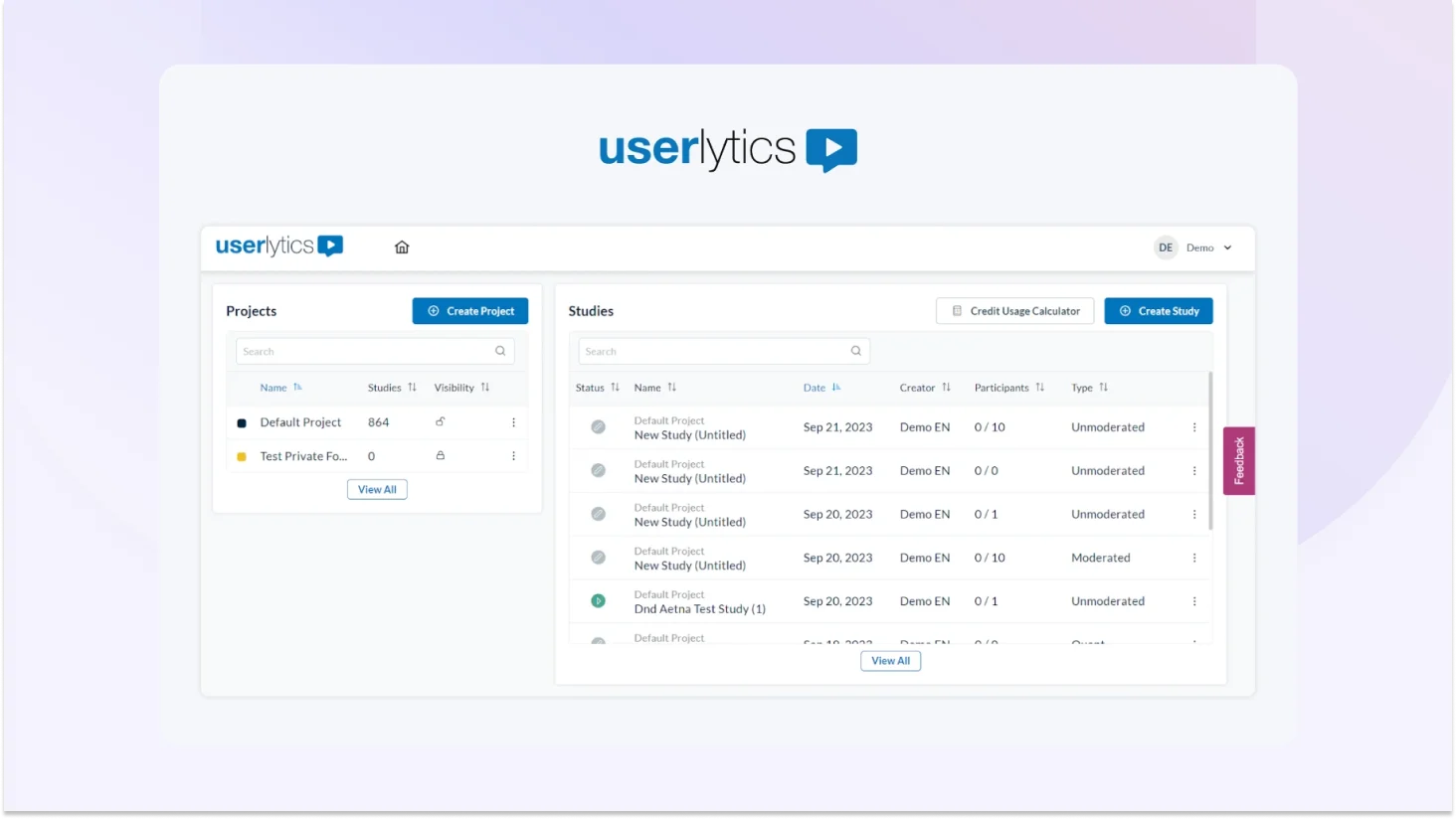
Userlytics is a cloud-based user experience research platform that gives teams access to a 2M+ participant panel across 30+ languages one of the broadest international reaches in the market. It supports moderated and unmoderated usability testing, card sorting, tree testing, surveys, and quantitative studies, with AI-powered analysis and its proprietary ULX Score for holistic UX benchmarking.
AI Capabilities
- AI Annotations: AI automatically annotates qualitative video sessions to highlight key moments, patterns, and usability issues.
- AI UX Analysis: Transforms qualitative video sessions into structured insights including summaries, sentiment analysis, and key findings.
- Sentiment Analysis: AI-based determination of how participants feel about given tasks or situations tied to the ULX Score dimensions.
- AI Transcripts: Automated transcription of session recordings in multiple languages for faster post-session review.
- ULX Benchmarking Score: Proprietary multi-dimensional score measuring Appeal, Usability, Trust, Performance, Affinity.
Key Features
- UX consulting support: Optional access to senior UX consultants in Europe and the US for research design and analysis
- Unlimited admin seats: No extra fees for team members on Enterprise plans
- iOS & Android mobile testing: Native mobile apps for both platforms
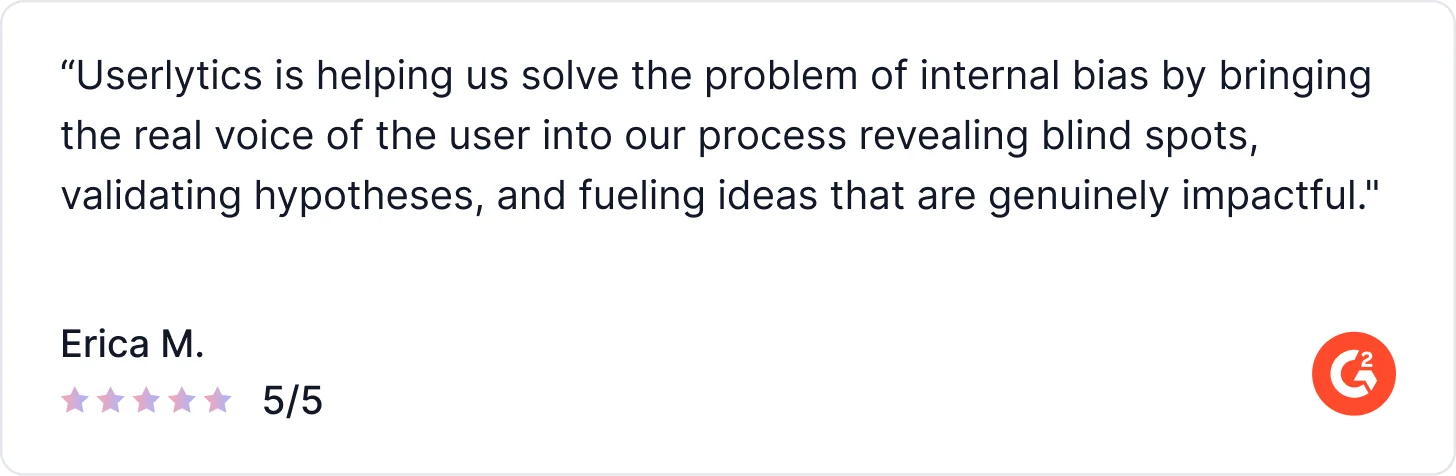
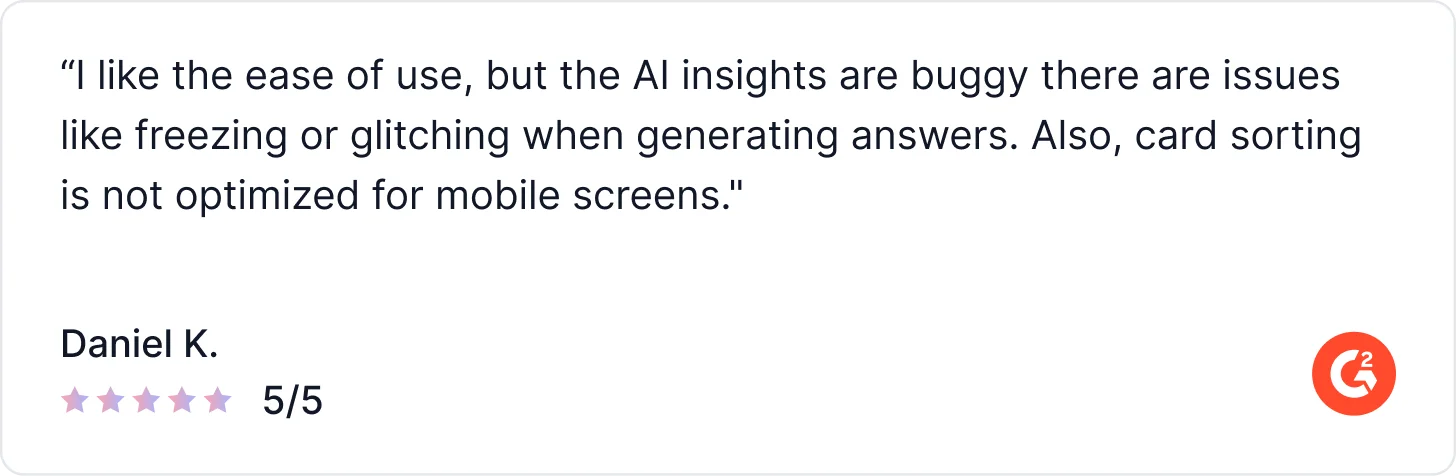
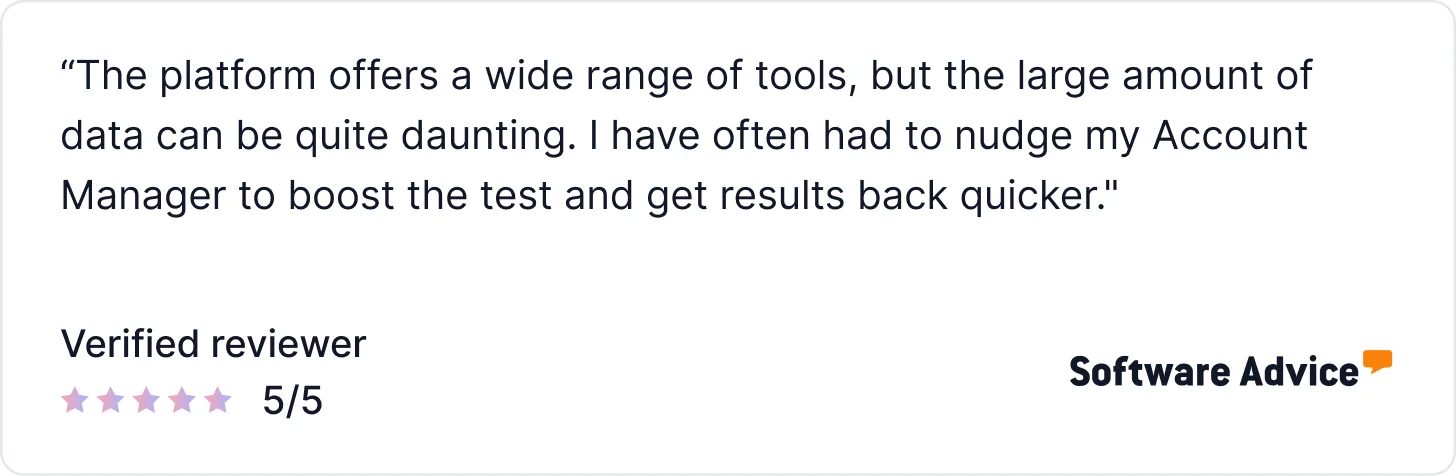
What Users Say About Userlytics
Pricing
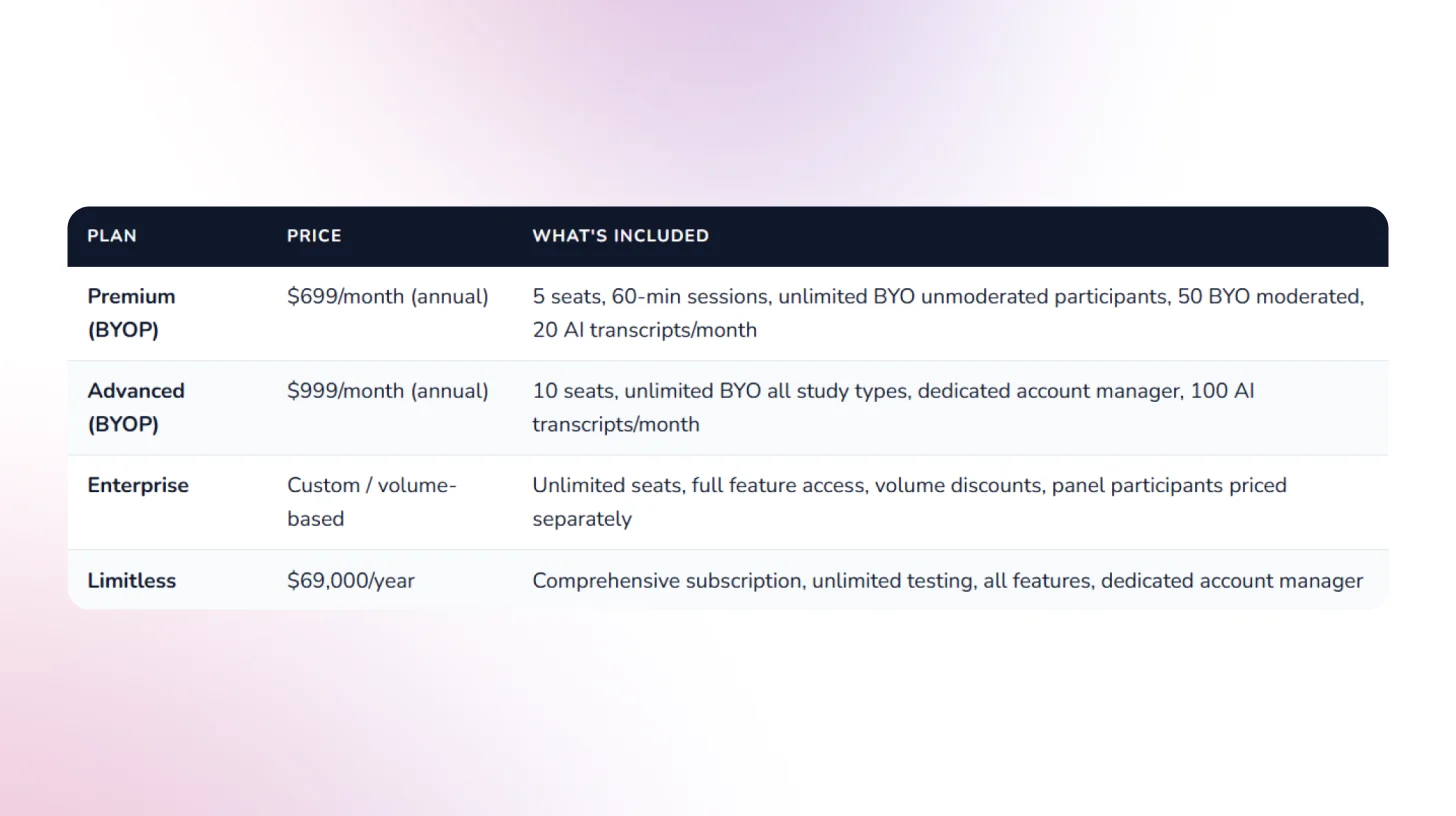
10. Outset.ai: Best for AI-Moderated Qualitative Interviews at Scale
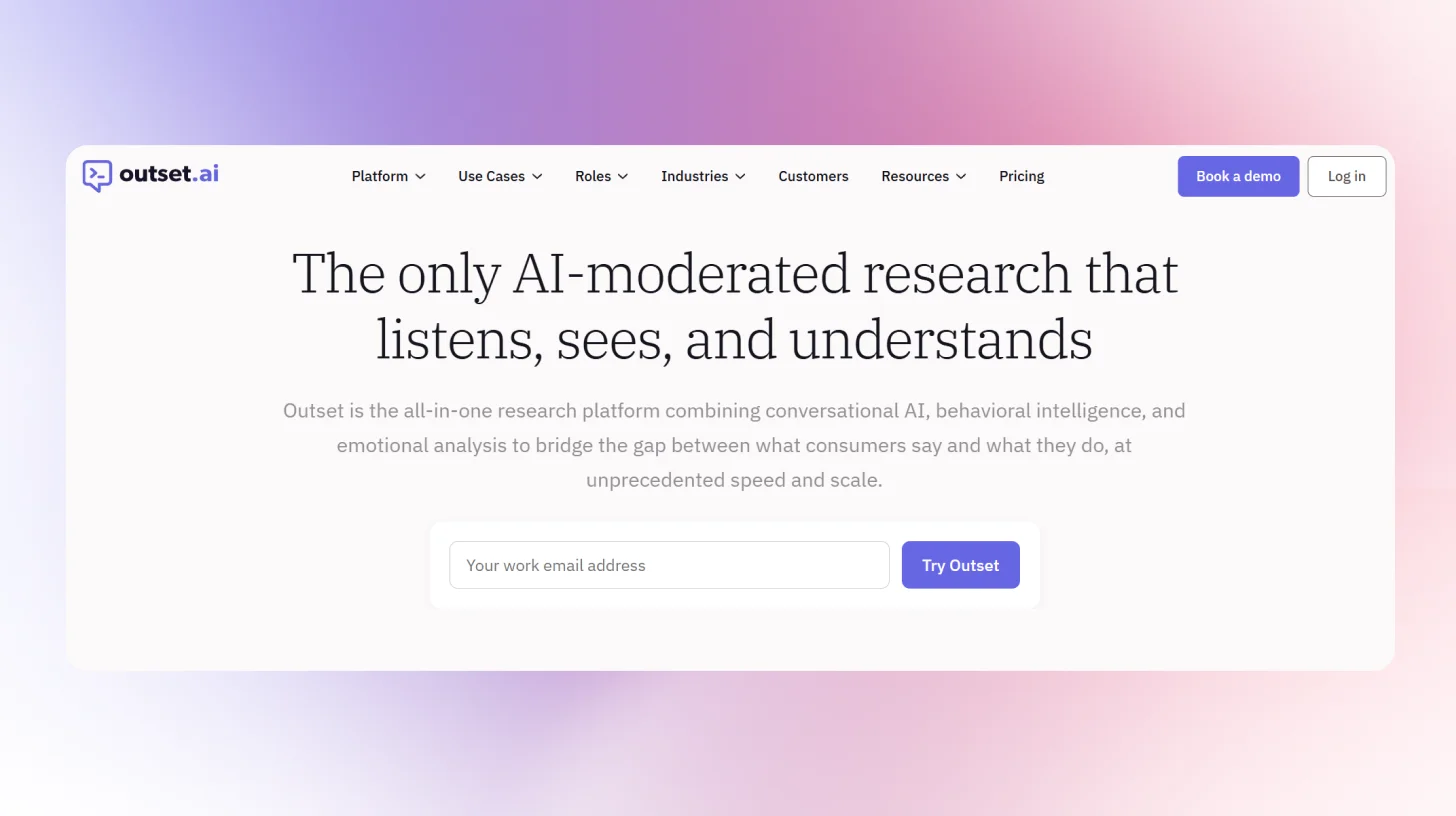
Outset.ai is an AI-powered research platform focused on scaling qualitative user insights through automated interviews and analysis. It enables teams to run large volumes of user conversations without manual moderation, combining the depth of interviews with the speed of surveys. The platform is designed for continuous discovery, helping teams gather and synthesize user feedback quickly across the product lifecycle.
AI Capabilities
- AI Moderated Interviews: Conducts dynamic, one-on-one interviews with users, asking follow-up questions and adapting in real time.
- AI Interview Synthesis: Automatically summarizes conversations into key insights, themes, and takeaways.
- Pattern Detection: Identifies recurring behaviors and trends across multiple user interviews.
- Theme Clustering: Groups qualitative responses into structured themes with supporting user quotes.
- Sentiment Analysis: Analyzes tone and language to detect positive, negative, and neutral user sentiment.
- AI Highlights & Clips: Surfaces key moments and generates shareable clips from user interviews.
Key Features
- AI-Led User Interviews: Run moderated-style interviews at scale without human facilitators.
- Parallel Interviewing: Conduct hundreds of interviews simultaneously to accelerate research.
- Automated Transcripts & Summaries: Generate transcripts and structured insights from every session.
- Centralized Insight Repository: Store, search, and analyze all research data in one place.
- Participant Recruitment (Panel or BYO): Recruit target users or bring your own audience for studies.
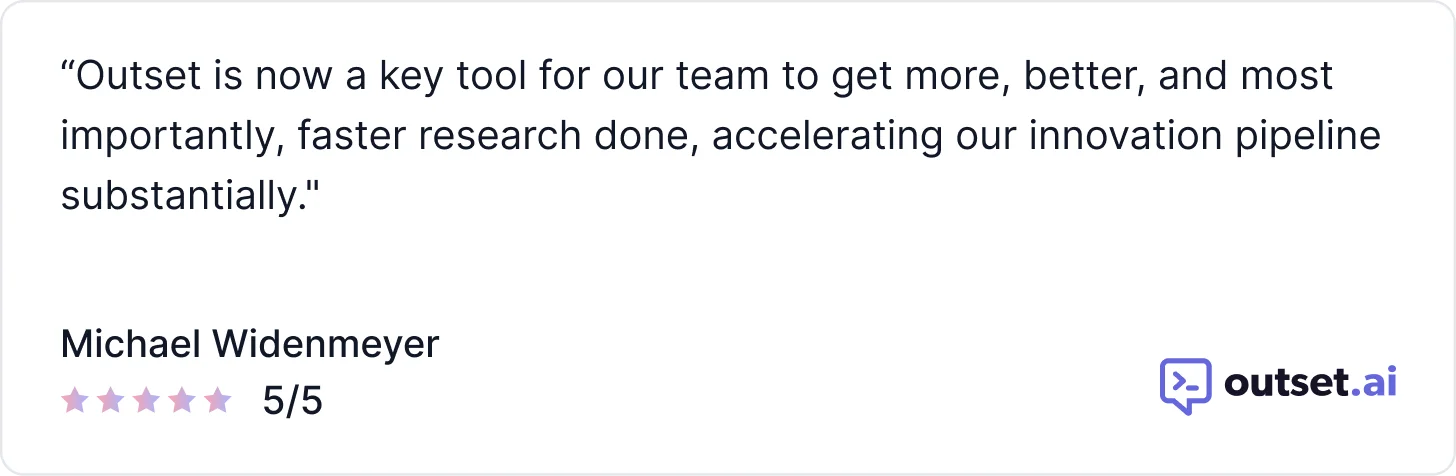
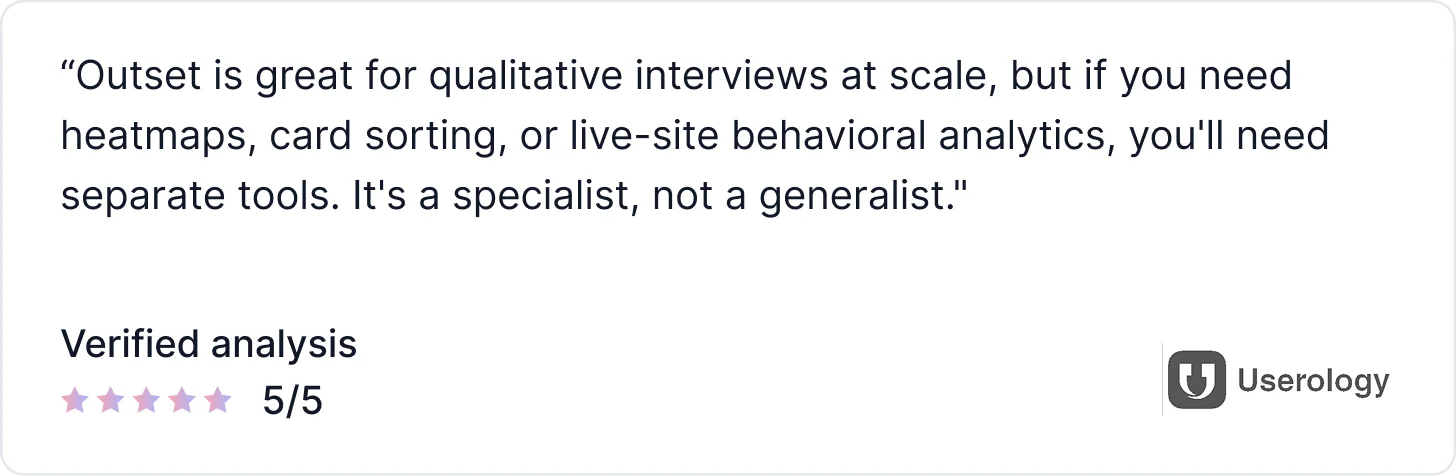
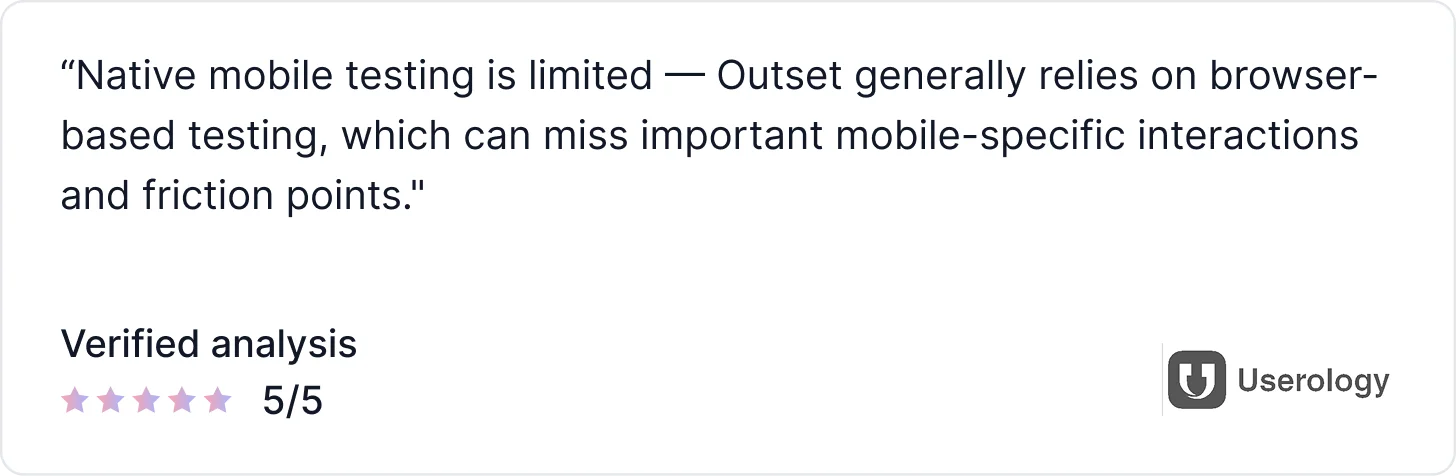
What Real Users Say About Outset
Conclusion
User testing tools have evolved significantly, but in 2026, product teams need more than video recordings, panel-based studies, or one-off usability tests. They need platforms that continuously capture real user behavior, automatically analyze feedback, and turn insights into clear, actionable decisions without slowing down product velocity. The tools covered in this guide reflect that shift, ranging from AI-first user testing platforms to AI-assisted usability tools and behavioral analytics solutions, each supporting different stages of modern product and UX workflows.
If your goal is to move beyond manual review, eliminate panel bias, and run continuous AI-driven user testing directly inside your live product, TheySaid is the strongest place to start. It enables teams to capture real user signals, automate analysis and synthesis, and deliver decision-ready usability insights without scrubbing recordings or managing complex research setups. You can book a demo to see how TheySaid supports end-to-end AI user testing and helps product, UX, and research teams ship with speed and confidence.
Frequently Asked Questions (FAQs)
What is the best AI user testing tool in 2026?
The best AI user testing tool in 2026 is TheySaid. It is an AI-first platform that captures real user behavior inside live products and automatically analyzes it to deliver clear, prioritized usability insights without video review, panel testers, or manual synthesis.
What is the best alternative to UserTesting?
If you’re looking for an alternative to UserTesting, your choice depends on how much automation you want:
- TheySaid: best for automated insights without watching recordings
- Maze: best for fast prototype validation
- UXtweak: best for mixed UX research methods
For teams prioritizing speed and automation, TheySaid is the strongest UserTesting alternative.
What is the best alternative to Maze?
If Maze doesn’t fit your workflow:
- TheySaid is the best alternative when you want real-user insights from live products instead of prototype-only testing
- UXtweak works well for broader UX research (tree testing, surveys)
- Lyssna is useful for lightweight, early-stage design feedback
Maze is great for validation, but TheySaid goes further with continuous AI-driven user testing.
Are AI user testing tools better than traditional usability testing?
AI user testing tools don’t replace usability testing they modernize it. Traditional usability testing relies on manual setup, video review, and synthesis. AI user testing automates analysis, surfaces patterns instantly, and helps teams move faster with less research overhead.
Do AI user testing tools still rely on panel testers?
Most traditional tools still use panel testers. TheySaid does not. It captures feedback directly from real users interacting with your actual product, which leads to more accurate and unbiased usability insights.
Is Hotjar considered an AI user testing tool?
Hotjar is primarily a behavioral analytics tool with AI-assisted insights. It shows how users behave through heatmaps and session data, but does not run structured usability tests or deliver automated action items. Many teams use Hotjar alongside AI user testing tools rather than as a replacement.
Can AI user testing replace UX researchers?
No. AI user testing tools remove repetitive, low-value work like manual review and synthesis. UX researchers still play a critical role in strategy, discovery, and decision-making; AI simply helps them move faster and focus on higher-impact work.
Which AI user testing tool is best for product managers?
Product managers benefit most from tools that deliver clear, decision-ready insights quickly. TheySaid is best for PMs because it removes research friction and provides continuous usability insights without requiring a deep research setup or manual analysis.
Are there free AI user testing tools?
Some tools offer free plans or trials with limited features. TheySaid is free to get started, allowing teams to experience AI-first user testing before scaling to paid plans.
Which AI user testing tools have an AI moderator in 2026?
TheySaid includes AI moderation by default across every plan. Maze and Outset also offer AI-moderated sessions, though Maze's AI Moderator is gated to higher-tier plans rather than included in its core product.





.svg)


