
Run projects and collect feedback in any language

How It Works
Multilingual support is always on. There's nothing to enable or configure.

Build your project in any language
You can build your project in any language. Write your questions in French, Mandarin, Japanese, or any other language you prefer, and AI will conduct the conversation in that language throughout.
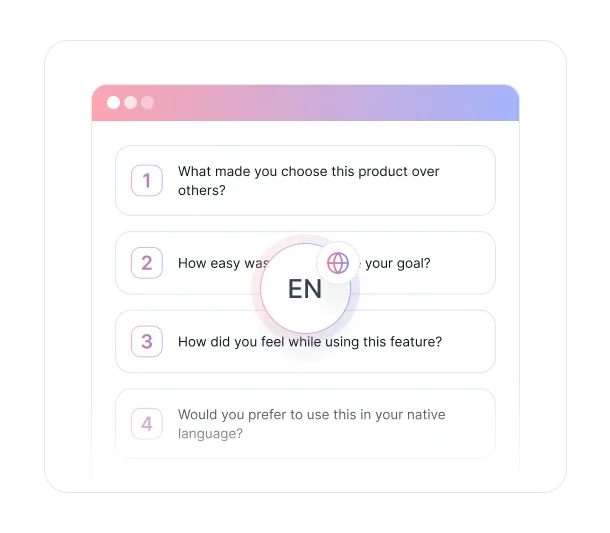
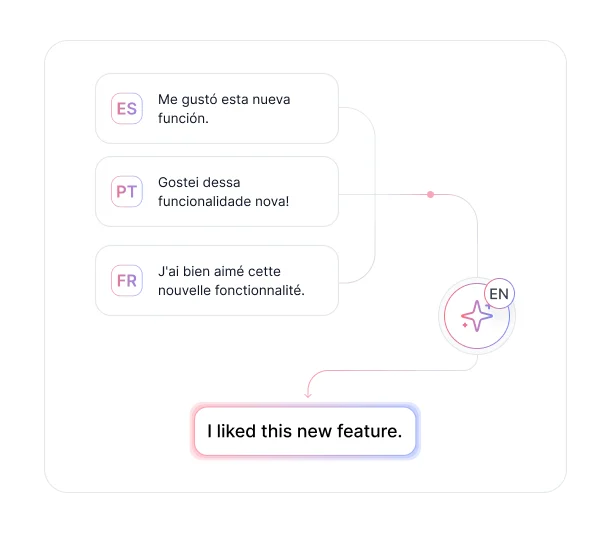

Let users respond in their own language
Alternatively, write your project in English and let participants respond in their own language. AI detects the language and replies accordingly, keeping the conversation natural from the participant's perspective.

Analyze data in any language
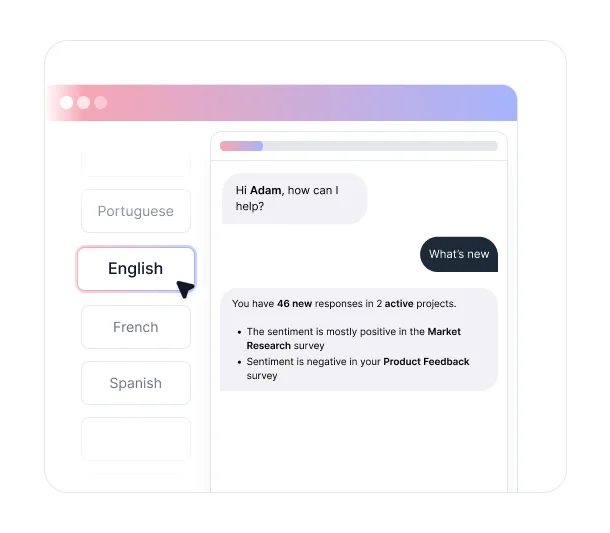
The same applies to the Ask AI sidebar. Query your data in any language and AI responds in kind, making it easy for multilingual teams to work with their own projects in the language they think in.
Key Benefits
Discover what you can do with 70+ Supported Languages.

Reach Participants in the Language They Think In
People give better feedback when they don't have to translate their thoughts first. Supporting 70+ languages means your participants can respond naturally, which leads to more honest, more detailed, and more useful responses regardless of where they're based.

No Configuration Required
Language support is always enabled. You don't need to change any settings or select a language before launching. Just write your project in the language you want, or let participants choose their own. AI handles the rest automatically.

Build Projects in Any Language
Write your questions in any of the 70+ supported languages and AI will conduct the entire conversation in that language. From the opening question to follow-up probes, the experience stays consistent in the language you set, making it straightforward to run localized research for specific markets.

AI Adapts to Each Participant's Language
If your participants respond in a different language than the one your project was written in, AI detects it and switches automatically. A project written in English can still have a fully natural conversation with a participant responding in Spanish, Korean, or Arabic, with no manual intervention required.

Multilingual Teams Can Work in Their Preferred Language
The Ask AI sidebar responds in whatever language you use to ask questions. Team members who prefer to work in their native language can query project data, explore themes, and request summaries without switching to English first.
Ready to collect feedback without the language barrier?
See what customers say about our AI user testing platform





FAQs
TheySaid supports 70+ languages. Language support is always enabled and works across all project types including AI Surveys, AI Interviews, AI Forms, AI Polls, and AI User Tests.
No. Language support is always on and requires no setup. Write your project in any language and AI will conduct conversations in that language, or let participants respond in their preferred language and AI will follow their lead.
AI detects the participant's language and replies in kind. If your project is in English and a participant responds in Portuguese, AI will continue the conversation in Portuguese for that participant, keeping the experience natural on their end.
Yes. The Ask AI sidebar responds in whatever language you use to ask questions. You can query your project data, request summaries, and explore themes in any supported language.
No. AI follow-up questions work the same way in any language. If a participant responds in Japanese, AI will ask follow-up questions in Japanese, maintaining a consistent conversational experience throughout the session.
Yes. Each conversation is handled individually, so different participants can respond in different languages within the same project. AI adapts to each participant separately, and all responses are collected in the same project for unified analysis.
No language barriers.
Just better feedback.
TheySaid works in 70+ languages out of the box. No setup, no configuration — just feedback from participants in the language they think in.


TheySaid User testing recommends questions, delivers via your existing channels, engages your audience,and summarizes results through AI user testing, surveys, and interviews.
.svg)


