
AI moderated, natural user conversations
How It Works
Turn spoken words into actionable intelligence.

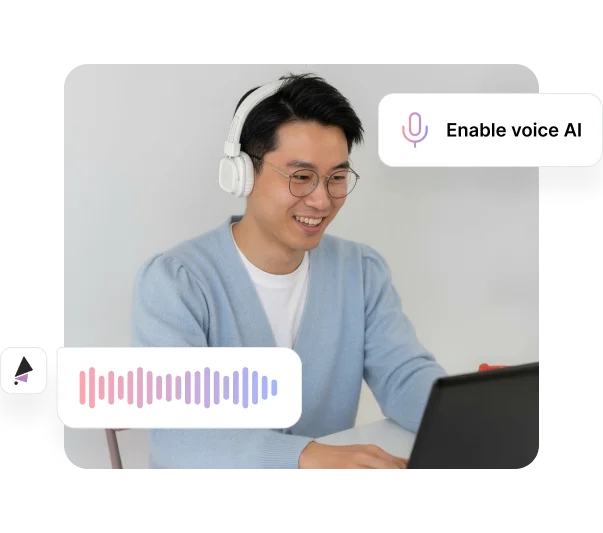
Users Speak Their Thoughts Out Loud
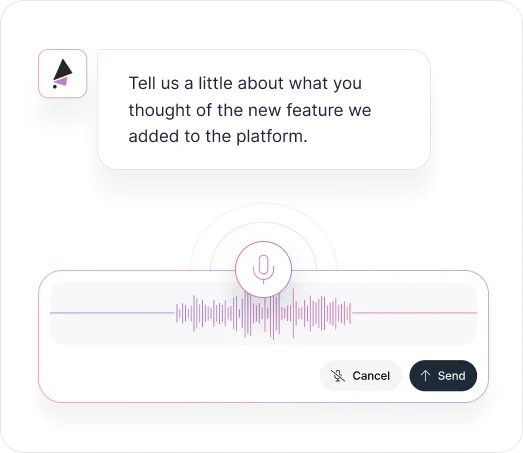
Participants click the microphone icon and speak their answers naturally. Voice responses capture the detail and emotion that typing rarely produces, creating richer feedback experiences without typing barriers.

Optionally Turn On AI Speaking to Users
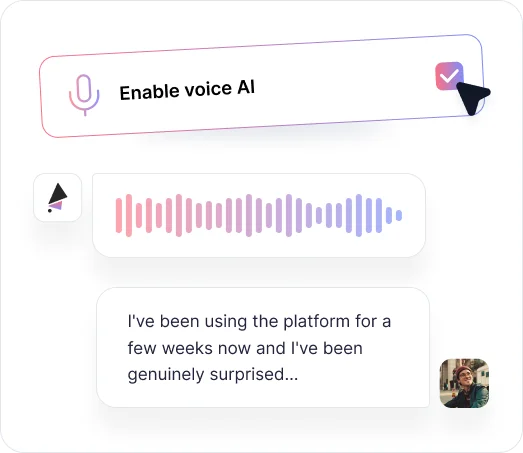
Enable AI voice responses so AI reads questions aloud to participants. This creates a fully conversational experience where users can complete entire projects hands-free, perfect for mobile users and accessibility needs.

AI Speaks Out Loud and Asks Follow-Up Questions
When AI voice is enabled, it doesn't just read questions — it listens to responses and asks intelligent follow-ups verbally. This verbal back and forth pulls users deeper into conversation, revealing real insights instead of surface answers.
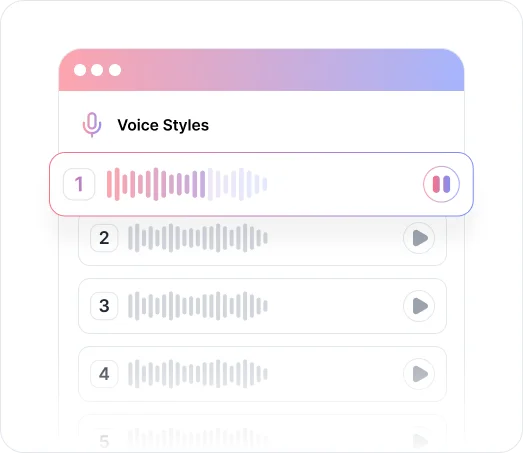

Coming Soon! Customize the AI's Voice and Personality
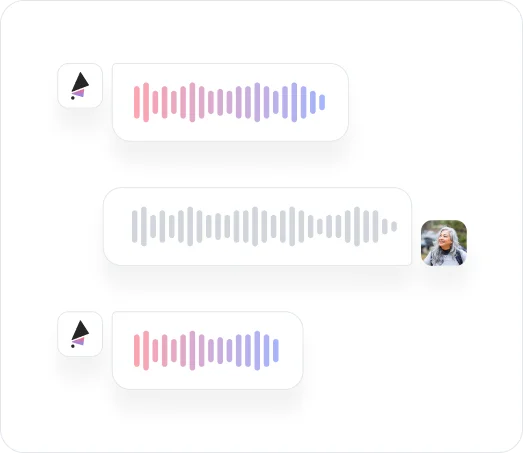
Soon you'll be able to customize how AI sounds and responds. Choose voice characteristics and conversational style that matches your brand, making interactions feel natural and aligned with your company's tone.
Key Benefits
Discover what you can do with voice.

Get Qualitative Insights at Quantitative Scale
For the first time ever, get the insights of qual feedback with the scale of quant feedback. Voice enables hundreds of deep, interview-quality conversations without scheduling constraints or manual moderation, combining personal depth with statistical significance.
.avif)
Deeper Insights, Fewer Shallow Responses
Voice responses naturally produce more detailed, nuanced feedback than typed answers. Users elaborate on their thoughts verbally, providing context and reasoning that surface-level text responses rarely capture, giving you insights that drive real decisions.
.avif)
Clearer Answers, Fewer Unusable Responses
Speaking is more natural than typing, leading to complete thoughts and coherent explanations. Voice reduces vague, incomplete, or cryptic responses, giving you feedback you can actually use to improve products and experiences.
.avif)
Better Engagement Rate From Users
Voice removes typing friction that causes survey abandonment. Speaking is faster and easier than typing on mobile devices, leading to higher completion rates and more participation from busy users who would otherwise skip giving feedback.
.avif)
Hands-free Mode for a Fully Audio Experience
Hands-free Mode (also known as AI Moderated Mode) is a fully voice-driven experience where users interact entirely through audio, no typing required. Enable it in your project Settings under "Turn Voice On/Off." Currently in beta and available in English only.
Ready to hear what your users are really thinking?
See what customers say about our AI user testing platform





FAQs
Voice removes the scheduling and moderation constraints of traditional interviews. AI conducts verbal conversations with hundreds of users simultaneously, asking intelligent follow-up questions and capturing deep insights without manual facilitation. You get interview-depth feedback with survey-scale participation.
When AI voice is enabled, AI speaks questions aloud and listens to responses. Based on what users say, AI asks intelligent follow-up questions verbally, creating natural conversations that reveal deeper insights. This back-and-forth pulls users beyond surface answers into real feedback.
Hands-free Mode is a fully audio experience where users interact entirely through voice. There's no chat interface — AI speaks and listens, and users respond verbally throughout. It's currently in beta and available in English only. You can enable it in your project Settings under "Turn Voice On/Off."
Voice works across all project types: AI Interviews, AI Forms, AI Polls, and AI User Tests. Participants can speak responses to any question while AI transcribes, analyzes, and asks follow-ups verbally when voice mode is enabled.
Yes, in AI Chat Mode. Users can toggle between speaking and typing throughout the same project based on their preference or environment. Note that in Hands-free Mode, the experience is fully audio-based and participants cannot switch to text while in beta.
TheySaid provides high-accuracy transcription that handles various accents, speaking speeds, and background noise levels. Voice responses are automatically converted to text, analyzed for themes and sentiment, and integrated with your standard analytics.
Yes. Voice recordings are processed securely and can be automatically deleted after transcription if desired. All voice data follows the same privacy and security standards as text responses in your workspace.
Feedback that
speaks for itself.
Enable voice responses across any project type and let AI conduct natural conversations, transcribe responses in real time, and surface insights without a single typed word required.


TheySaid User testing recommends questions, delivers via your existing channels, engages your audience,and summarizes results through AI user testing, surveys, and interviews.
.svg)


