

AI User Testing: Test before you ship
Your own AI research assistant runs user tests with your real users at any scale, capturing screen activity and voice feedback while moderating every session simultaneously. Results are analyzed in real time so you know exactly what to fix before you ship.

.avif)
Traditional User Testing vs. TheySaid's AI-Powered Insights
Legacy user testing creates bottlenecks at every stage. TheySaid eliminates the friction and delivers insights you can actually use.
Without TheySaid

Hours of Manual Video Analysis
Extracting key insights from user testing videos requires watching hours of recordings without missing important findings, making teams feel guilty about potentially overlooking critical usability issues buried in lengthy sessions.

Professional Tester Bias
User testing tools rely on small panels of professional testers who skew results with expertise that real customers don't have, making it difficult to find large samples matching actual target audience demographics.

Time-Consuming Test Setup
Even experienced UX researchers spend hours setting up test plans, configuring scenarios, and getting approvals before testing can begin, delaying critical validation when launch timelines are tight.

Fragmented Feedback Repository
User testing data sits isolated in separate dashboards from surveys, interviews, and other feedback, preventing comprehensive analysis and unified insights across all customer touchpoints.

Clunky Screen Recording Software
Traditional tools require installing outdated screen recorders that are hard to use and frequently cause real customers to abandon testing sessions before providing valuable feedback.


With TheySaid
.svg)
Instant AI-Powered Insights
AI immediately extracts key findings from user testing sessions without requiring manual video review, highlighting critical usability patterns and issues as testing completes rather than after hours of analysis.

Real Customer Participation
Deploy user testing through multiple channels to recruit actual customers rather than professional testers, ensuring feedback comes from people who genuinely represent your target audience and usage patterns.

Rapid Test Deployment
Launch user testing projects in minutes using AI-generated scenarios and templates, eliminating lengthy setup processes and approval cycles that delay validation timelines.

Unified Feedback Platform
Centralize user testing results alongside surveys, interviews, polls, and other feedback in one platform for comprehensive analysis and cross-channel insights about customer experience.

Seamless Browser-Based Testing
Enable effortless participation through modern browser-based recording that requires no software installation, allowing real customers to complete testing sessions without technical barriers or frustration.
What is AI User Testing
.svg)


Everything you need to validate before you launch
AI Moderated User Testing
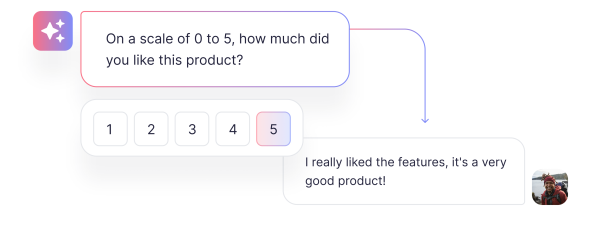
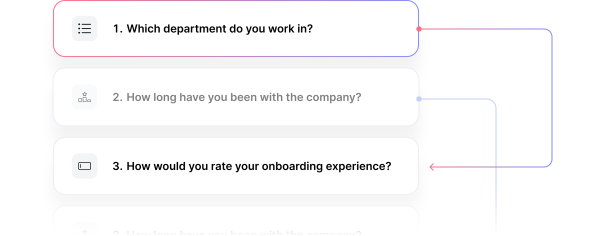
Smart Question Branching
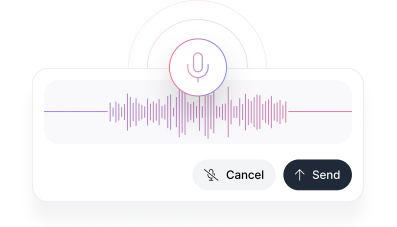
Voice-Enabled Testing
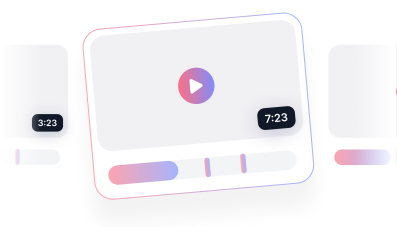
Session Clips and Highlight Reels
Automated Theme Detection
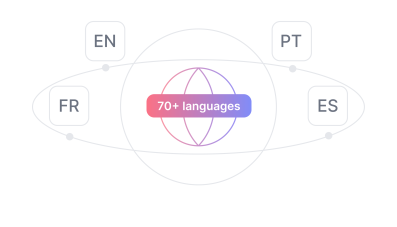
Recruit the Right Participants
Our humans testers
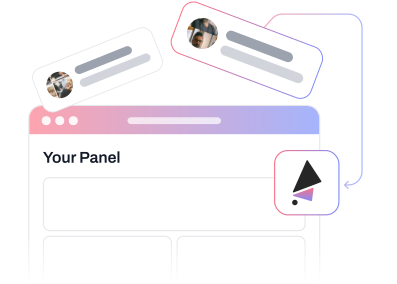
Your human testers
Our AI testers
.avif)
Get the User Insights You Need at a Price That Works
View Pricing & PlansFAQs
AI User Testing combines screen recording, voice commentary, and AI moderation to understand how users actually interact with your product. Instead of just watching what users do, you hear their reasoning and get AI-generated insights about recurring problems and how to fix them.
TheySaid's AI guides users through your test plan, asking them to complete specific tasks while recording their screen and voice. When the AI detects confusion or hesitation, it asks follow-up questions to understand what went wrong. You get the depth of moderated research at the scale of unmoderated testing.
Yes. TheySaid works with Figma prototypes, InVision mockups, staging environments, and any product accessible through a browser. You can validate concepts and designs before development starts, when changes are still cheap and easy to make.
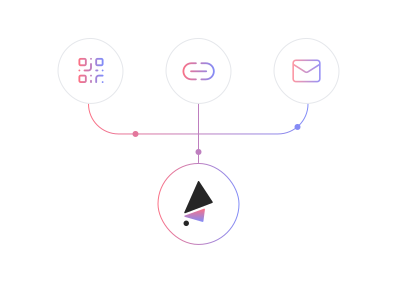
With your own testers, you recruit participants through email, social media, or direct links and pay no per-test fee. With TheySaid's panel, we recruit qualified participants matching your demographic criteria. You can also use AI testers (launching soon) for preliminary validation before recruiting humans.
TheySaid automatically generates insights and recommendations from all sessions. You can also create clips from key moments and combine them into highlight reels that show stakeholders exactly what users struggled with, making it easy to get buy-in for design improvements.
Don't launch blind. test with TheySaid first.


TheySaid User testing recommends questions, delivers via your existing channels, engages your audience,and summarizes results through AI user testing, surveys, and interviews.
.svg)


