
Moderated-quality user testing at any scale, without the scheduling
How It Works
See how AI Test Moderator runs your sessions from start to finish.

Let AI run your test sessions
When a participant starts your user test, AI Test Moderator takes over. It guides them through your tasks one by one, records their screen and voice throughout, and listens for signs of hesitation or confusion. When it detects a problem, it probes deeper with follow-up questions to understand what went wrong and why.
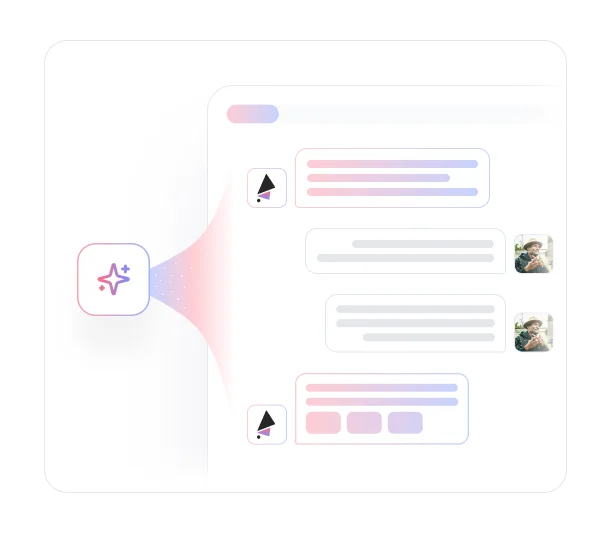
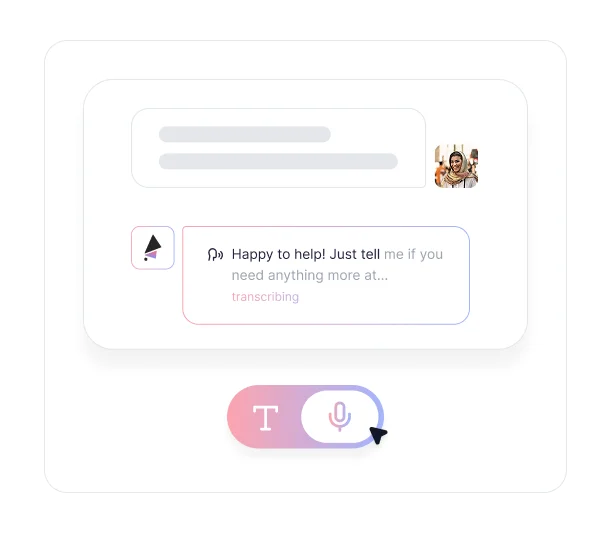

Switch between chat and voice mode
Participants interact through a chat interface by default. If you enable hands-free mode, the chat bar disappears entirely and AI speaks the tasks out loud, listening for spoken responses. A red indicator at the bottom of the screen flashes when AI is speaking, and written tasks remain visible on screen so participants can follow along. Hands-free mode is currently in beta and available in English only.

Customize how AI asks questions
Throughout the session, Teach AI context shapes how the moderator behaves. Upload documents, paste URLs, or share details about your product and your users, and AI will ask questions that reflect your goals, your terminology, and the problems you're actually trying to solve.
Key Benefits
Discover what you can do with AI Test Moderator.

Get Moderated Research Depth Without a Human Moderator
Traditional moderated testing requires scheduling sessions, managing facilitators, and watching every recording yourself. AI Test Moderator handles every session on your behalf, guiding participants through tasks, asking intelligent follow-ups, and capturing everything, so you can run research at a pace that actually keeps up with your product development.

Probe Deeper When Users Get Stuck
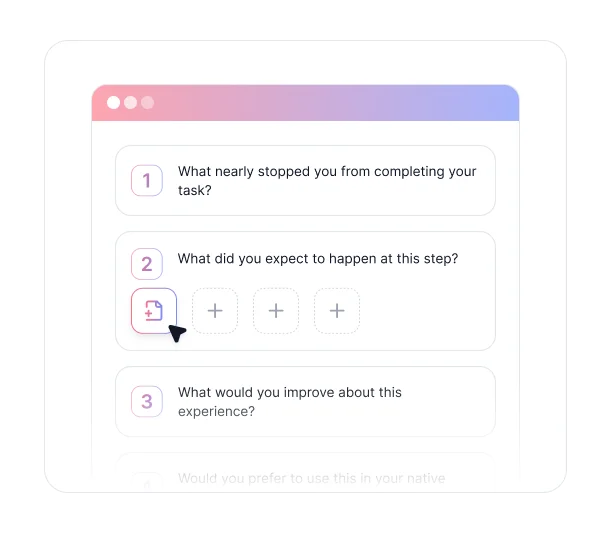
When a participant hesitates, backtracks, or shows signs of confusion, AI Test Moderator asks follow-up questions in the moment. You find out not just where users got stuck, but why, giving you the kind of qualitative depth that unmoderated testing rarely produces.

Run Tests at Scale, Simultaneously
There is no limit on how many sessions AI can moderate at once. Whether you are running five tests or five hundred, every participant gets the same attentive, consistent moderation experience. No bottlenecks, no scheduling conflicts, no sessions waiting in a queue.

Make AI Sound and Act Like You
Teach AI about your product, your users, and your business goals before you run a test. The moderator uses that context to ask more relevant questions, stay on topic, and interact with participants in a way that reflects what you actually want to learn. The more context you provide, the more the AI acts like a well-briefed member of your team.

Offer a Fully Hands-Free Testing Experience
Enable hands-free mode for participants who prefer a fully voice-driven experience. AI speaks every task out loud and listens for spoken responses, creating a natural back-and-forth that removes the friction of typing mid-task. This is especially useful for tests where you want participants focused entirely on the screen in front of them.
Ready to scale your user testing without the scheduling?
See what customers say about our AI user testing platform





FAQs
When a participant starts a test, AI leads them through your tasks in sequence while recording their screen and voice. It reads questions, listens to responses, and adapts based on what it observes. If a participant hesitates or shows confusion, it asks follow-up questions before moving on, the same way a skilled human moderator would.
Hands-free mode removes the chat interface entirely. AI speaks tasks out loud and listens for spoken responses, creating a fully voice-driven session with no typing required. A red indicator flashes at the bottom of the screen when AI is speaking, and written tasks remain visible so participants can follow along. Hands-free mode is currently in beta and available in English only.
When you upload context about your product, your users, and your business goals, AI Test Moderator uses that information throughout the session. It asks questions that are more relevant to your specific situation, stays focused on what you want to learn, and interacts with participants in a way that reflects your team's knowledge and priorities.
Yes. When the AI detects hesitation, confusion, or unexpected behavior, it probes deeper with follow-up questions before moving to the next task. This is one of the key differences between AI-moderated testing and standard unmoderated recording, where participants move through tasks with no real-time adaptation.
There is no cap on simultaneous sessions. AI can moderate any number of tests at once, so you are never waiting on sessions to finish before new ones can start.
Anything accessible through a browser on a laptop or desktop computer. This includes live websites, staging environments, and Figma prototypes. Mobile app testing is not currently supported.
No. Participants join through a browser link and share their screen and microphone directly in the browser. There is nothing to install or configure.
Every session moderated.
No effort required.
AI Test Moderator guides participants through tasks, probes deeper when users get stuck, and runs as many sessions as you need at once. Set it up once and let AI do the rest.


TheySaid User testing recommends questions, delivers via your existing channels, engages your audience,and summarizes results through AI user testing, surveys, and interviews.
.svg)


