User Testing
Comparing AI Features of the Best User Testing Tools: The Complete 2026 Guide
by
Chris
|
Aug 28, 2026

Surface-level metrics tell you something is wrong. They rarely tell you why. High drop-off rates, poor feature adoption, and rising support tickets all point to usability problems, but traditional approaches to finding them are slow, expensive, and often shallow. Scheduled lab sessions take weeks to coordinate and limit you to a handful of participants who know they're being watched. That awareness changes how people behave. Meanwhile, your real users (the ones who quietly give up) never get asked what went wrong.
Manual analysis compounds the problem. Watching hours of session recordings to find usability pain points is time-consuming enough that teams skip it or skim it, which means critical issues get missed before development commits to the next sprint.
TheySaid makes usability testing insights continuous and automatic.
Instead of coordinating research sessions around sprint cycles, you deploy AI-moderated user tests that run on your schedule, reach real users in their natural environment, and surface friction patterns without anyone watching hours of video.

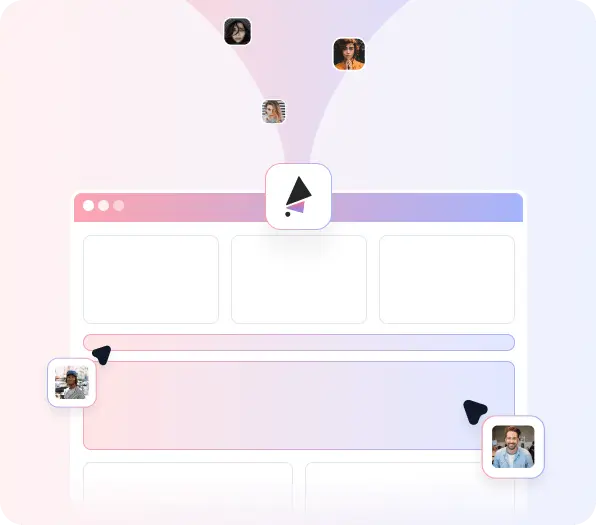
Share a URL, whether it's a live product, staging environment, or Figma prototype, and real users navigate it while AI records their screen and voice. You see actual user behavior insights without artificial lab conditions influencing how people act.
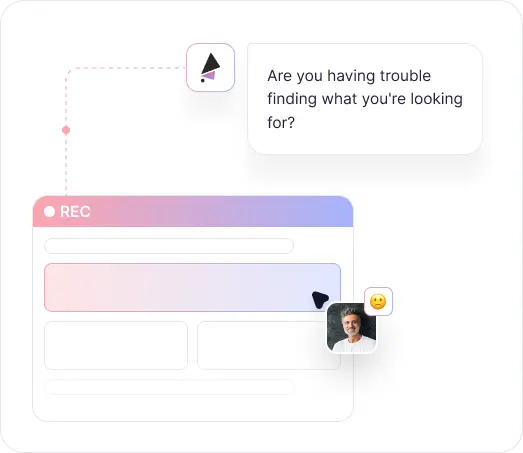

When a user hesitates, backtracks, or skips something important, AI recognizes it and asks why. These in-session follow-ups turn observed behavior into explained behavior, revealing the reasoning behind every usability friction point that screen recording alone can't capture.

AI analyzes sessions as they complete, grouping recurring issues by theme and frequency. Instead of watching individual recordings, you see which usability testing results show up consistently across users, so you know what's worth fixing before anything else.
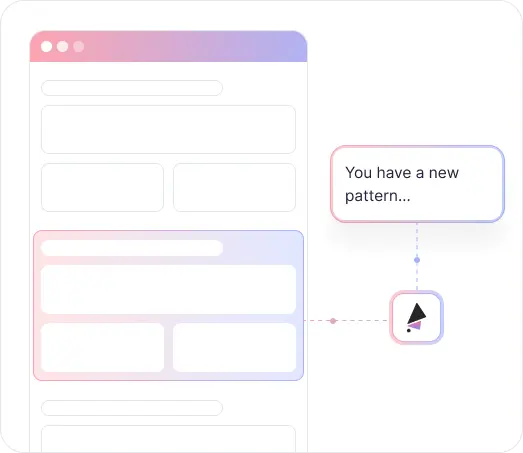

Launch a usability test in minutes and start seeing results the same day. No scheduling, no lab booking, no week-long analysis cycles. Usability improvement testing becomes something teams can run continuously rather than squeezing into quarterly research sprints.
.avif)
Capture complete user sessions with both screen activity and voice commentary. See every click, scroll, and hesitation while hearing users explain their thinking in real time.
.avif)
AI guides users through your test plan and asks contextual follow-ups when it detects confusion or unexpected behavior. This produces the kind of usability research insights that passive recording misses.

Jump directly to specific moments in any session. Review the interactions that matter without watching full recordings from start to finish.

AI surfaces recurring themes and friction points across all sessions automatically. Understand which usability problem detection findings are isolated incidents and which ones affect most of your users.

Reach your actual target audience through email, website embeds, QR codes, or TheySaid's panels. Test with people who match your real user demographics rather than relying on internal testers or professional panels.

Coordinating moderated sessions, recruiting participants, and manually reviewing recordings means usability problems get discovered after the window to fix them cheaply has already closed.

Analytics show where users drop off but not why. You know something is broken; you don't know what users were trying to do or what confused them.

Budget and scheduling constraints limit most usability studies to 5–8 participants, making it hard to know whether findings reflect patterns or individual quirks.

Usability testing happens in dedicated research sprints disconnected from day-to-day product decisions, which means teams ship based on assumptions between studies.

Extracting usability testing feedback from session recordings is time-intensive enough that insights often don't reach designers and developers until it's too late to act.


Launch tests in minutes and receive AI-analyzed results as sessions complete. Usability problems surface while they're still inexpensive to address.

Screen recording shows what users do. AI follow-up questions reveal why. You get complete user friction analysis that connects behavioral data to user intent.

Test with multiple users quickly across different segments. Plans support 5 to unlimited tests per month, so sample size is no longer a constraint.

Run usability testing optimization alongside regular development cycles rather than reserving it for quarterly research. Catch problems as they're introduced, not after they ship.

AI identifies which usability issues appear across the most sessions, so teams know exactly where to focus without manually coding hours of video.





Learn how product teams use TheySaid's usability testing use cases and UX research use cases to validate prototypes, optimize features, test pricing strategies, and gather user feedback before shipping to customers.
Learn how product teams use TheySaid's usability testing use cases and UX research use cases to validate prototypes, optimize features, test pricing strategies, and gather user feedback before shipping to customers.
You can test any web-accessible product: live websites, web applications, staging environments, Figma prototypes, and password-protected beta versions. If a user can access it through a browser, TheySaid can test it.
Passive screen recording captures what users do but not why. When AI detects hesitation, backtracking, or unexpected navigation, it asks follow-up questions in real time. This turns observed behavior into explained behavior, revealing the reasoning behind usability problems that session recordings alone can't surface.
Most teams identify their primary friction points after 15–20 sessions. Testing across multiple users gives you confidence that patterns are real product issues rather than individual preferences, which is something traditional 5–8 person studies make difficult to confirm.
Yes. Define the task flows or scenarios you want to evaluate, and AI guides each user through them while recording interactions. This keeps testing focused on the workflows where usability problems have the most impact.
Video recordings are available immediately after each session. AI analysis highlighting patterns and recurring friction points across sessions is available within hours, not weeks.
Surveys tell you how users feel about your product. Usability testing shows you how they actually use it. TheySaid captures both—behavioral screen recording combined with AI-moderated voice conversation—so you get the behavioral data and the reasoning behind it in one session.
No. Users join through any web browser and grant permission for screen and microphone sharing when the session begins. There's no software installation or account creation required on the participant side.
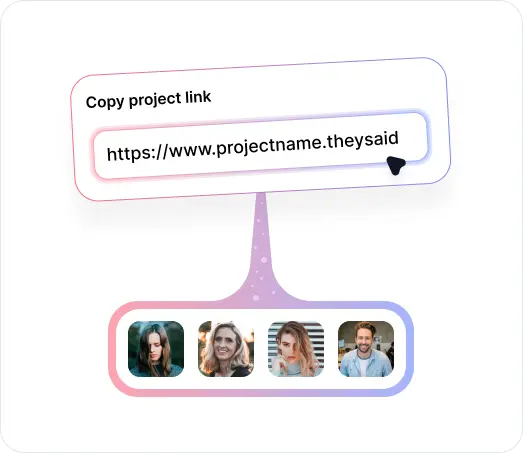
Share test links via email to existing users or beta lists, embed on your website, post on social media, or recruit from TheySaid's panels to reach specific demographics that match your target audience.




TheySaid User testing recommends questions, delivers via your existing channels, engages your audience,and summarizes results through AI user testing, surveys, and interviews.
.svg)