User Testing
Comparing AI Features of the Best User Testing Tools: The Complete 2026 Guide
by
Chris
|
Aug 28, 2026

Traditional prototype testing software creates friction at every step. You schedule costly moderated sessions over Zoom that take weeks to coordinate and hours to run, limiting how many users you can test with before deadlines force you to ship. Participants navigate artificial facilitated environments that don't reflect real-world usage, skewing results toward superficial feedback. Manual analysis requires watching hours of recordings to extract insights, making teams anxious about missing critical UX issues buried in lengthy videos. Your prototype testing data also lives isolated from other research, preventing you from seeing patterns across prototypes, surveys, and user interviews that would inform better design decisions.
TheySaid eliminates prototype usability testing friction while amplifying insights.
Rather than struggling with scheduling, Zoom calls, and fragmented data, you get prototype user testing that works seamlessly for real users while automatically revealing what needs fixing. This approach delivers authentic design validation while eliminating the complexity that slows down product teams.

Share your Figma prototype URL and watch users navigate your designs while AI records their screen and asks follow-ups about confusion. No scheduling, no lab setup, just real people interacting with your interactive prototype testing designs.
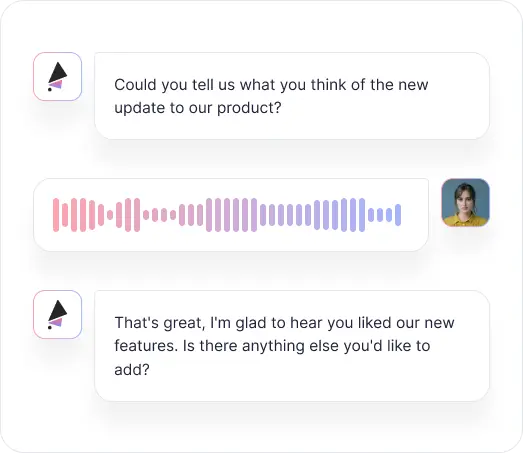

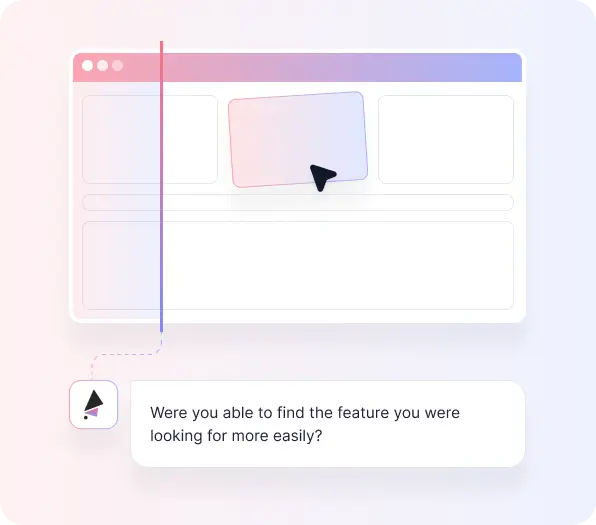
Hear users explain their thinking as they click through prototypes. AI asks probing questions that reveal whether navigation makes sense, if labels are clear, and what features they expect but don't see.

Spot confusing workflows, unclear copy, and missing functionality while designs are still easy to change. Prototype validation testing catches problems when fixes cost minutes, not sprints.
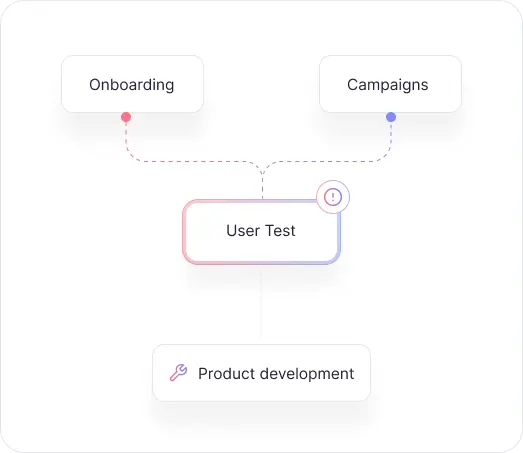
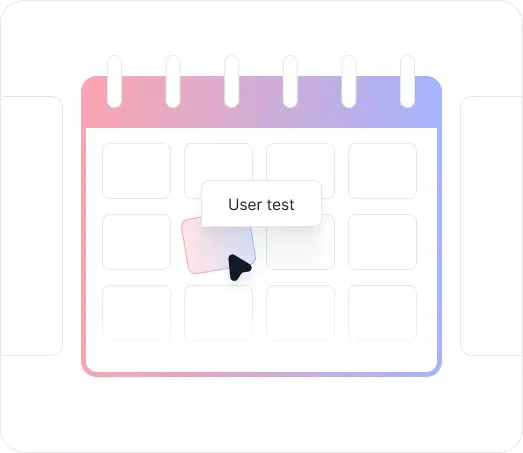

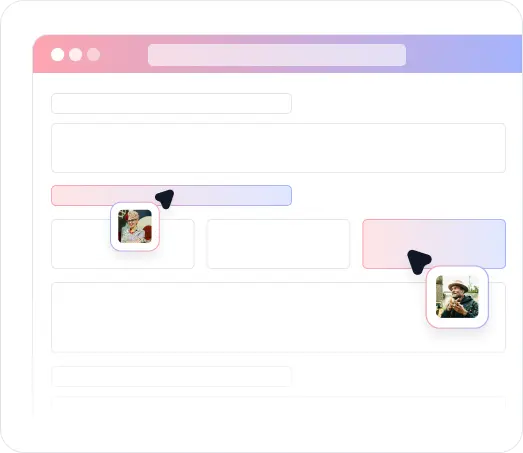
Launch prototype feedback testing sessions in minutes and start seeing user reactions the same day. AI analyzes sessions automatically, highlighting patterns across users without manual video review.

Share a link via email, website popup, QR code, or social media and recruit the users who actually represent your target audience. No panel required, no coordination overhead, just real people who reflect how your product will actually be used.
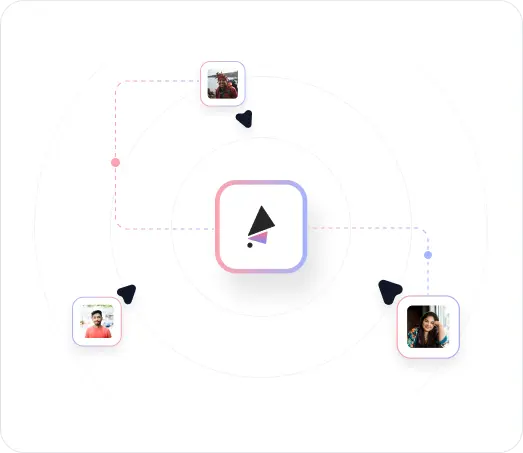
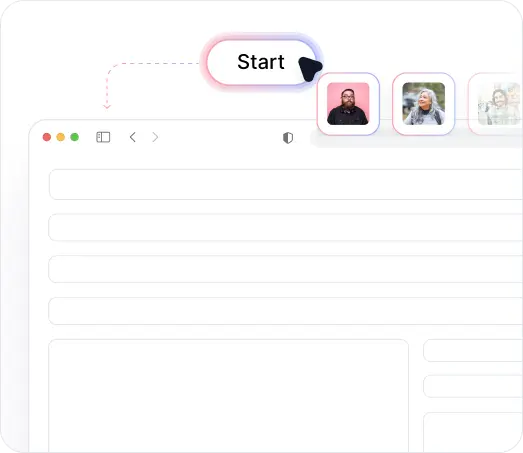

TheySaid's recording technology runs entirely in the browser. Participants click a link and start immediately, which means you can recruit your actual customers without asking them to install anything or jump through technical hoops.

Paste your Figma prototype link and users navigate your designs in their browser. Works with clickable prototypes, interactive components, and multi-screen flows without special setup.

Eliminate manual video review through automated analysis that identifies confusion patterns, navigation problems, and user expectations across all testing sessions.
.avif)
Capture complete user interactions with both screen activity and voice commentary. See exactly where users click while hearing their real-time reactions to your designs.
.avif)
Jump directly to specific design screens or questions in user sessions. Review critical moments without watching entire recordings.
Test prototypes with your target audience through email, website embeds, or TheySaid's panels. Get feedback from people who match your actual user demographics.

Coordinating moderated prototype testing sessions requires booking lab time, recruiting participants, and aligning stakeholder schedules, delaying design validation when sprint timelines are tight.

Users interact with prototypes in unfamiliar lab settings that don't reflect real-world usage, producing feedback that misses how people would actually use your product.

Extracting insights from prototype testing videos requires watching every recording to identify patterns, making teams worry about overlooking critical UX issues.

Budget and time constraints restrict prototype testing to 5-8 users, leaving teams uncertain whether designs work for their full target audience.

Prototype testing results sit separate from surveys, interviews, and analytics, preventing comprehensive understanding of user needs across research methods.


Launch AI prototype testing in minutes by sharing a Figma link. Users start testing immediately without coordination overhead.

Users test prototypes in their own environment on their own devices, revealing how designs actually work in real-world conditions.

AI extracts key findings from prototype experience testing sessions without manual video review, highlighting critical issues as tests complete.

Test with multiple users quickly, gathering comprehensive validation before committing to development. Plans support 5 to unlimited tests per month depending on your needs.

Centralize prototype feedback alongside surveys, interviews, and other research for complete user understanding.





Learn how product teams use TheySaid's usability testing use cases and UX research use cases to validate prototypes, optimize features, test pricing strategies, and gather user feedback before shipping to customers.
Learn how product teams use TheySaid's usability testing use cases and UX research use cases to validate prototypes, optimize features, test pricing strategies, and gather user feedback before shipping to customers.
You can test Figma prototypes and any web-accessible clickable prototype. Paste the prototype URL and users navigate through it while their interactions are recorded.
Users grant permission for screen recording when starting their session. The platform captures their screen activity and voice commentary as they navigate through your prototype, creating complete documentation of their testing experience.
Most teams identify critical usability issues after 15-20 testing sessions. Testing with multiple users provides confidence that patterns are real problems rather than individual preferences, which is difficult with traditional 5-8 person studies.
Yes. Create testing scenarios focused on critical workflows like onboarding, feature discovery, or checkout. AI guides users through designated task flows while recording their interactions and reactions.
Initial insights appear as sessions complete, with video recordings immediately available for review. AI analysis highlighting patterns across sessions is available within hours rather than weeks.
Video recordings with timestamps show exactly where users get confused. Designers can quickly identify issues, iterate on designs, and retest before development starts.
No. Test early-stage Figma prototypes, lo-fi wireframes, or high-fidelity mockups. The earlier you test, the cheaper it is to make changes based on feedback.
Share test links via email to beta lists, embed on your website for existing users, post on social media, or recruit from TheySaid's panels to reach specific demographics.




TheySaid User testing recommends questions, delivers via your existing channels, engages your audience,and summarizes results through AI user testing, surveys, and interviews.
.svg)