User Testing
Can Synthetic Testers Shop Like Humans? Dyson vs. Shark Case Study
by
Chris
|
Oct 27, 2026

Vibe coding tools have changed what's possible. Founders and builders can ship in hours what used to take weeks. But speed without feedback creates a silent problem: the experience you've built may be broken, confusing, or frustrating. You won't know until your analytics tell you something went wrong.
By then, real users have already hit the wall. They've struggled through a checkout that didn't make sense, bounced from an onboarding flow that confused them, or given up on a feature they couldn't figure out. Waiting for your metrics to tank before you fix something is not a strategy but damage control.
The fix is not to slow down but to add vibe feedback to your vibe coding workflow. Build, test, fix, repeat. At the same speed you already work.

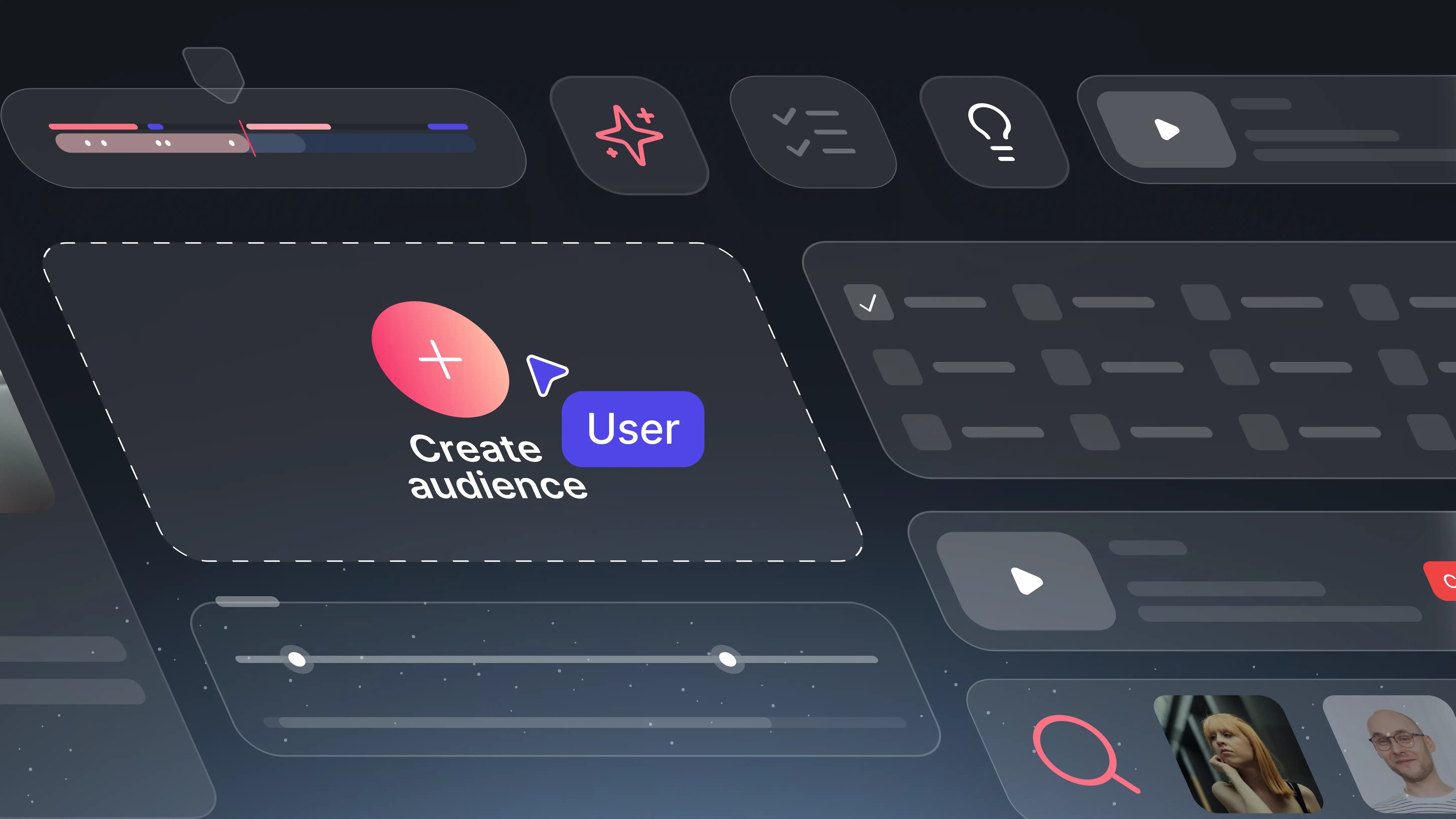
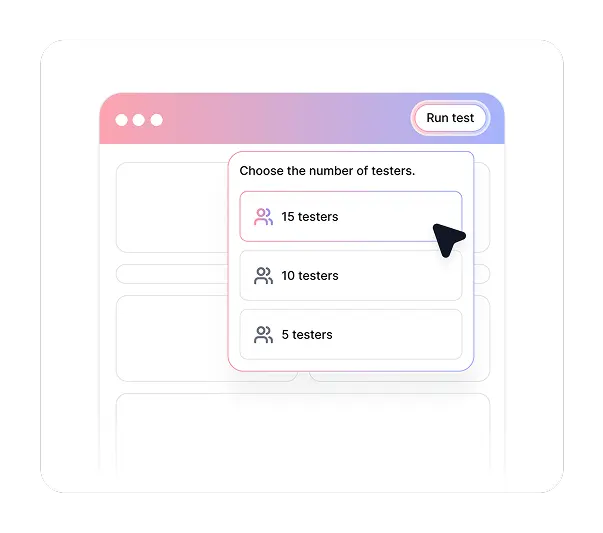
Push a button at the top of your vibe coding tool to launch a test. Tell AI how many testers you want and describe your prototype or product. No test plan. No recruiting. No setup beyond what you already know about what you built.


TheySaid's AI reviews your prototype or vibe-coded product and generates a series of tasks that real users should be able to complete. You do not write the test. AI figures out what to test based on what you built.

Your test is distributed to TheySaid's Synthetic Panel, AI testers that simulate real user behavior across your product. Sessions run immediately, without waiting for recruitment or scheduling. Results come back fast enough to act on before your next build session.


After testing, AI tells you exactly what is broken and why. Then it generates a prompt you can paste directly back into your vibe coding tool to fix the problems it found. The loop closes itself.

Initiate a vibe feedback test directly from your vibe coding tool. Describe your product and select your sample size, and TheySaid handles the rest from test creation to results delivery.

TheySaid's AI reviews your prototype or product and creates a task-based test plan automatically. Every task reflects something a real user should be able to accomplish, without you writing a single test scenario.

Tests are distributed immediately to AI testers with configurable demographic profiles and behavioral traits. No recruiting wait times, no scheduling, no panel management. Just results.

AI analyzes every session across your Synthetic Panel, identifying where users struggled, what went wrong, and which issues appeared most frequently. Problems are ranked so you know what to fix first.

After analysis, TheySaid generates a ready-to-use prompt summarizing what needs to be fixed. Paste it into Lovable, Replit, V0, or your tool of choice and let your vibe coding tool implement the changes.

Conversion rates drop, bounce rates spike, and support tickets come in. By the time the data tells you something is wrong, real users have already had a bad experience with your product.

When something is underperforming, you guess at the cause. Was it the onboarding? The pricing page? The checkout flow? Without session data, every fix is a hypothesis.

Changes to a shipped product take longer and carry more risk than changes made during the build. Every iteration after launch competes with new features for time and attention.

By the time you recruit participants and run sessions, the product has already moved on. Testing feels like a post-mortem rather than a tool for improvement.

Build, ship, wait, react. This cycle is too slow for the pace vibe coding tools make possible.


AI testing with TheySaid's Synthetic Panel catches broken flows, confusing interfaces, and missing functionality before real users ever see them.

AI analyzes every session and tells you what went wrong, where users struggled, and which issues matter most. No guessing required.

A fix made before you ship takes minutes. TheySaid keeps you fixing at build speed instead of patch speed.

While you keep building, TheySaid is testing. Results come back fast enough to inform your next iteration without slowing down your workflow.

Build, test, fix, repeat. TheySaid generates the fix-it prompt. You paste it in. Your vibe coding tool makes the changes. Done.






Learn how product teams use TheySaid's usability testing use cases and UX research use cases to validate prototypes, optimize features, test pricing strategies, and gather user feedback before shipping to customers.
Learn how product teams use TheySaid's usability testing use cases and UX research use cases to validate prototypes, optimize features, test pricing strategies, and gather user feedback before shipping to customers.
Vibe feedback is the testing step between building and shipping. After you vibe code a product or prototype, TheySaid tests it with AI testers, identifies what is broken, and gives you a prompt to paste back into your vibe coding tool to fix the problems. The result is a build-test-fix loop that runs at the same speed as your development workflow.
TheySaid works alongside any vibe coding tool including Lovable, Replit, V0, Figma, and Make. You launch the test from your tool, get the results and fix-it prompt from TheySaid, and paste it back in to implement changes.
The Synthetic Panel is TheySaid's coming soon AI tester feature. AI testers with customizable demographic profiles and behavioral traits complete your test immediately after launch, simulating how real users interact with your product. No recruiting, no scheduling, no wait time.
No. You describe your prototype or product to TheySaid and AI generates the task-based test plan automatically. It identifies what users should be able to accomplish and builds the test around those tasks without any input from you beyond a description of what you built.
Because the Synthetic Panel uses AI testers rather than recruited participants, results come back fast enough to act on before your next build session. There is no recruiting wait, no scheduling delay, and no manual analysis required.
The fix-it prompt summarizes what AI found across all test sessions: which tasks users failed, where they got confused, what was missing, and what needs to change. It is written to be pasted directly into your vibe coding tool so you can implement the fixes without translating research findings yourself.
Yes. TheySaid supports both. Use the Synthetic Panel for fast preliminary validation during your build cycle, then recruit real users from TheySaid's panel of 5M+ participants or your own audience for final validation before launch.
Anything accessible through a browser on a desktop or laptop, including live products, staging environments, and Figma prototypes. If you built it with a vibe coding tool and it runs in a browser, TheySaid can test it.