
Bring your existing surveys into TheySaid in minutes

How It Works
Import your surveys and go live in minutes — no rebuild required.

Start your import
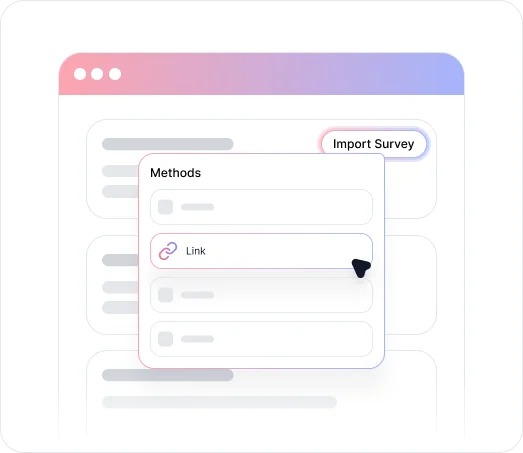
Click “Import” from your AI Projects page and choose your preferred method: paste a published survey link or upload a document.

Import from your existing tools
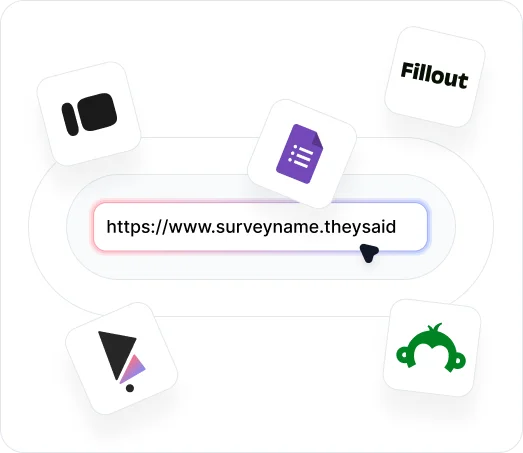
For link-based imports, TheySaid connects directly to surveys from Fillout, SurveyMonkey, Typeform, Google Forms, and TheySaid. For Qualtrics, export your survey as a Word document before uploading. Document uploads support .pdf, .doc, .txt, and .csv formats, and TheySaid’s AI automatically identifies your questions and answer options.

Review and publish
Once the import is complete, review your questions in the Questions tab, adjust settings as needed, and publish when ready. If no title is detected, AI generates one based on your questions.
Key Benefits
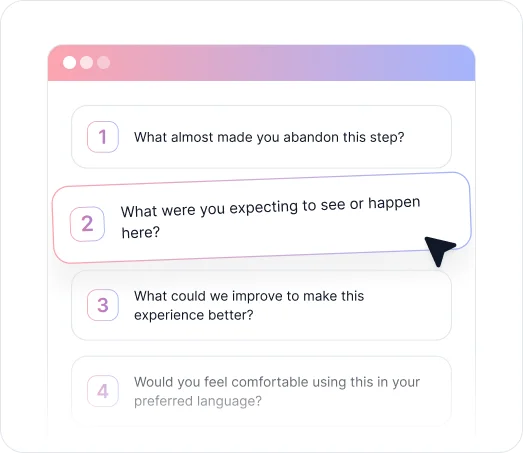
Discover what you can do when you import surveys into TheySaid.

Skip the Rebuild, Keep the Questions
Import existing surveys you've already refined and validated. There's no need to recreate questions from scratch — bring in your proven content and move straight to configuring and publishing.

Two Import Methods to Fit Your Workflow
Paste a published URL from supported platforms or upload a document directly. Whether you're doing a full survey migration or bringing in a one-off questionnaire, the process works the same way.

Import From the Platforms You Already Use
TheySaid connects directly to SurveyMonkey, Google Forms, Typeform, Fillout, and Qualtrics, as well as other TheySaid workspaces. If your survey lives there, you can bring it here.

AI Generates a Title When One Isn't Provided
If your imported file doesn't include a survey title, TheySaid's AI creates one based on the questions it detects. You can rename the project at any time after import.

Review and Configure Before You Publish
After importing, every question lands in the Questions tab for review. Adjust settings, enable AI follow-ups, and verify everything looks right before your survey goes live.
Turn your existing surveys into smarter experiences
See what customers say about our AI user testing platform





FAQs
TheySaid supports link-based survey import from Fillout, SurveyMonkey, Typeform, Google Forms, and TheySaid. For Qualtrics, export your survey to a Word document and upload the file instead. The survey must be published before TheySaid can access it via link.
Import survey data via document upload supports .pdf, .doc, .txt, and .csv files. TheySaid's AI scans the document, identifies your questions and answer options, and imports them into a new project.
Publish your survey on the source platform and copy the public URL. In TheySaid, click "Import" on your AI Projects page, paste the link, and click "Continue." For Google Forms, make sure sharing is set to "Anyone with the link" before importing.
Invitations expire after 7 days. If a team member doesn't accept in time, you can re-invite them from the User Management page. You can also revoke a pending invitation at any time before it's accepted.
You'll see a confirmation showing how many questions were imported. From there, review each question in the Questions tab, update any settings, and publish when ready. If no title was detected, AI generates one automatically.
Yes. Copy the published link from a project in one TheySaid workspace and paste it into the Import modal in another workspace to bring the questions across.
Import functionality brings over your survey questions and structure. For questions about importing historical response data, contact the TheySaid support team.
Start with what you already have
Import your surveys and let AI transform them into smarter, ready-to-publish experiences.


TheySaid User testing recommends questions, delivers via your existing channels, engages your audience,and summarizes results through AI user testing, surveys, and interviews.
.svg)


