



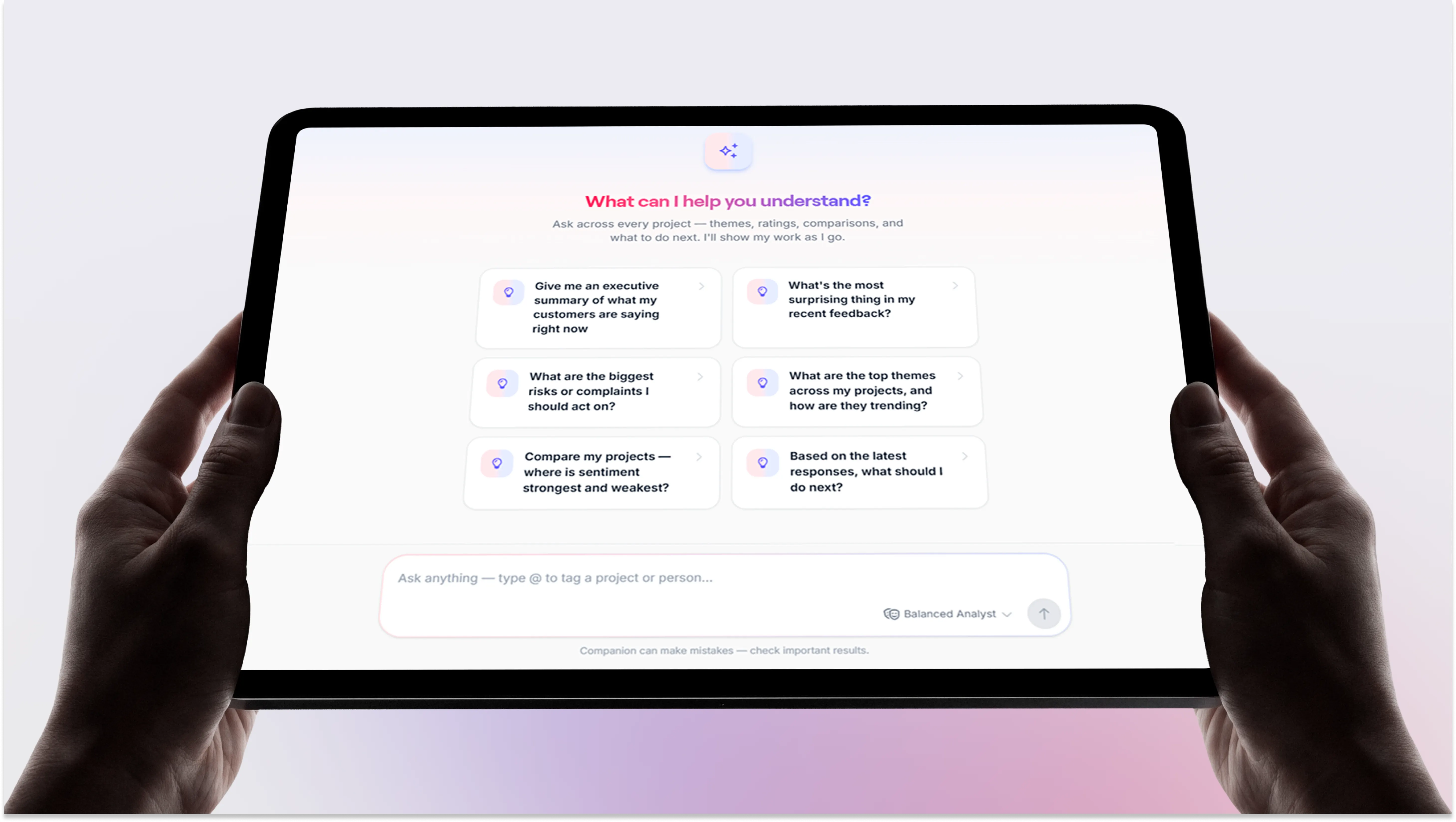
Meet AI Companion
We've spent some time thinking about a problem that's been bugging us: AI has completely changed how people design and how people code. You ask, it builds. But when it comes to actually knowing whether that design or that feature works for real customers, teams are still stuck doing it the old way: opening project after project, scrolling through responses, trying to remember which one had the quote you needed.
That's what AI Companion is for.
What it actually is
AI Companion is a chat sidebar and a new homepage, both built right into TheySaid. Log in, and it's the first thing you land on: your projects, a few quick actions, and a place to just type what you're trying to figure out.
The bet we're making is pretty simple: you shouldn't have to be the one operating the tool. You tell it what you want, and it goes and does it. If you've used an AI design or coding tool recently, the feel will be familiar; this is that same idea, applied to research.
A few things it can do right now
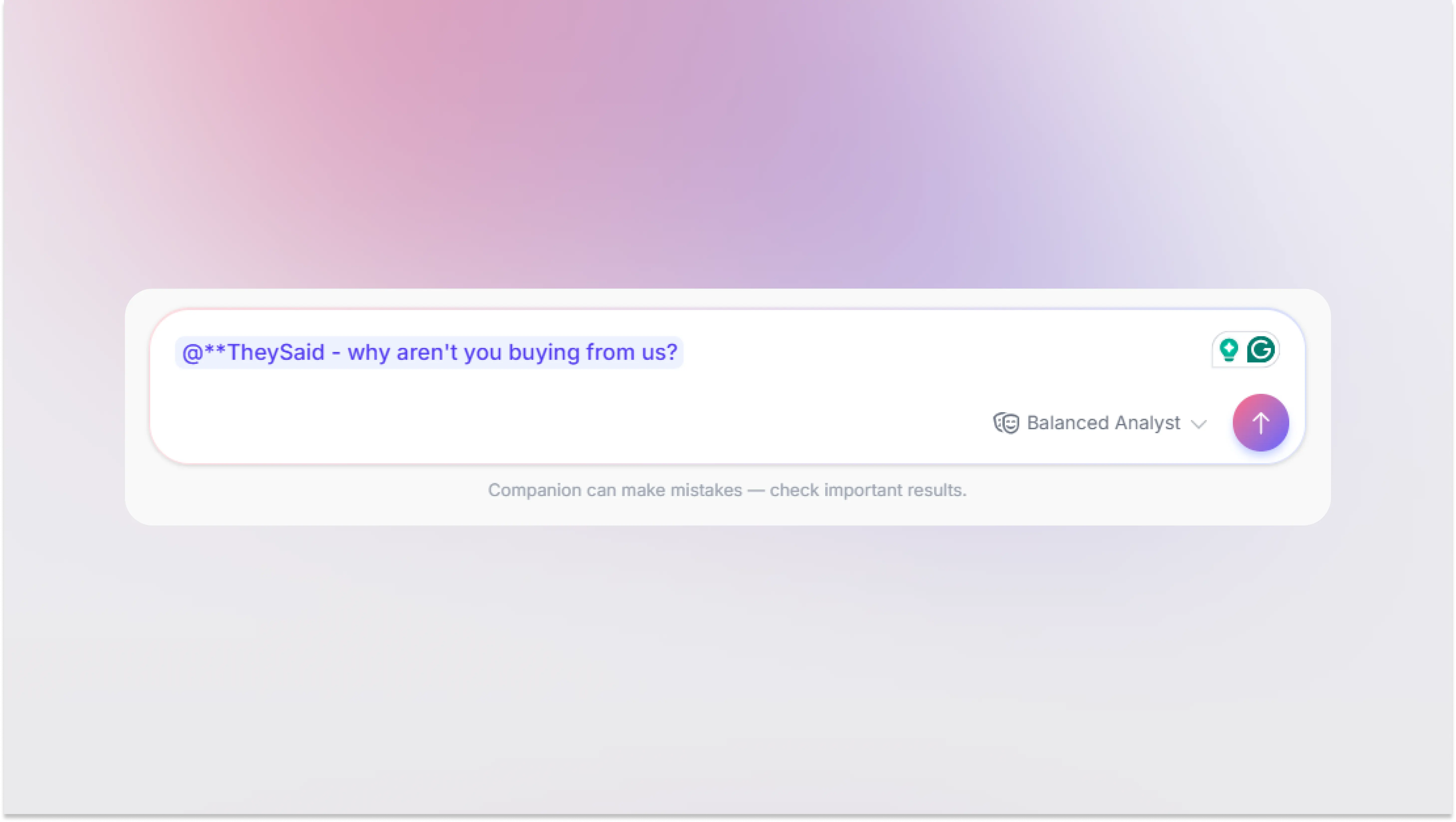
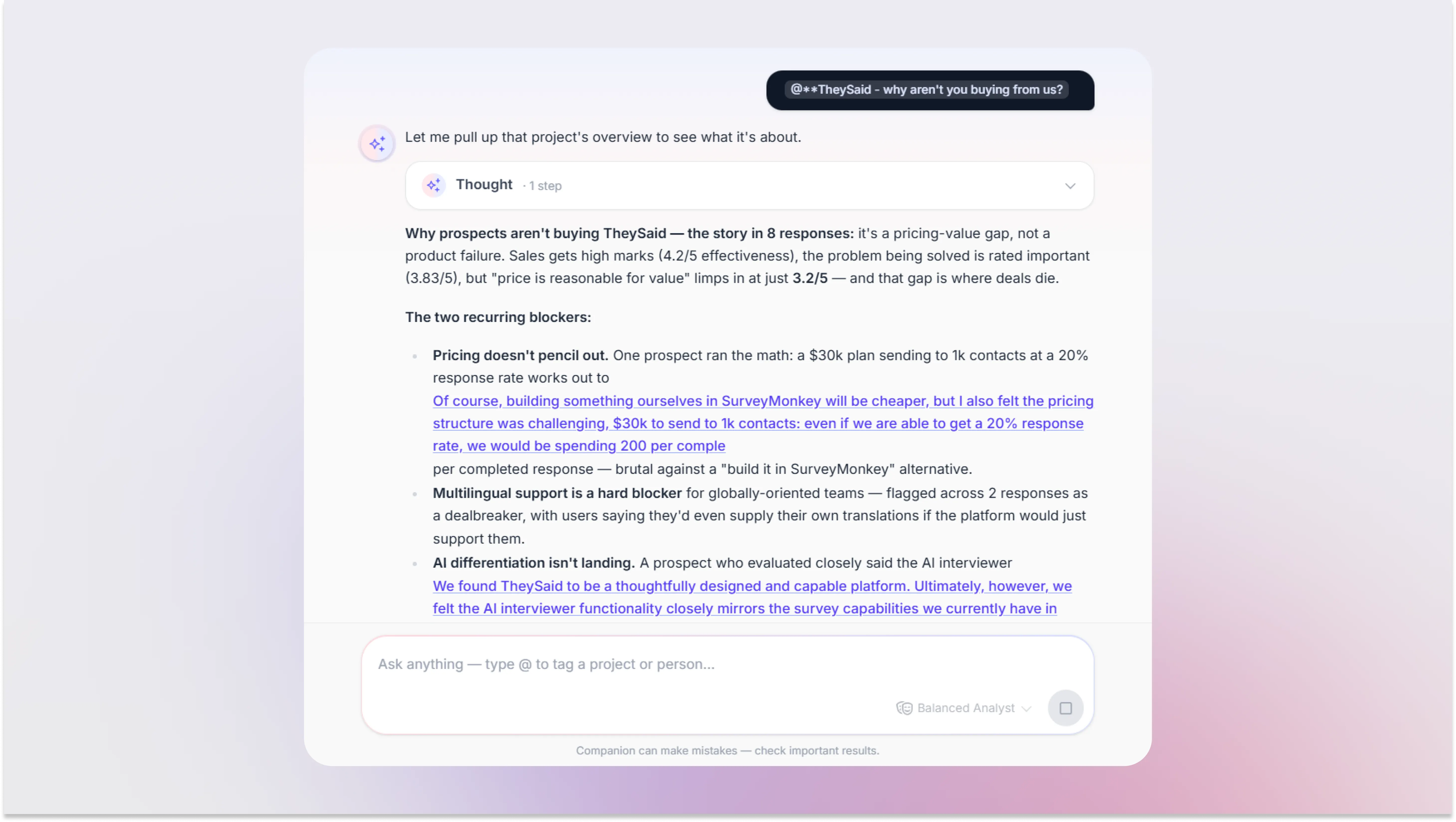
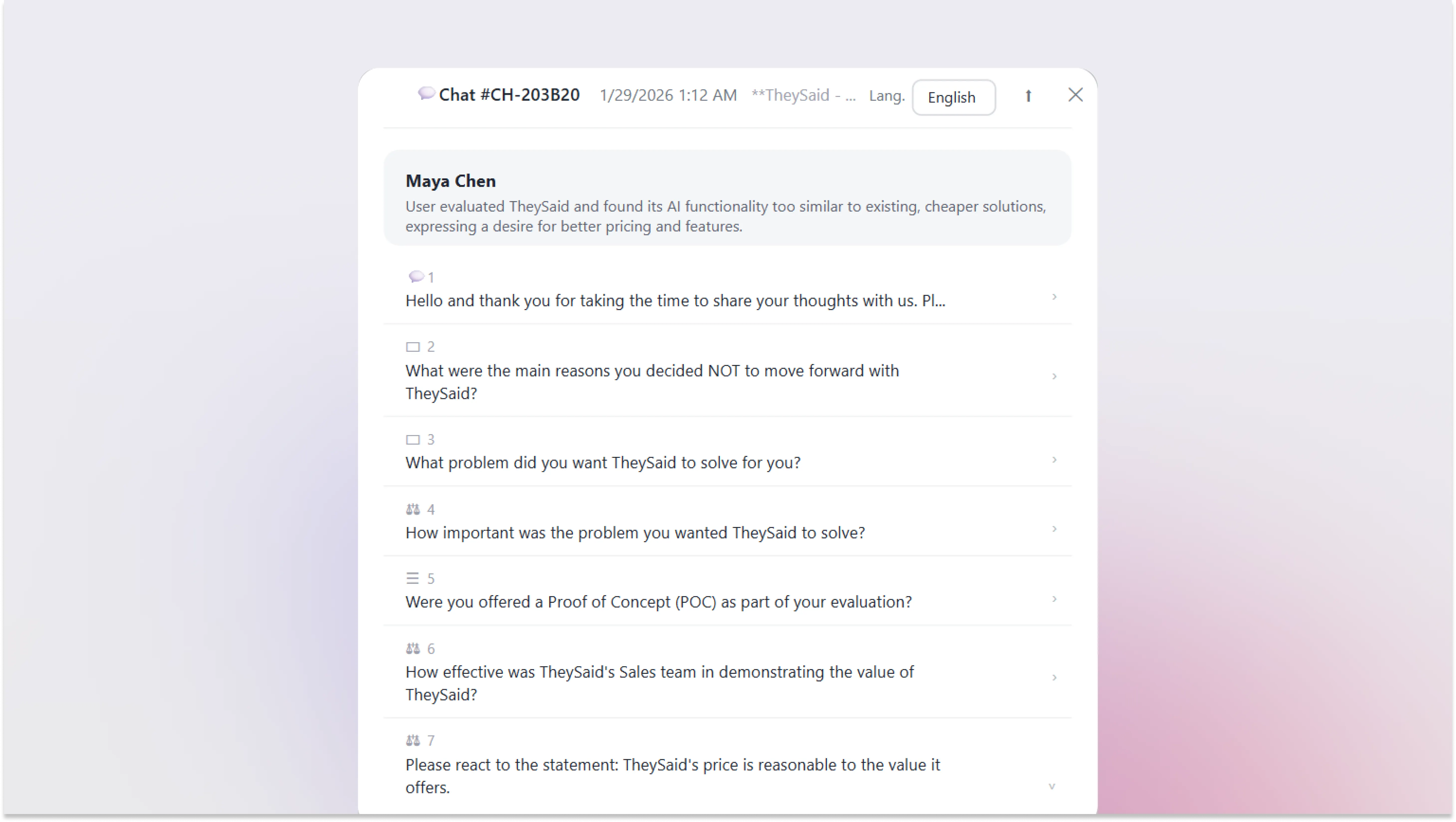
Answer questions about a project. Tag a project and ask something like "why are customers not purchasing from us?" It'll actually read through the responses and give you a real answer, not a summary of a summary.
Show its work. You can watch it think which projects it's looking at, which responses it's pulling from and click straight through to the original quote. We built it this way on purpose. An answer without a source isn't that useful to a researcher.
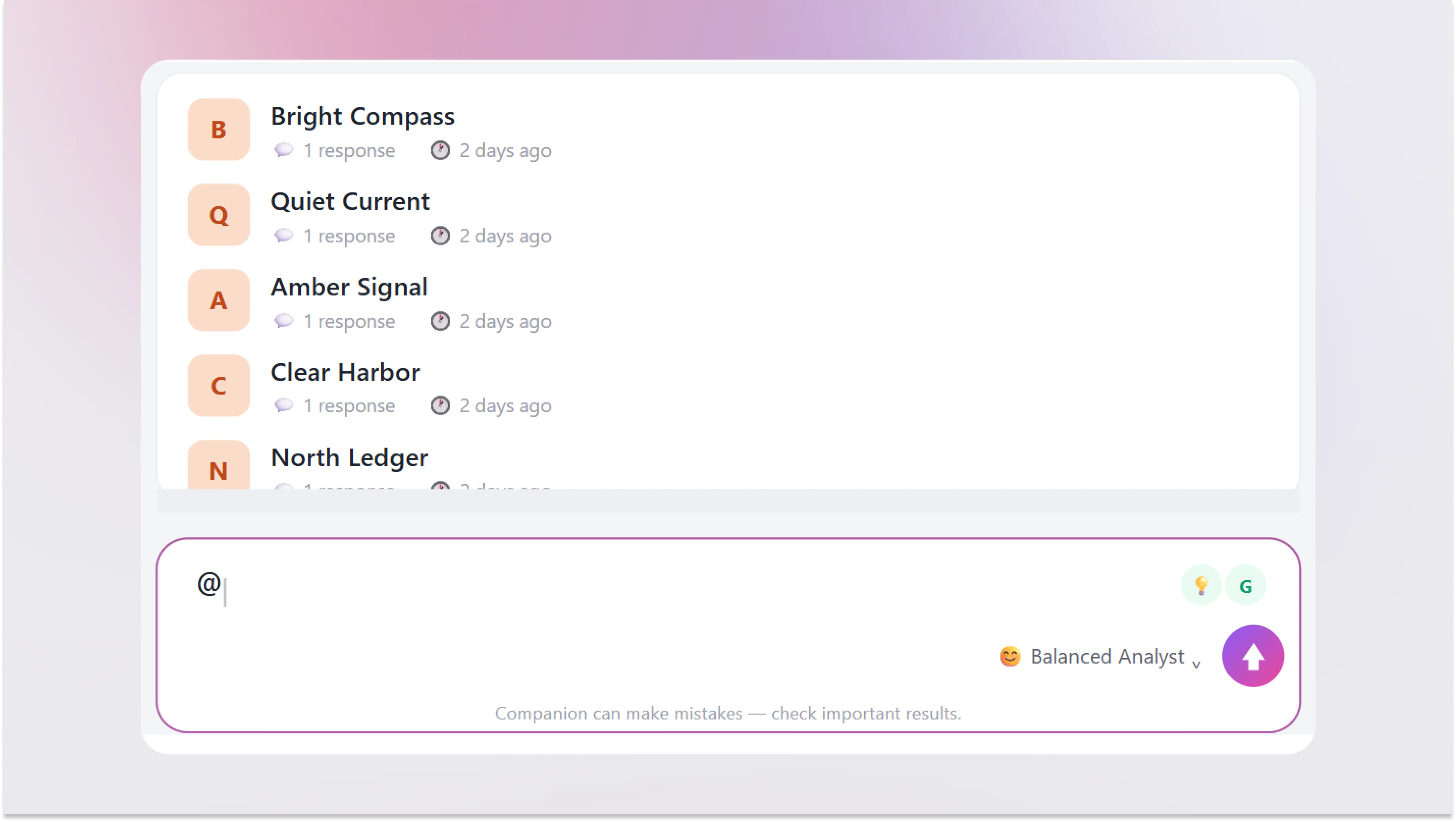
Zoom in on one person. Mention a tester by name in the same thread and ask what they said, or how they compare to everyone else. Nothing resets the conversation stays put so you can come back to it next week and keep going.
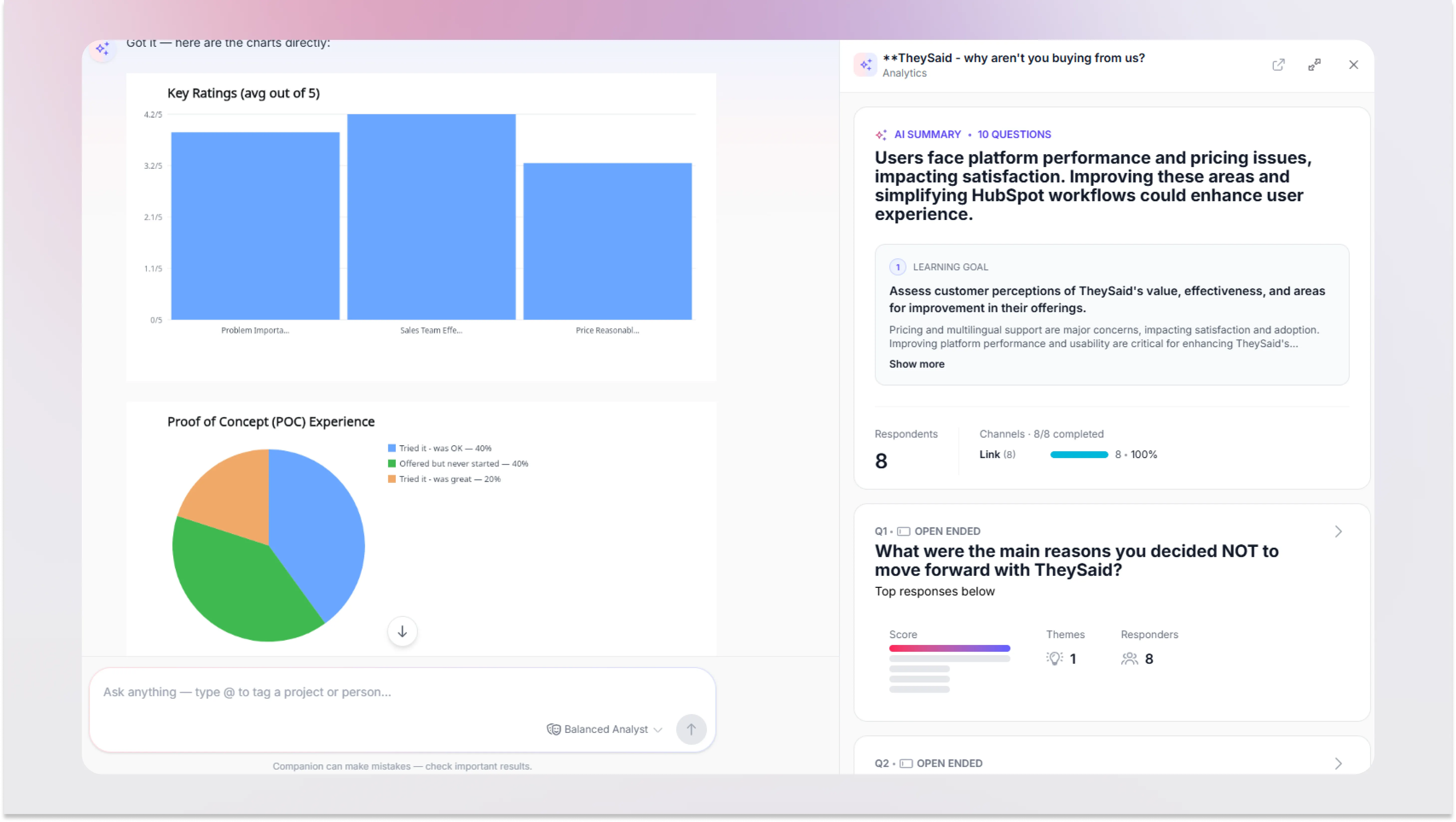
Build the output for you. Charts, summaries, action items- ask, and it makes them, instead of you exporting data and formatting a deck yourself.
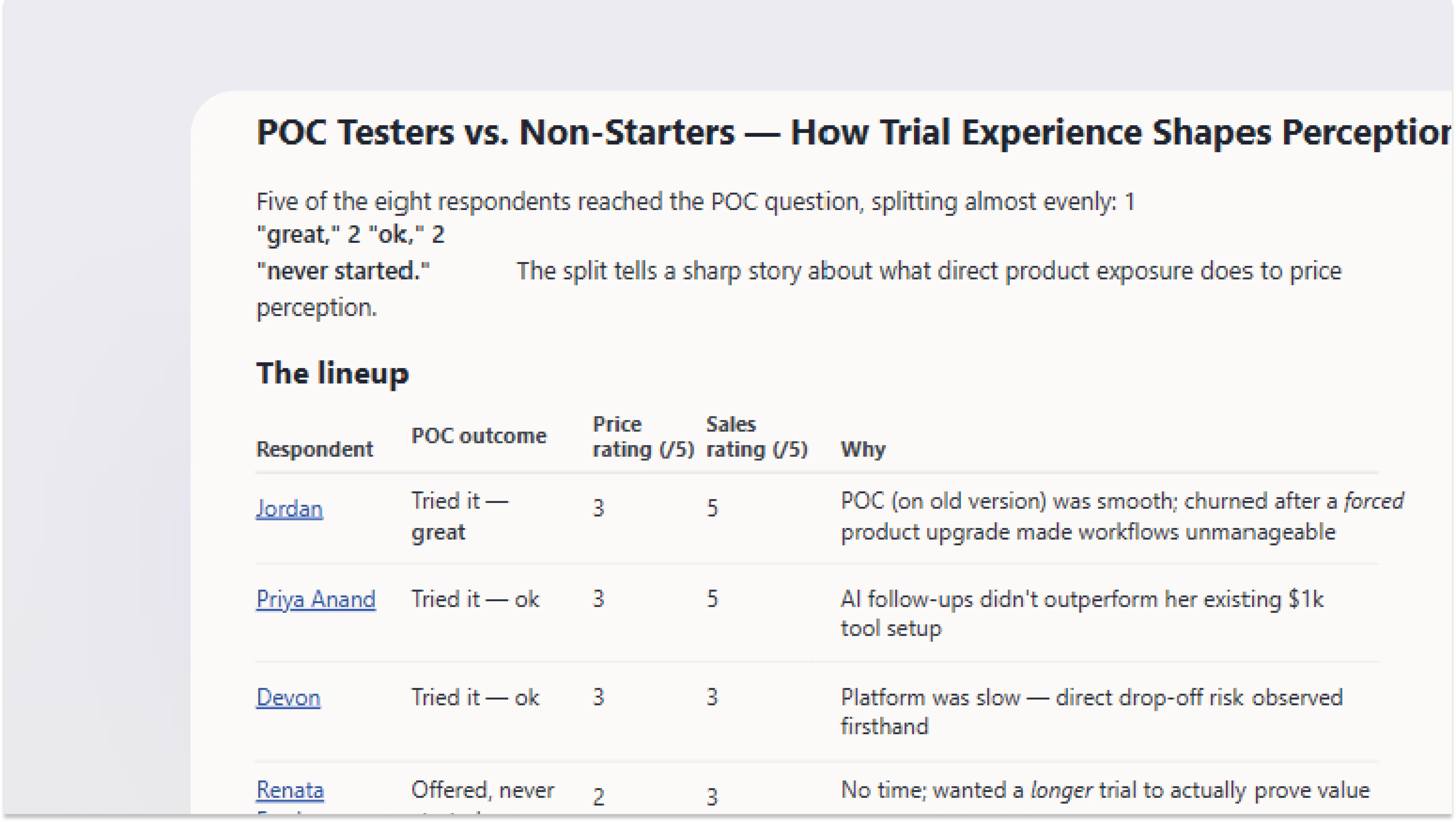
Help you figure out who's worth keeping. If you run an ongoing testing community, you know how much time goes into deciding which responses are actually good. AI Companion can flag which ones look high quality and which don't, and explain why.
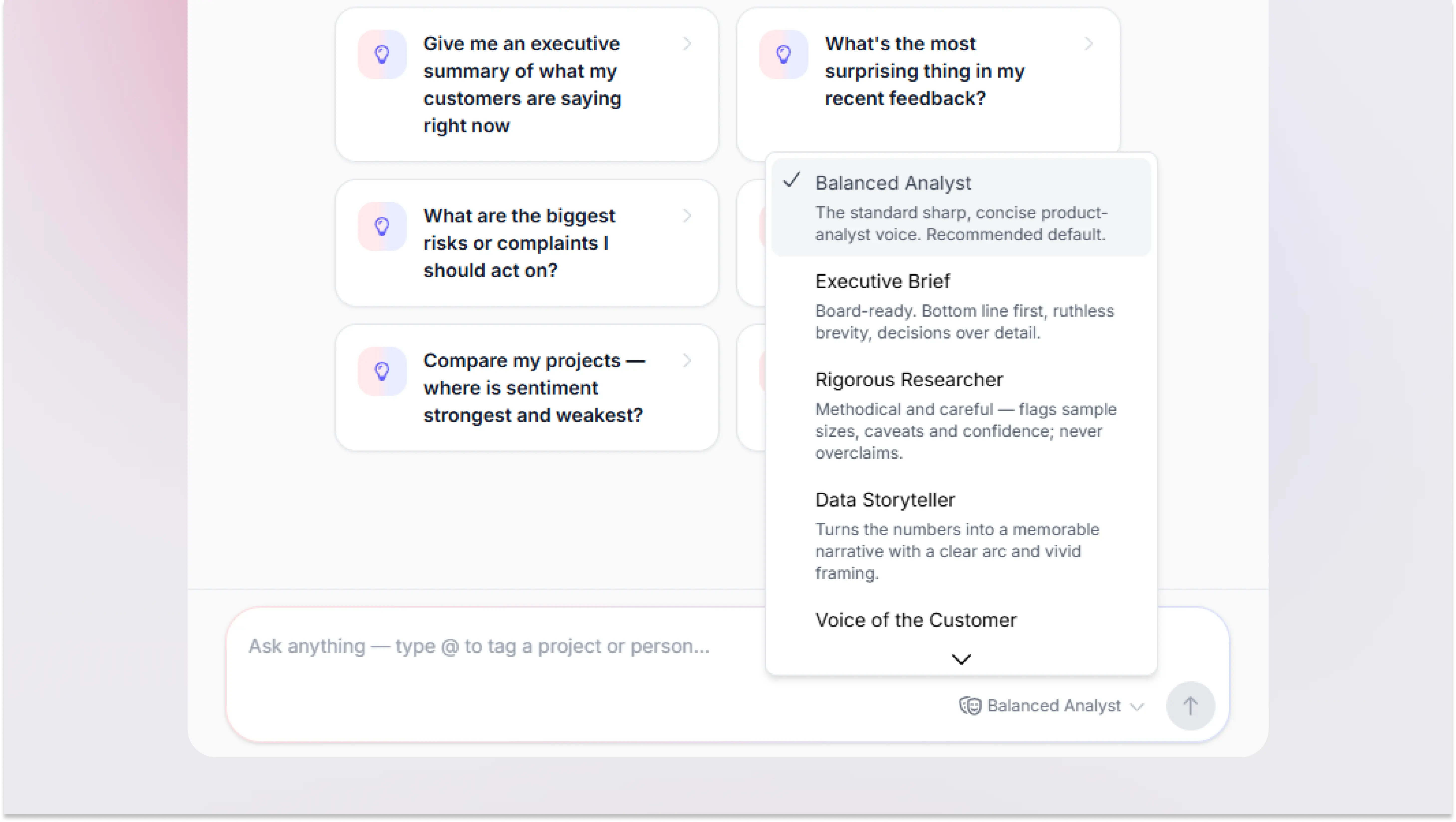
Make it feel like yours
There are a few different voices to choose from if the default tone isn't your thing, plus some built-in prompts so you're not starting from a blank box.
Try it
This is our first version, and we're already working on what's next. Log in to TheySaid and give it a try.


.svg)


