User Testing
Comparing AI Features of the Best User Testing Tools: The Complete 2026 Guide
by
Chris
|
Aug 28, 2026



Mobile users are unforgiving. When a flow is confusing or a feature is buried, users do not file a support ticket. They close the app, leave a one-star review, or switch to a competitor. By the time your retention metrics signal something is wrong, the pattern has already compounded across thousands of sessions.
Traditional mobile usability testing was not built for the pace mobile development demands. Lab sessions take weeks to schedule. By the time findings land in front of the team, the next release has already shipped and the window for low-cost fixes has closed.
Mobile app testing tools that run in the browser let you reach real users on their own devices through a shared link. AI moderates every session, captures screen activity and voice, and surfaces what went wrong while your team still has time to act.

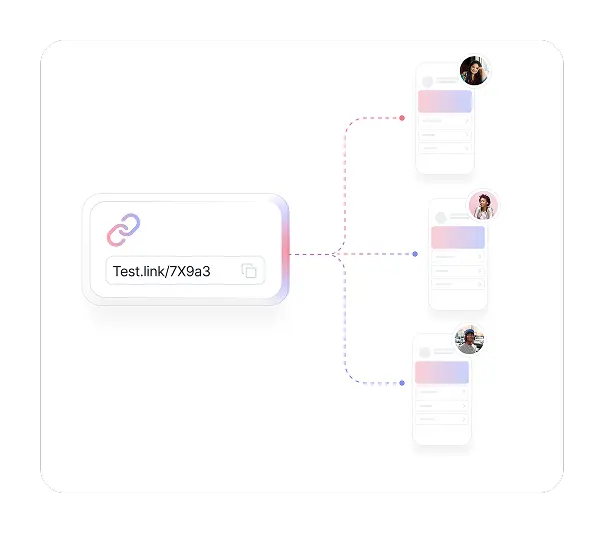
Share a link via email, SMS, in-app message, or social media and participants complete sessions on their own phones in their own environment. Mobile UX testing with TheySaid captures how real users behave on their actual devices under real conditions, not in a lab setting that strips away the context that shapes mobile behavior.
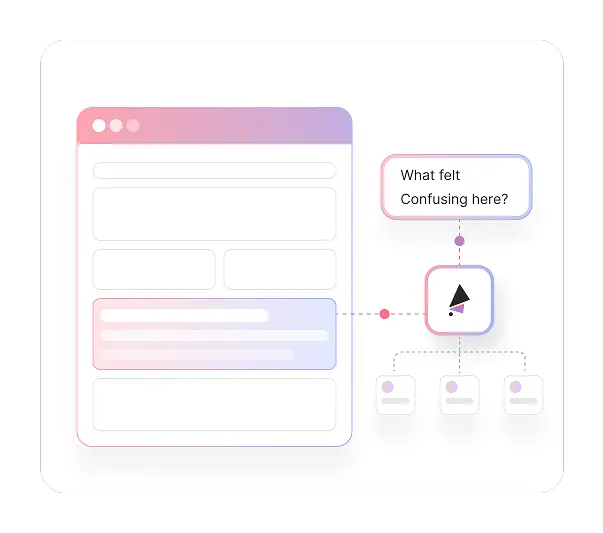

TheySaid's AI guides participants through your defined task flows, listens for hesitation and confusion, and asks intelligent follow-up questions in real time. Whether you are running five sessions or five hundred, every participant gets the same consistent moderation while you focus on other work.

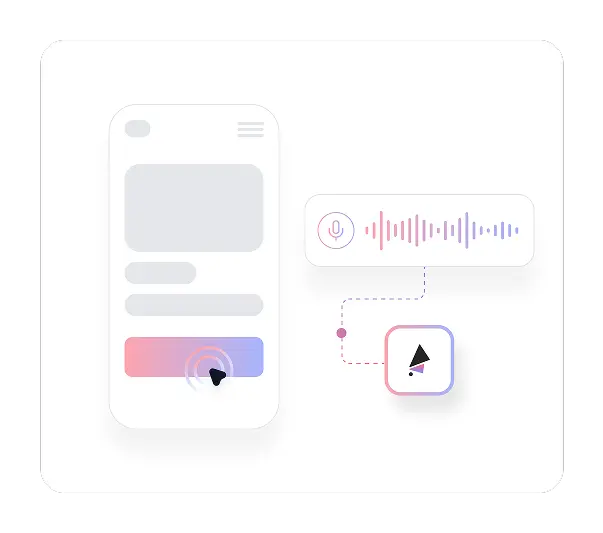
Screen recordings show you what users do. Voice commentary tells you why. Participants speak their thoughts aloud as they navigate your app, and AI asks probing follow-ups when it detects friction or unexpected behavior. You get the reasoning behind every tap, every swipe, and every moment of confusion in your mobile user experience testing.
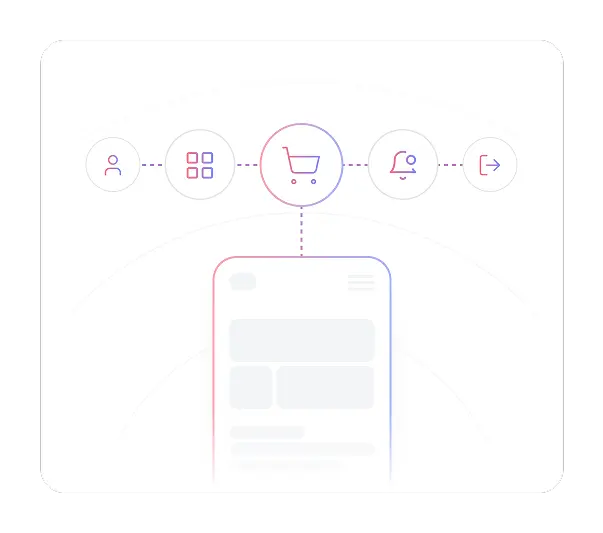

Run app usability testing across any critical flow: onboarding and account setup, core feature navigation, checkout and in-app purchase, notification interactions, and offboarding. AI guides participants through the tasks you define and captures what goes wrong at every step without you watching a single session live.

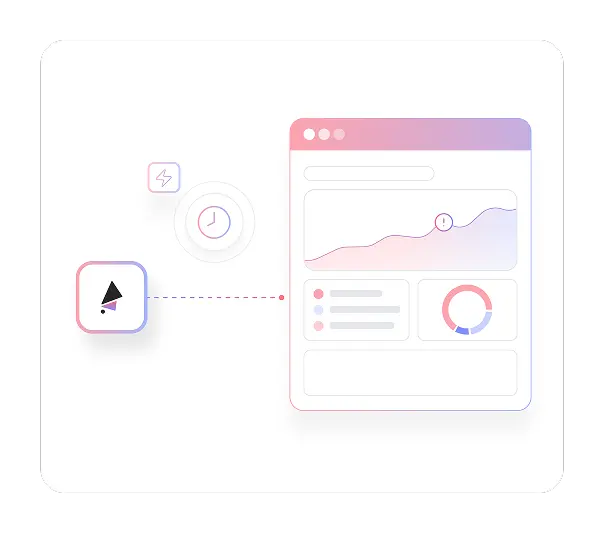
Launch a test in minutes and start seeing findings the same day. AI analyzes every session automatically, identifying recurring friction points and behavioral patterns across all participants. Most teams have a clear picture of their most critical usability issues within 24 hours of launching, fast enough to inform the current sprint rather than the next one.
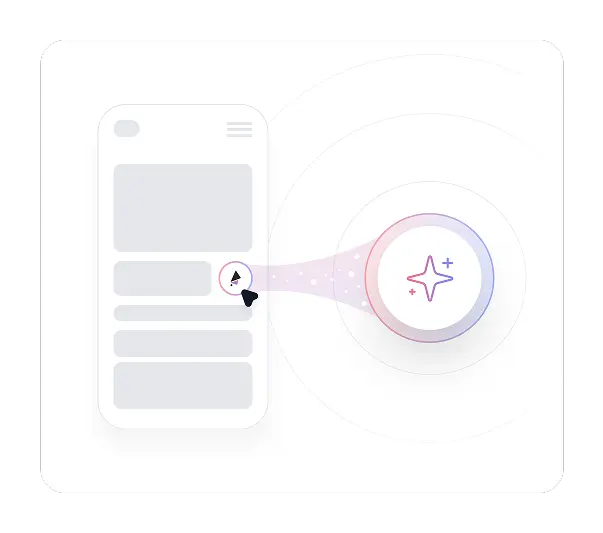

TheySaid's Synthetic Panel (coming soon) lets you run AI testers through your mobile web experience immediately, without waiting for participant recruitment. Get fast preliminary signal on your task flows and interaction patterns before committing to full user recruitment for final validation.
Stop interpreting session drop-off and abandonment rates. Watch real users navigate your app on their own devices and hear them explain in their own words what confused them or made them give up.
Book a Live Demo

Participants access test sessions through a shared link on their own device. TheySaid records their screen activity and voice commentary directly in the mobile browser, capturing the full session without requiring any downloads, app installs, or special permissions beyond standard browser access.

Set up task-based test plans that guide participants through specific flows in your mobile app. AI delivers tasks conversationally, listens to responses, and asks follow-up questions when detecting confusion or unexpected behavior, all without a human moderator present.

Participants speak their thoughts aloud during sessions. AI transcribes responses in real time and continues the conversation based on what users say. Voice captures the nuance and emotion that typed responses rarely produce, giving you richer mobile UX research from every session.

AI analyzes all sessions and surfaces the friction points, navigation failures, and behavioral patterns that appear most frequently across participants. Issues are ranked by frequency so you know which problems affect the most users and deserve the most immediate attention.

Reach your mobile users through in-app messages, email, SMS, or social media links. Recruit from TheySaid's panel of 5M+ participants with demographic and device targeting if you need specific user profiles. Use the Synthetic Panel (coming soon) for fast preliminary validation before full recruitment begins.

One-star reviews tell you users are unhappy. They rarely tell you which flow caused the problem, where it happened, or what would have made it work. You respond to the symptom without understanding the cause.

Users in a lab behave differently from users on their couch or on the subway. Controlled environments strip away the context and conditions that shape how people actually use mobile apps.

Finding participants who own the right devices and match your target demographic adds coordination overhead before any testing can begin. Remote usability testing at scale with traditional tools is expensive and slow.

Watching hours of recordings and turning observations into recommendations accumulates faster than most teams can process. Findings arrive too late to influence the decisions that needed them.

Traditional mobile testing is typically limited to five to eight participants. Patterns that affect a meaningful percentage of users get missed entirely.


Mobile app usability testing with TheySaid catches friction, navigation failures, and confusing flows while they are still in development or staging, before they reach the users who would have left a one-star review.

Participants complete sessions on their own phones in their own surroundings. The context that shapes real mobile behavior is present in every session, making findings more representative of how your app actually gets used.

Share a link and participants join on their own schedule. Unmoderated usability testing with TheySaid removes the scheduling, device coordination, and session management that make traditional mobile research so resource-intensive.

Every session is analyzed automatically as it completes. Friction points, behavioral patterns, and usability themes surface without anyone reviewing a single recording in full. Your team sees what matters most the moment sessions come in.

Run more sessions across more scenarios than traditional research allows. The more critical the release, the more participants you can test with, without a proportional increase in cost or coordination time.





Learn how product teams use TheySaid's usability testing use cases and UX research use cases to validate prototypes, optimize features, test pricing strategies, and gather user feedback before shipping to customers.
Learn how product teams use TheySaid's usability testing use cases and UX research use cases to validate prototypes, optimize features, test pricing strategies, and gather user feedback before shipping to customers.
TheySaid currently supports mobile web browser testing, which works for web apps, progressive web apps, and any experience accessible through a mobile browser. Native iOS and Android app testing that requires recording within a downloaded app is not yet supported. If your app has a mobile web version or runs in a browser, TheySaid can test it today.
Participants receive a link via email, SMS, in-app message, or any other channel you use to reach them. They open the link on their phone, grant browser permission to record screen and voice, and start the session immediately. No downloads, no app installs, and no account creation required.
Lab testing requires scheduling sessions, bringing participants into a controlled environment, and moderating each session live. TheySaid's remote usability testing reaches users on their own devices in their own environment, removes the scheduling and moderation overhead, and delivers findings automatically through AI analysis rather than manual review.
Yes. Build task-based test plans focused on the flows that carry the most risk: onboarding, core feature navigation, checkout, or any other critical journey. AI guides participants through exactly the steps you define and probes deeper when something goes wrong along the way.
The Synthetic Panel is a coming soon feature that lets you run AI testers through your mobile web experience immediately, without waiting to recruit real participants. Use it for fast preliminary validation of new flows or interaction patterns before committing to full user recruitment.
Initial insights appear as sessions complete. AI analyzes responses in real time, so themes and friction points surface as participants finish rather than after all sessions are done. Most teams have a clear picture of their biggest mobile user experience testing findings within 24 to 48 hours of launching.
Yes. Reach your existing users through in-app messages, push notifications, email, or SMS. Recruiting from your own user base means feedback reflects how your actual audience uses the app, not how panel participants who may not represent your users would approach it.



TheySaid User testing recommends questions, delivers via your existing channels, engages your audience,and summarizes results through AI user testing, surveys, and interviews.
.svg)