



User research used to move more slowly than product development. That was fine when teams shipped once a quarter. It’s not fine anymore.
Today, product teams are shipping every sprint. Features go from idea to production in days. And yet most teams are still running user testing on a timeline that takes a week to recruit, another week to schedule, and more time to synthesize, by which point the decision has already been made without the data.
UserTesting was built for a different era. It’s expensive (contracts start at $25,000+/year with no pricing on the website), it’s slow (video-first workflows mean researchers still watch every recording), and its AI is cosmetic summaries, and transcription layered on top of infrastructure that predates AI. Teams hit these walls and start looking for a better fit.
What teams actually need in 2026 is a tool that keeps pace with how fast products are being built, something that can collect and synthesize feedback every sprint, not every quarter.
How much does Usertesting cost?
UserTesting does not publish pricing on its website. All plans are sold through enterprise contracts, requiring a sales call before any numbers are shared. Based on publicly reported figures across G2, Reddit, and industry sources, here’s what teams actually pay:
- Entry-level enterprise contracts: $25,000–$30,000/year
- Mid-tier contracts for larger research teams: $50,000–$75,000+/year
- Moderated testing sessions are billed separately as additional credits
- Bring-your-own-participant (BYOP) studies carry extra fees on most plans
- Multi-seat enterprise licenses add significantly to the base cost
For comparison, the most capable UserTesting alternatives on this list, TheySaid, Maze, Lyssna, and UXtweak start at free or under $100/month, with all core features included. The cost difference is the primary reason most teams start looking for UserTesting alternatives.
The best UserTesting alternative for modern product teams
If you’re looking for a UserTesting alternative that actually matches the speed of modern product development, TheySaid is the answer.
Here’s why teams are switching:
- Affordable: Free plan with all AI features included, paid plans from $132/month. No $25,000 annual contract, no hidden credits.
- AI runs your sessions: The AI moderator probes in real time, adapts to what participants say, and synthesizes findings automatically. No researcher required to run or analyze sessions.
- Stakeholder-ready outputs: Clips and highlight reels are generated automatically and shareable directly from the dashboard. Your stakeholders get the insight, not a raw video file
- AI Testers: Run your study with simulated participants before recruiting a single real person. Catches broken flows, confusing questions, and bad logic at zero cost in minutes.
- Recruit your own users: Share via link, email, QR code, or in-app popup. No forced reliance on a panel.
- Panel access included: 5M+ participants across 70+ languages when you need it, with demographic filtering by role, industry, seniority, and geography.
- Sprint-cadence feedback: Research runs continuously in the background, so every sprint has real user insight behind it, not retrospective data from last quarter.
- Easy integrations: Slack, HubSpot, Salesforce, Jira, Zendesk, Zapier. Insights go where your team already works.
- Everything in one platform: AI user tests, AI interviews, AI surveys, AI polls, AI forms, AI pulses. One AI layer across every research method.
The result: teams using TheySaid launch with more confidence because they’ve had real user input at every stage, not just the stages where budget allowed a UserTesting study.
The rest of this guide covers 10 more UserTesting alternatives worth knowing. Each is the right tool for a specific use case, budget, or team setup.
Recommended Read: AI User Testing: The Complete Guide for Product Teams (2026)
The 11 Best UserTesting Alternatives for 2026
Not every team needs enterprise video research at $25,000 a year. These are the tools actually worth evaluating, ranked by what they do best, with honest pricing and real user feedback for each.
1. TheySaid — Best Overall AI-Native UserTesting Alternative
Best for: Product teams and UX researchers who need AI moderation, automated insight synthesis, and every research method in one platform without a dedicated researcher on staff.
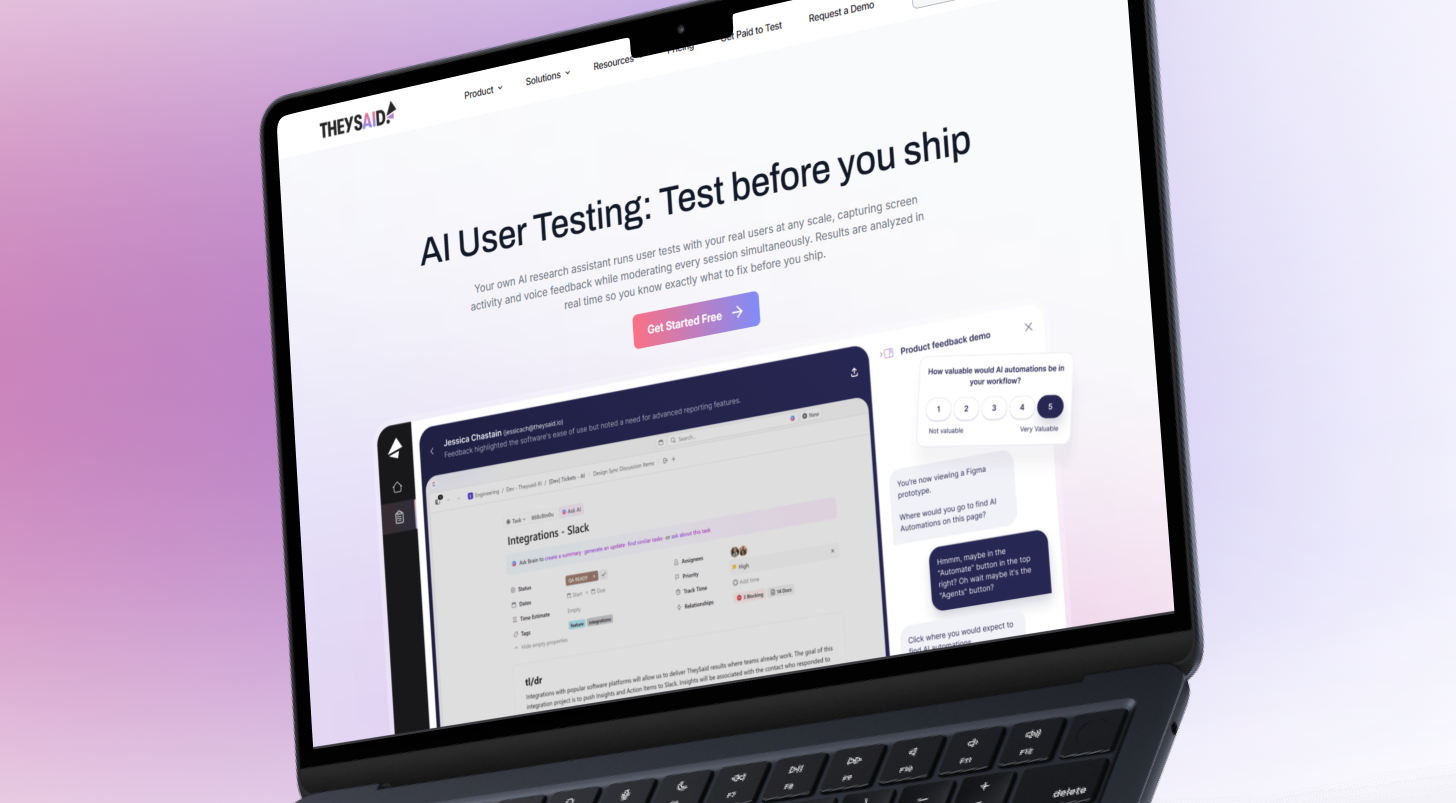
TheySaid is the only user testing platform built AI-native from the ground up. Every other UserTesting alternative on this list either has no AI or added AI features on top of infrastructure that was designed before AI existed. TheySaid was designed with the AI moderator as the core, not a feature.
The practical difference: the AI doesn’t summarize research after it’s done. It runs the session. When a participant hesitates on a screen, the AI asks what made them pause. When an answer is vague, it probes. The result is moderated-interview depth at the speed of an automated survey, without anyone scheduling, moderating, or synthesizing sessions manually.
It covers more research methods in one workspace than any other platform on this list: AI user tests, AI interviews, AI surveys, AI polls, AI forms, and AI pulses. One AI layer runs across all of them.
One feature worth calling out specifically: AI Testers. Before recruiting a single real participant, teams can run their study with simulated participants configured to match the target audience. The AI testers move through the study end-to-end, trigger every branch of conditional logic, catch broken flows, and surface confusing questions, surfacing 60–70% of the insights real participants would produce, at zero cost with immediate results.
What you’ll like:
- AI Test Moderator runs the entire session, adapts to responses, and probes in real time
- AI User Tests, AI Interviews, AI Surveys, AI Polls, AI Forms, AI Pulses one AI layer across every method
- Ask the AI Assistant to query the full research history in plain language
- AI Testers, which are simulated participants to de-risk research design before real recruiting begins
- 5M+ participant panel with demographic filtering across 70+ languages
- 5 distribution methods: in-app popup, link, email, QR code, panel
- Clips and highlight reels are shareable directly from the dashboard
- SOC 2 Type 2, ISO 27001, HIPAA, GDPR compliance
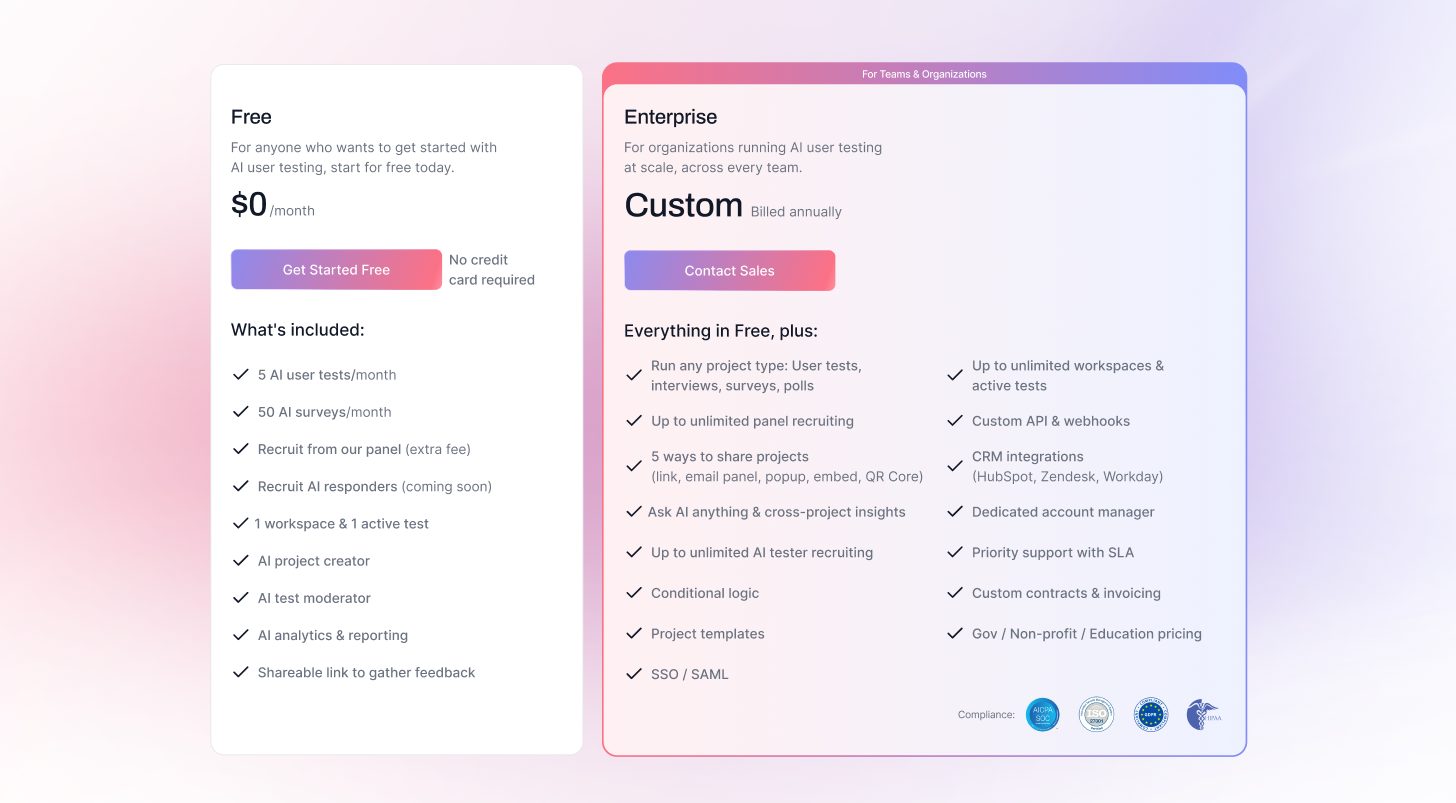
- Free plan includes all AI features, no credit card required
What you won’t like:
- Teams new to AI-moderated research may need a session or two to trust the AI's probing, resisting the urge to add manual follow-ups takes adjustment.
Pricing: Free plan includes all AI features. Paid plans from $132/month.
2. UserTesting — Best for Enterprise Video Research (If Budget Allows)
Best for: Large enterprise research teams with dedicated research operations, significant budgets, and a need for video-backed human insight at an institutional scale.
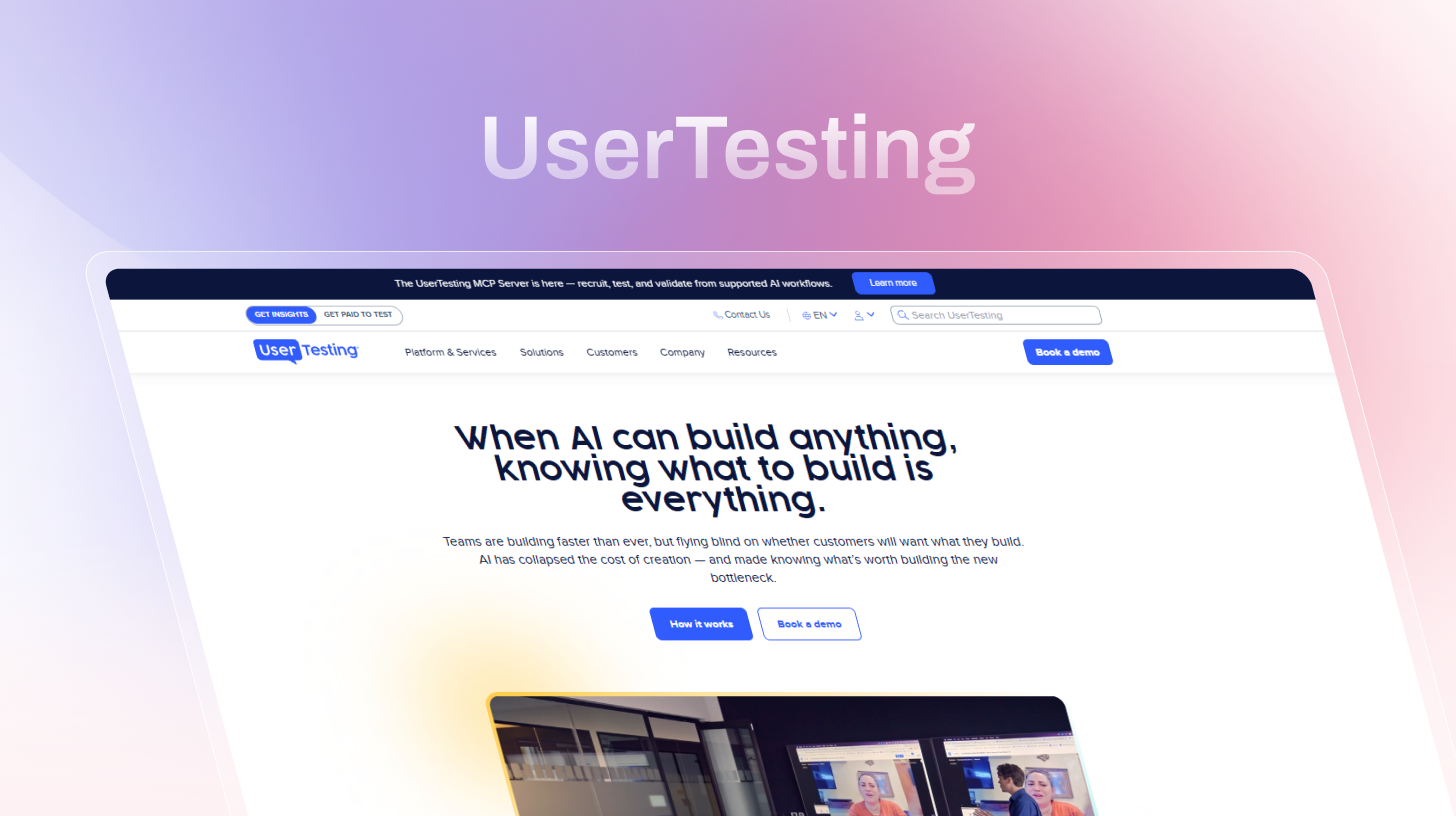
UserTesting remains the default enterprise choice for video-based usability research. Its panel has been built over 15 years, its workflow for moderated and unmoderated video sessions is mature, and its brand carries weight in executive conversations. For teams running 20+ studies a month with a dedicated research ops function, it can still make sense. For everyone else, the economics are hard to justify, which is why so many teams are searching for UserTesting alternatives.
What you’ll like:
- Largest and most established participant panel in the market
- Mature, moderated, and unmoderated video testing workflow
- AI-assisted highlight detection and automatic transcription
- Enterprise integrations: Jira, Productboard, Confluence, Slack
- SOC 2, GDPR, HIPAA compliance for regulated industries
What you won’t like:
- No public pricing, enterprise contracts only; most teams report $25,000–$50,000+/year
- AI is supplementary, not native; researchers still watch recordings and synthesize manually
- Panel quality has declined: professional test-takers and bots are a recurring G2 complaint
- Session cut-offs affect longer qualitative interviews
- Not built for continuous discovery or sprint-cadence research loops
Pricing: Pricing upon request. Enterprise contracts typically start at $25,000/year.
3. Maze — Best UserTesting Alternative for Prototype Testing
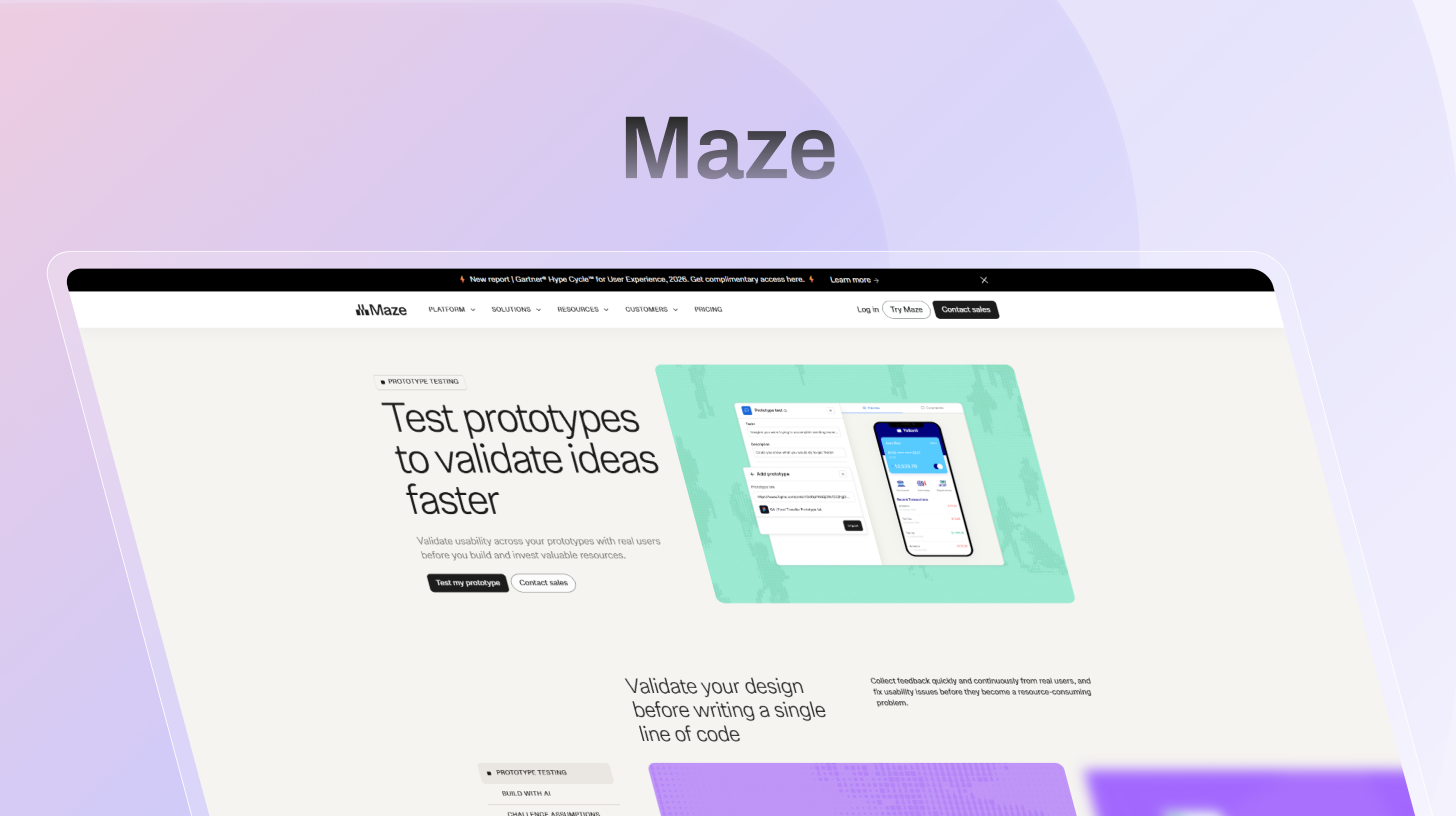
Best for: Design-led product teams running fast, unmoderated prototype tests directly from Figma who need quantitative usability metrics quickly.
Maze has the best design tool integration available for prototype testing. Import a Figma file, define tasks, and get task completion rates, misclick rates, click maps, and time-on-task data within hours. The AI usability score gives non-researcher stakeholders something concrete to evaluate. Note: Maze now also offers an AI moderator, available on higher-tier plans.
What you’ll like:
- Native Figma, Adobe XD, InVision, and Sketch integration, the fastest prototype testing setup available
- Quantitative usability metrics: task completion rate, misclick rate, click maps, time on task
- AI usability score for quick, shareable results
- An AI moderator is available on higher plans
- Card sorting, tree testing, and lightweight surveys alongside prototype testing
- Free plan available
What you won’t like:
- Participant drop-off is a documented issue that affects completion count reliability
- AI features gated behind higher-tier reviewers on TrustRadius flag AI features being removed from their plan mid-subscription
- Credits expire after 12 months use-it-or-lose-it model penalizes teams with unpredictable research schedules
- Tree testing and advanced screening are Enterprise-only
Pricing: Free plan. Starter from $99/month. Organization plan: custom pricing.
4. Lookback — Best for Moderated Interview Facilitation
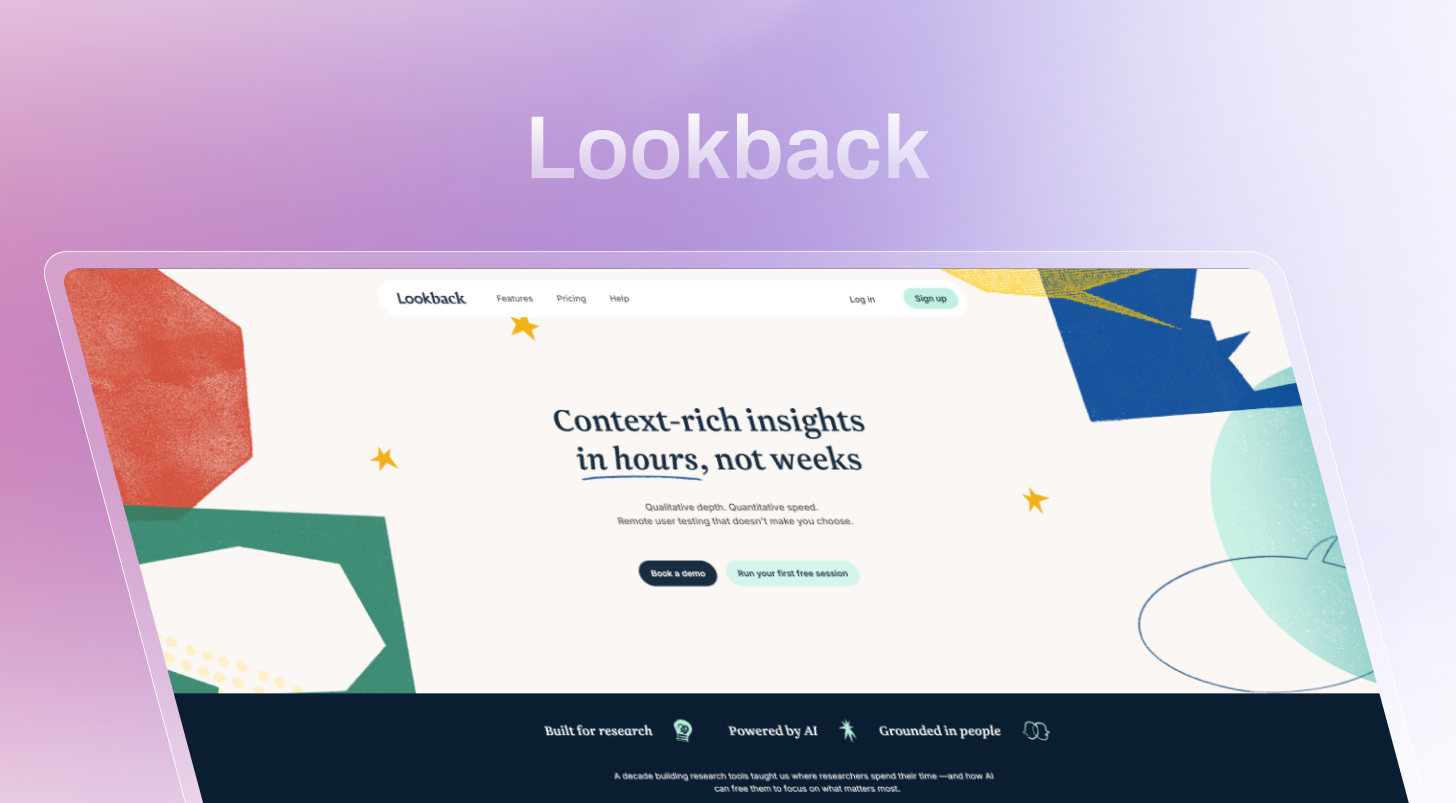
Best for: Research teams running structured 1-on-1 moderated sessions with screen sharing, live observer access, and timestamped notes who already have their own participant pool.
Lookback is the cleanest option for teams that run a lot of live, moderated interviews. Observers watch without disrupting the call, researchers take timestamped notes in real time, and Eureka (AI session summary) transcribes and condenses sessions automatically after the fact. It’s a facilitation and recording tool, not a full research platform.
What you’ll like:
- Clean, reliable, moderated session workflow, participants join via link, no installs
- Live observer mode for stakeholders
- Timestamped note-taking and clip creation during and after sessions
- Eureka: AI-generated session summaries and automatic transcription
- The lowest entry price on this list is at $25/month
What you won’t like:
- No AI moderation, a researcher runs every session manually
- No participant panel on base plan, panel access via User Interviews integration at $49/participant
- Moderated sessions only, no unmoderated testing, in-product feedback, or surveys
- iOS device testing has reported loading issues across multiple user reviews
Pricing: Freelance plan from $25/month. Team plan $149/month. Panel access via User Interviews at $49/participant.
5. Lyssna — Best Affordable UserTesting Alternative for Unmoderated Tests
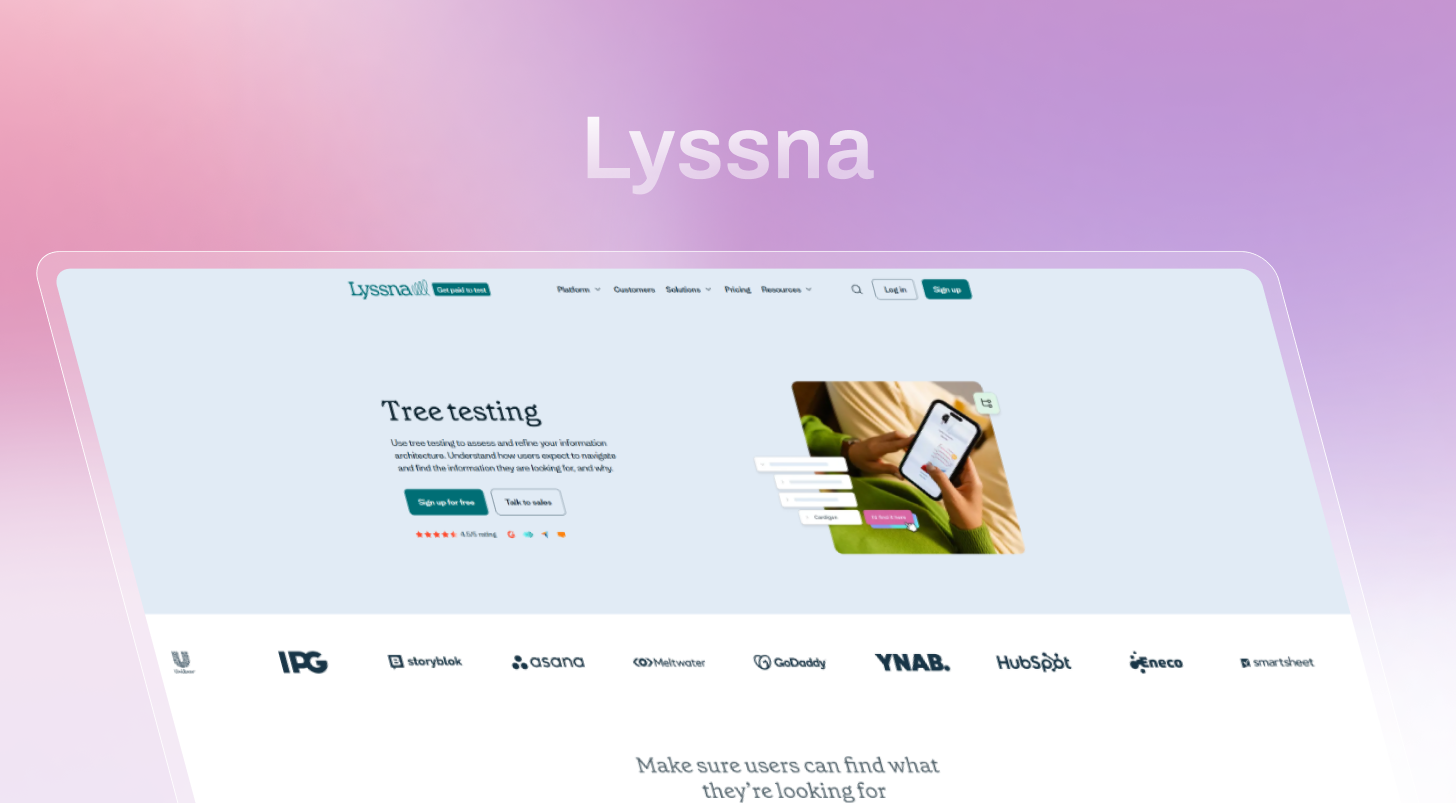
Best for: Startups, small product teams, and freelancers who need fast, directional feedback on designs without a subscription commitment.
Lyssna’s pay-per-response model is what sets it apart as a UserTesting alternative. First-click tests, preference studies, and five-second tests can run with responses from a 690,000+ person panel within 30 minutes on average. Quick directional validation: Does this navigation label make sense? Which CTA copy gets more clicks is where Lyssna shines.
What you’ll like:
- 690,000+ participant panel across 120+ countries, 395+ demographic filters
- Average 30-minute panel response turnaround
- First-click tests, preference tests, five-second tests, prototype testing, card sorting, tree testing
- 55-language support
- Transparent pricing on the website, no sales call needed
- Free plan: 3 seats, 1 study/month, 15 self-recruited responses
What you won’t like:
- No real-time AI moderation or automated insight synthesis
- Panel billed separately via credits on all plans, the real cost is higher than the headline subscription price
- Pricing can be unpredictable when volume credits expire and don’t roll over
Pricing: Free plan. Growth from $165/month (billed annually). Panel credits are priced separately at $1/credit.
Practical rule: Use Lyssna for fast, cheap answers to specific design questions. Use TheySaid when the goal is understanding why users behave the way they do across live product flows.
6. Hotjar — Best for Behavioral Analytics on Live Products
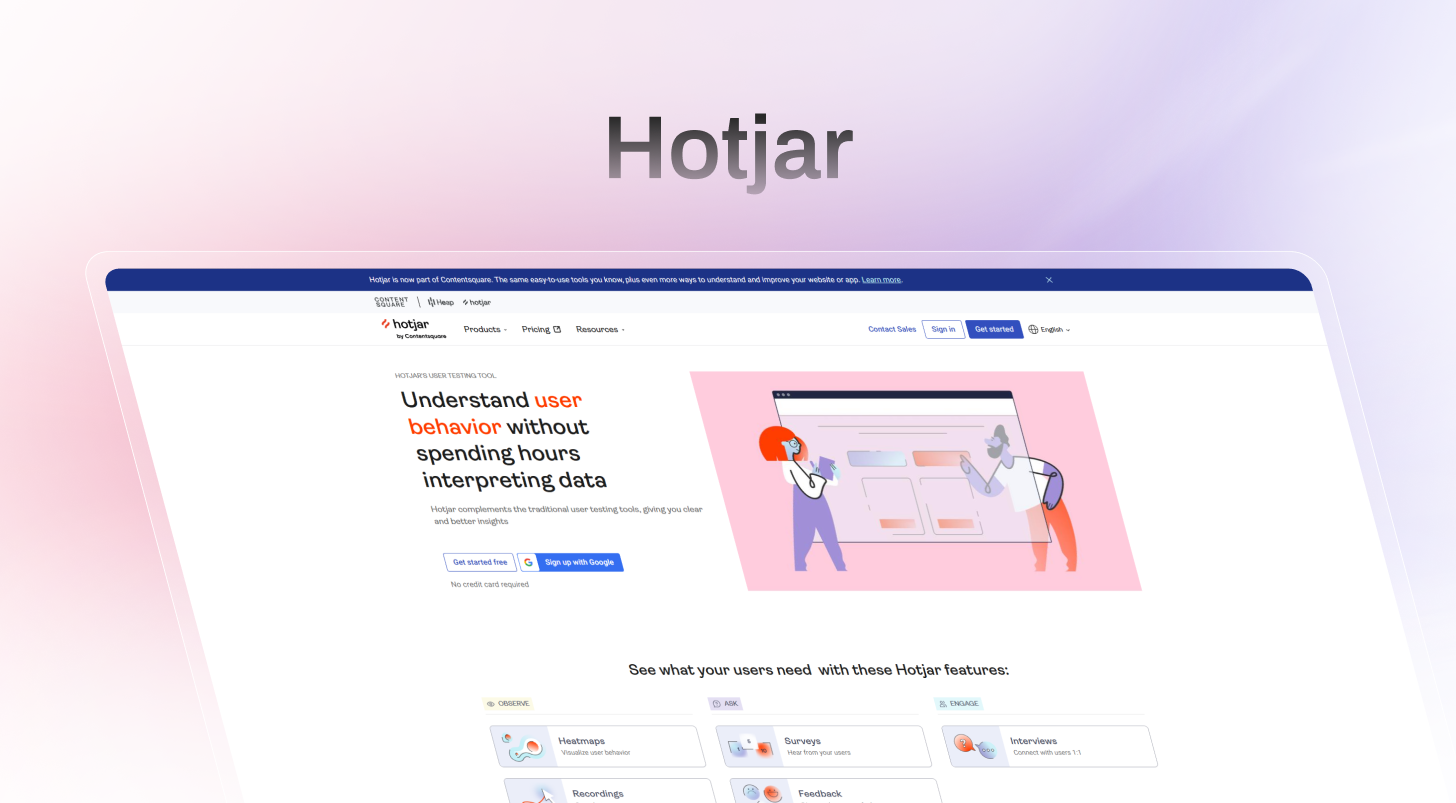
Best for: Product and marketing teams who want continuous behavioral visibility on live pages, heatmaps, session recordings, and rage-click detection without structured research sessions.
Hotjar is a behavioral analytics platform that runs passively on live products. Deploy a JavaScript snippet, and it starts capturing how real users move through your pages. The March 2025 AI-Insight Recordings update added automatic session clustering and frustration event detection, reducing time spent manually reviewing recordings.
Hotjar shows behavior without intent. It surfaces where users rage-click or abandon a flow, but won’t explain why. Most teams use Hotjar alongside an active research platform, Hotjar for passive observation, TheySaid for active insight collection.
What you’ll like:
- Heatmaps, click maps, and scroll maps for live page behavioral analysis
- Session recordings with frustration signal detection: rage clicks, U-turns, hesitations
- AI-Insight Recordings: automatic session clustering and outlier detection
- Funnel analysis to identify drop-off points in conversion flows
- Generous free plan
What you won’t like:
- Behavioral observation only: no moderation, no panel, no research synthesis
- Does not replace structured user testing, complements it
Pricing: Free plan. Plus from $32/month. Business from $80/month.
7. Sprig — Best for In-Product Micro-Surveys
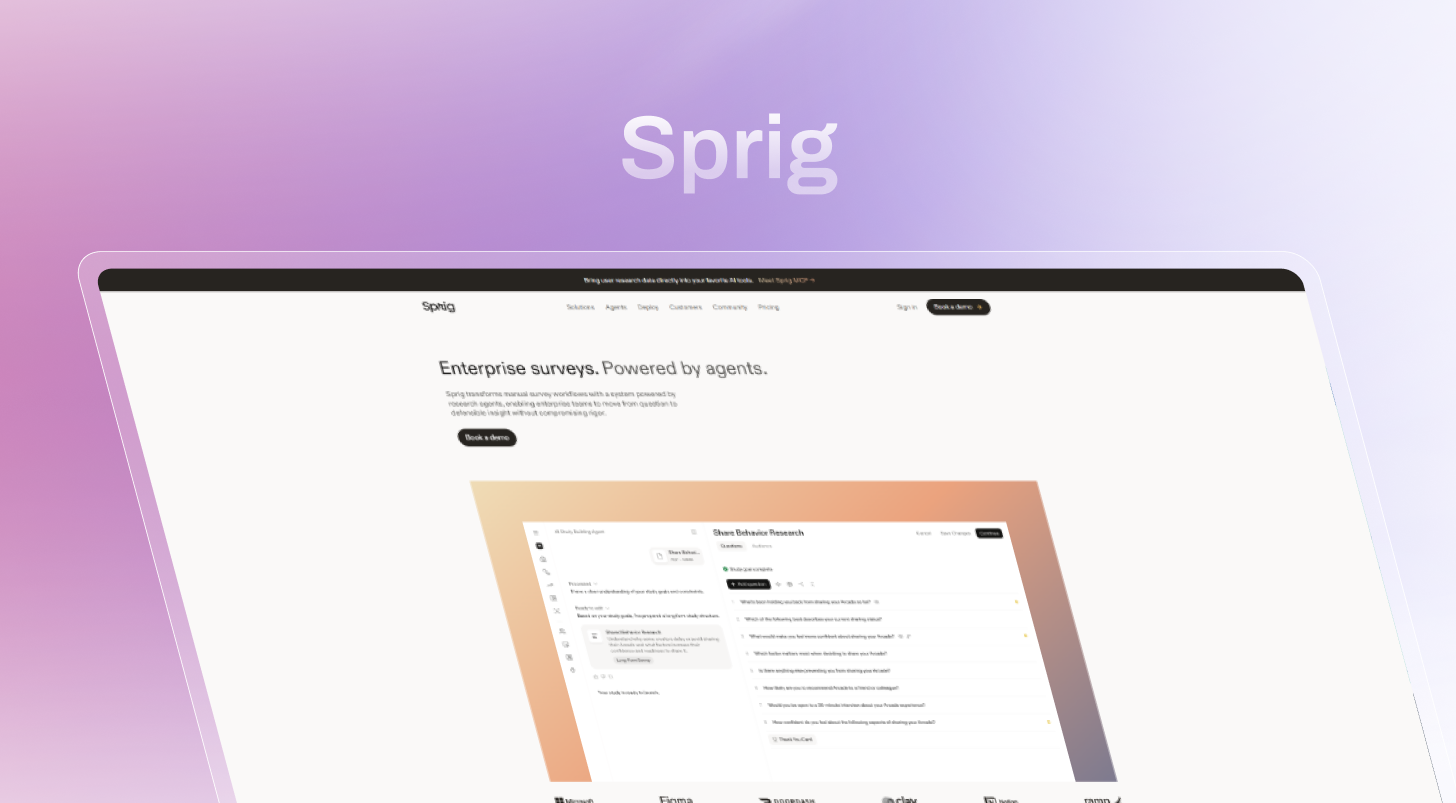
Best for: Growth-stage SaaS teams with an active user base who want behavior-triggered questions at the exact moment of product interaction.
Sprig delivers survey questions to users at the precise moment they complete or abandon an action in your product. AI theme summaries group open-text responses automatically at volume. The limitation is that in-product surveys are short by design, and Sprig requires an existing active user base.
What you’ll like:
- Behavior-triggered survey delivery at the moment of user action
- AI-powered response theme summaries for fast synthesis
- Session recordings alongside survey data
- Free plan for basic use
What you won’t like:
- Short-form by design, not suitable for deep qualitative user research
- Requires an existing active user base, no participant panel
- $175/month for meaningful features is expensive for the insight depth the format provides
Pricing: Free plan. Paid from $175/month.
8. UXtweak — Best UserTesting Alternative for Small Teams
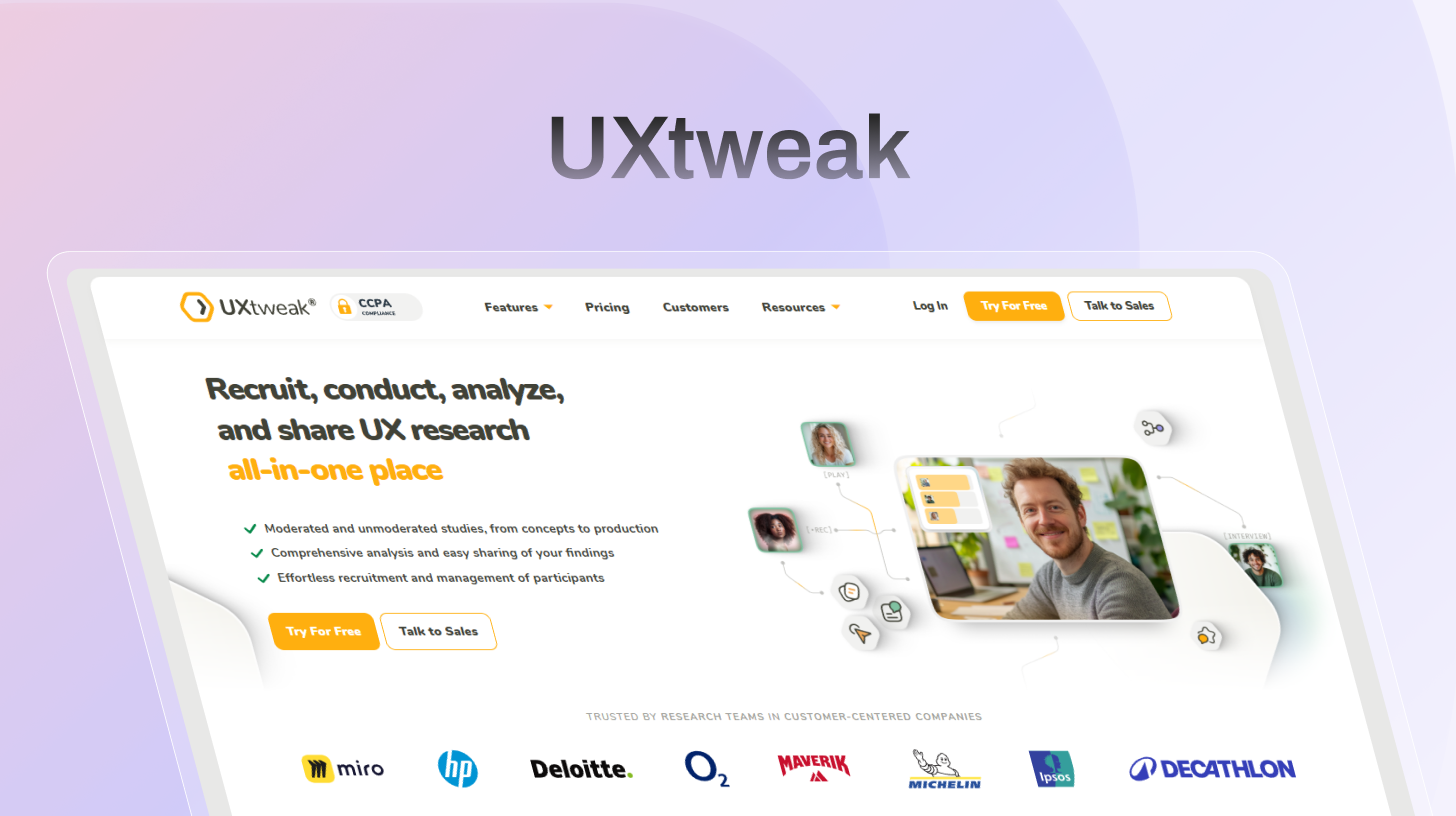
Best for: UX researchers and small product teams who need research method flexibility in one platform without enterprise pricing.
UXtweak offers the most research method variety per dollar of any UserTesting alternative on this list. The free plan includes unlimited studies — genuinely rare. Its tree testing and card sorting tools perform as well as dedicated specialist tools like Optimal Workshop, at a fraction of the cost.
What you’ll like:
- Unlimited studies on the free plan
- Tree testing and card sorting on par with specialist tools
- Wide method range: prototype testing, session recording, card sorting, tree testing, first-click
- Built-in participant panel with demographic filtering
- A/B comparison reports across test variations
What you won’t like:
- No real-time AI moderation
- Manual insight synthesis
- The interface can feel overwhelming for first-time researchers
Pricing: Free plan with unlimited studies. Paid plans from $80/month.
9. Userlytics — Best Human Panel UserTesting Alternative
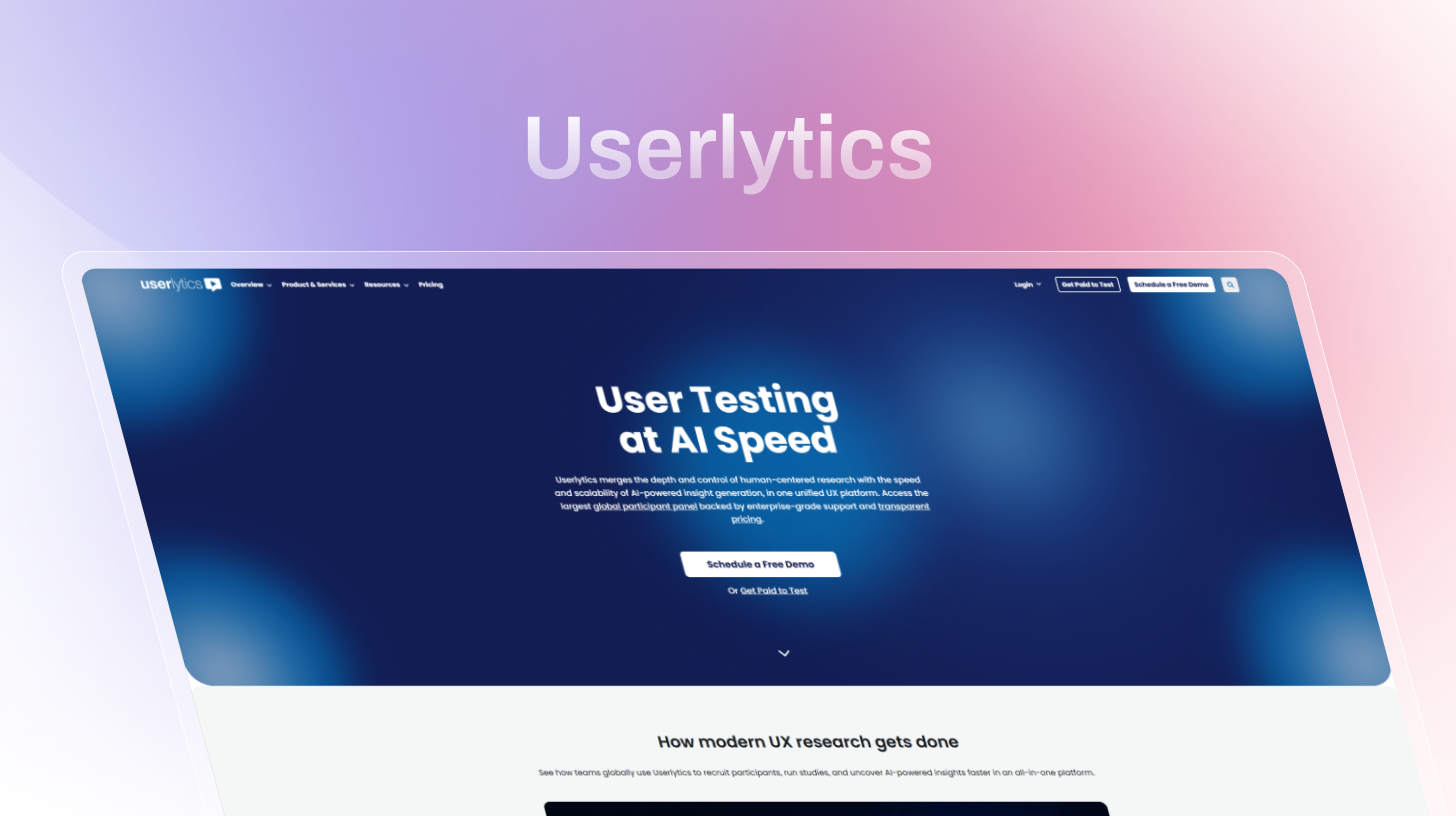
Best for: Research teams that need video-based human panel testing globally, with more pricing transparency than UserTesting’s enterprise contract model.
Userlytics is the most direct like-for-like UserTesting alternative on this list. The 2M+ participant pool has strong international diversity, and per-session pricing is far more accessible than a $25,000+ annual contract. AI features transcription, sentiment analysis, highlight reels are real but supplementary; the core workflow is still video-first.
What you’ll like:
- 2M+ global participant panel with strong international diversity
- Multi-device testing: desktop, mobile, and tablet
- Moderated and unmoderated video sessions both supported
- AI transcription, sentiment analysis, and highlight reels
- Figma integration for prototype testing
- Transparent per-session pricing, no enterprise contract required to start
What you won’t like:
- Video review still required AI is supplementary, not a replacement for manual synthesis
- Per-session pricing adds up quickly at high research volumes
- Not designed for continuous discovery or AI-moderated research
Pricing: Project-based from $69/session. Enterprise plan from $34/session. Annual plans available.
10. Optimal Workshop — Best for Information Architecture Research
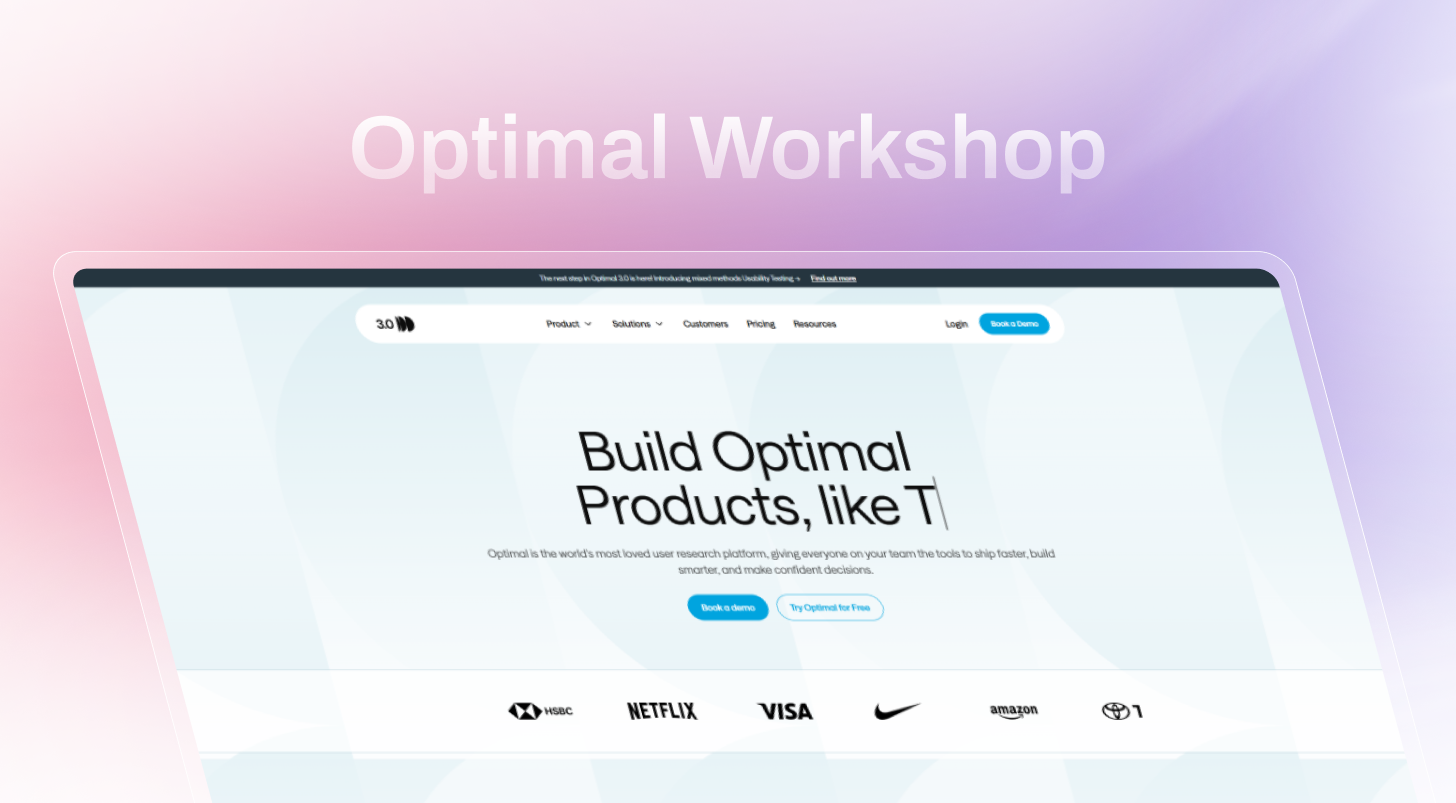
Best for: UX researchers whose primary research method is IA validation, tree testing, card sorting, and first-click testing for navigation and content structure.
Optimal Workshop is the specialist tool on this list. Tree testing and card sorting are implemented at a depth that no general-purpose platform matches. The Reframer dashboard for qualitative observation and affinity mapping makes it easier to distill patterns from large qualitative datasets. For teams with occasional IA needs, UXtweak covers similar methods at a lower cost with more flexibility.
What you’ll like:
- Industry-leading tree testing and card sorting implementation
- Reframer dashboard for qualitative observation in real time
- Affinity mapping to identify patterns across large qualitative datasets
- Built-in sentiment analysis engine
What you won’t like:
- Narrow scope, IA and navigation testing only
- No real-time AI moderation
- $199/month with annual-only billing, no monthly option, harder to trial
- Less useful without a dedicated UX researcher to interpret results
Pricing: Paid plans from $199/month (annual billing only). Enterprise custom pricing.
11. Userbrain — Best for Continuous Lightweight Video Testing
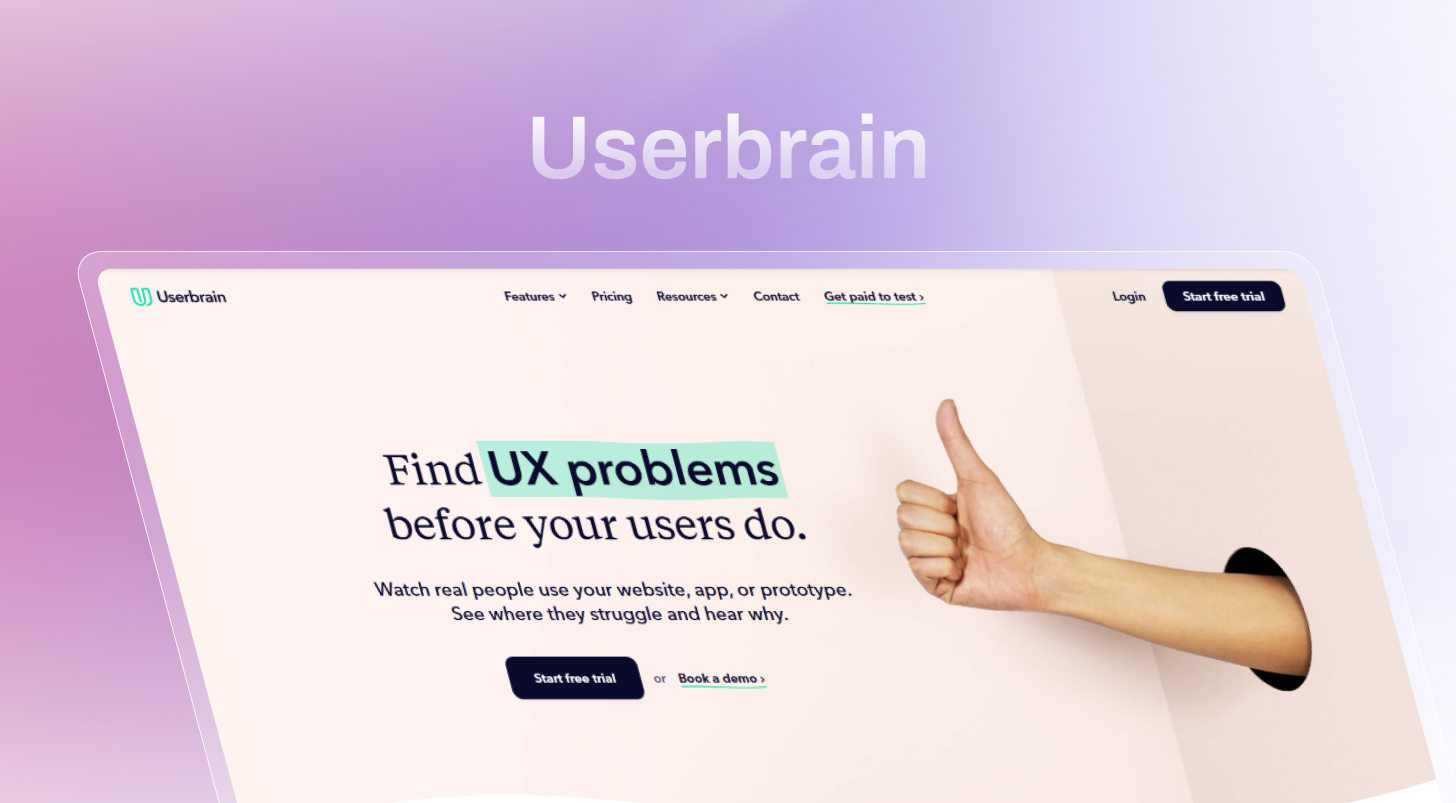
Best for: Small teams and solo founders who want a regular cadence of unmoderated video sessions without managing a full research workflow.
Userbrain’s model is simple: subscribe, define tasks, and receive a steady stream of unmoderated video sessions each week. Designed to make user testing a habit rather than a project. Annual billing is required for base pricing, with monthly plans costing 20% more.
What you’ll like:
- Habit-forming continuous testing model, steady weekly video sessions
- Demographic filtering without complex recruiting overhead
- Simple, beginner-friendly test setup
- Free plan with limited credits
What you won’t like:
- No AI moderation or automated insight synthesis
- Participant screening features are limited and flagged in multiple user reviews
- No survey capability during tests
- Monthly billing costs 20% more than the annual rate
Pricing: Free plan with limited credits. Paid plans from $99/month (billed annually). Monthly plans cost 20% more.
How to Choose the Right UserTesting Alternative
The right tool depends less on feature lists and more on how your team actually runs research. These questions narrow the field quickly.
Do you need a participant panel, or do you already have users? Panel included: TheySaid (5M+), Maze, Lyssna (690K+), Userlytics (2M+), UXtweak. Bring your own: any tool works; Lookback and Sprig are strongest.
Should the platform moderate sessions, or will a researcher? AI moderation: TheySaid. Human moderator: Lookback, UserTesting, Userlytics.
Are you testing prototypes or a live product? Prototypes: Maze, Lyssna, UXtweak. Live product: TheySaid, Sprig, Hotjar, Userbrain. Both: TheySaid handles both natively.
What does it actually cost at your volume? Under $100/month: TheySaid, Hotjar, Lyssna (free tier), UXtweak, Userbrain. $100–$300/month: Maze, Sprig, Lookback. Enterprise: UserTesting.
Do you need enterprise compliance? HIPAA, SOC 2 Type 2, ISO 27001, GDPR: TheySaid. Enterprise SOC 2: UserTesting.
Recommended Read: AI in User Testing: Every Question PMs and UX Researchers Actually Ask
The Bottom Line
The best UserTesting alternative in 2026 isn’t the one with the most features or the biggest brand name. It’s the one a team will actually use early enough in the product cycle to change what gets built.
UserTesting’s pricing model and legacy infrastructure make it a poor fit for most teams outside large enterprise research operations. The alternatives on this list cover every research method it offers often with stronger AI depth at a fraction of the cost.
Start with what’s free and fast. Build research into every sprint. Only pay enterprise pricing when there’s a dedicated research operations function to justify it.
Try TheySaid free, all AI features included, no credit card required. Or book a 20-minute demo at theysaid.io to see the AI moderator run a live session.
Start running AI user tests today.
Join teams using TheySaid to get real user feedback every sprint — without the $25K price tag.
Try it free
FAQs
What are the most popular reasons for looking for an alternative to UserTesting.com?
Cost is the biggest one; contracts start at $25,000+/year with no pricing on the website. Teams also flag slow turnaround times, declining panel quality, and AI that only summarizes sessions rather than running them.
What are the best alternatives to UserTesting.com?
TheySaid for AI-native user testing platform with a free plan, Lyssna for fast pay-per-response tests, Maze for Figma prototype testing, Userlytics for human panel research, and UXtweak for an all-in-one budget option with unlimited free studies.
What makes TheySaid different from UserTesting?
TheySaid is AI-native; the AI moderates sessions live, not just summarizes them after. It covers every research method in one platform, starts free, and delivers results fast enough to act on within the same sprint.
Do I need a UX researcher to use these tools?
Not anymore. Tools like TheySaid are built specifically for product teams without a dedicated researcher, the AI handles moderation, synthesis, and reporting automatically.


.svg)


