



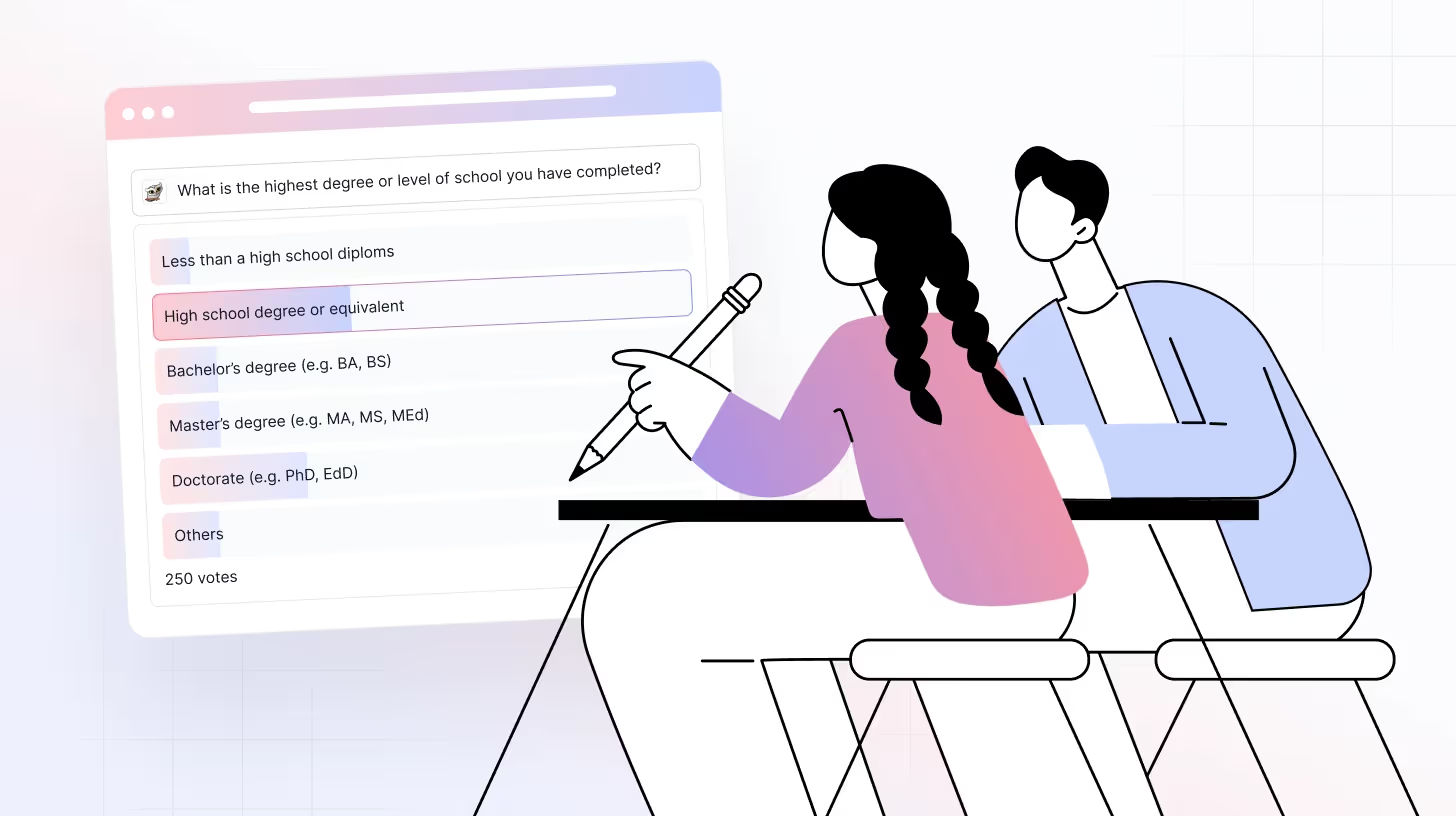
Classroom polling tools are digital platforms that help educators engage students through real-time polls, quizzes, and feedback questions.
Standing in front of a class full of uninterested students is something no teacher likes. Everyone has experienced moments when there is a lack of enthusiasm in the room, and it becomes difficult to get students to speak up or join in. This is exactly why classroom polling tools have become such an effective solution for increasing participation and interaction.
These tools allow teachers to gather instant, anonymous feedback, spark conversations, and engage students with fun, real-time polls, quizzes, and surveys. As the demand for flexible learning grows, many educators now rely on free classroom polling tools and online polling software for classrooms to improve engagement across in-person, online, and hybrid learning environments.
Let’s explore the top 8 classroom polling tools that can help you keep students engaged and make learning more interactive.
TL;DR
- Classroom polling tools help teachers collect real-time student feedback using live polls, quizzes, and surveys.
- Free classroom polling tools are ideal for increasing participation in in-person, online, and hybrid classes.
- TheySaid stands out as the best AI-powered classroom polling tool for understanding why students respond the way they do.
- Tools like TheySaid!, Mentimeter, and Slides With Friends focus more on engagement and quick assessments.
- The right polling tool depends on class size, anonymity needs, and whether you want surface-level responses or deeper insights.
What Are Classroom Polling Tools? Here’s the Scoop!
Classroom polling tools are online platforms that allow teachers to ask questions, collect student responses, and display results in real time during a lesson. It helps educators understand students, spark discussions, and vote on classroom decisions.
These tools feature live polls, quizzes, and student surveys that can easily be integrated with various platforms. Teachers and students can use mobile phones and computers, iPads, and laptops for polling in the classroom. The instructor poses different types of questions (open-ended, multiple choice, rating, ranking). The results are instantly shared, providing real-time analysis and giving teachers a clearer picture of students.
Read: Best Online Survey Tools for Academic Research
Why Classroom Polling Tools Improve Student Engagement
Classroom polling tools support active learning by encouraging participation, improving comprehension, and helping teachers adjust instruction in real time. They are widely used in in-person, online, and hybrid classrooms to increase engagement and learning outcomes.
Boosts Confidence and Participation
Classroom polling tools increase student participation by allowing anonymous responses, which reduces fear of judgment and encourages honest input. The anonymity offered by these tools removes the pressure of speaking in front of people and being judged, boosting the confidence of students. For example, in a large hall, some students might feel intimidated to express themselves, but polling tools allow them to participate in classroom activities actively.
Promote Critical Thinking
By using open-ended and higher-order questions, classroom polling tools help students develop critical thinking and problem-solving skills. For example, How would you solve this problem in 2 different ways? It can make students think critically in multiple ways, assess their problem-solving skills, and promote higher-level cognitive engagement.
Support Different Learning Styles
Some students are visual learners, some are auditory, and others are kinesthetic. Every student learns differently, and classroom polls are a great way to support a variety of learning styles. They contain image-based questions, graphs, and voice-enabled questions catering to students' individual preferences.
A study published in the Statistics Education Research Journal investigated the impact of real-time interactive polling, a type of active learning, on academic performance. The study discovered that introducing real-time quizzes in tutorial classes resulted in higher final grades, real-time student engagement, and a lower risk of failure.
Sparks Dynamic Discussions
Sharing polling results can spark class discussions about follow-up questions or the reasoning behind responses. For example, a teacher can ask Why do you think this was the popular answer? This can spark a rich debate where students can defend their answers and explore different points of view.
According to the Center for Teaching and Learning at Washington University in St. Louis, polling can stimulate discussions by measuring student comprehension in real-time and encouraging students to reflect on the material.
Related Read: How Online Polling Enhances Classroom Participation

Classroom Polling vs Quizzes vs Surveys
While classroom polling, quizzes, and surveys are often used interchangeably, each serves a different purpose in teaching and learning.
Classroom polling tools are best used during live lessons to quickly check understanding, gather opinions, or encourage participation. Polls are typically low-stakes, fast, and focused on engagement rather than grading.
Quizzes are more structured and are commonly used to assess knowledge, track progress, or assign grades. They usually include correct answers and scoring, making them ideal for formative or summative assessment.
Surveys are designed to collect deeper feedback over a longer period of time. In classrooms, surveys are often used to understand student satisfaction, learning preferences, or course feedback rather than real-time comprehension.
In short, classroom polling is ideal for real-time engagement, quizzes are best for assessment, and surveys are most effective for in-depth feedback.
When to Use Classroom Polling in Teaching
Classroom polling tools can be used across different teaching environments to increase participation and quickly assess understanding.
In K–12 classrooms, polling helps teachers check comprehension, encourage shy students to participate, and keep younger learners engaged through simple, interactive questions.
In higher education, classroom polling is effective in large lecture halls where individual participation is limited. Polls allow instructors to gather responses from all students and identify knowledge gaps in real time.
In online and hybrid classes, classroom polling tools help recreate interaction by giving students an easy way to respond during live sessions without turning on microphones or cameras.
During discussions or concept reviews, polling can be used to gather opinions, vote on answers, or spark follow-up conversations based on live results.
Top 8 Free Online Classroom Polling Tools
These Classroom Polling tools are free with basic features, but you may need to upgrade for advanced options.
TheySaid
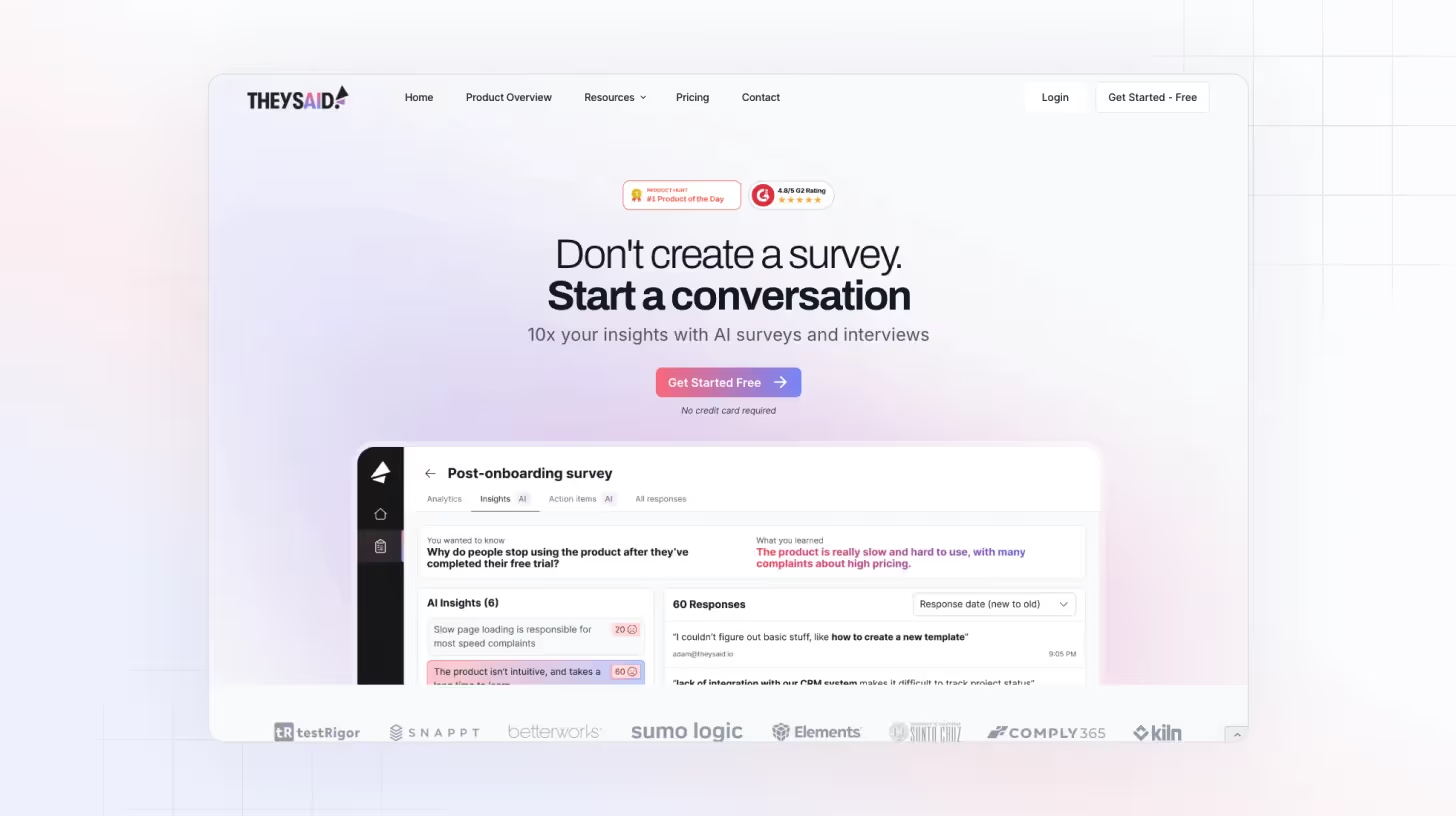
TheySaid is a fantastic platform for conducting educational surveys, quizzes, and polls, particularly in academic settings. With its AI-powered features, TheySaid makes the survey creation process easy and provides valuable insights through its conversational AI feature that reveals the why behind students' responses. That’s why TheySaid stands out as the best tool for classroom polling.
Key features:
- Creates surveys and survey questions with a single click.
- AI summarizes responses, detects trends, and provides actionable insights for teachers to refine their teaching strategies.
- Track student sentiment with quick NPS (Net Promoter Score).
- Conduct AI moderator interviews to gather more profound student feedback at a scale.
Best for: Educators who want deeper insights from classroom polls, not just response counts.
Pricing: Free to start, with affordable options available.
Ideal classroom use case: Understanding student sentiment, confusion, and feedback during live or remote classes.
Slides With Friends
Slides with Friends is similar to PowerPoint or Google Slides, used to build live polls and get real-time feedback immediately. You can add unique interactions such as word clouds, surveys, ratings, quizzes, and text question answers. The platform provides pre-made slide decks and custom creation tools for designing interactive presentations from scratch. Teachers can see students’ responses in real time. Works on any smartphone, tablet, or computer without downloads.
Key features:
- Offers interactive icebreaker games to engage students.
- Allows teachers to create live polls and quizzes.
- Students can deliver interactive presentations using a slide deck format.
- It allows users to transform lessons into interactive review games.
- Students can easily join the platform by scanning a QR code or joining a link.
Pricing:
- Free Plan – Limited number of slides per session
- Paid Plan–Starter $8
Kahoot!
Katoot! is an excellent tool for formative assessments, reviews, and real-time feedback. Its fun and interactive interface turns learning into a highly gamified experience. One of its unique features is its extensive library focused on K12 topics and general trivia that allows users to create customized polls and quizzes. Whether you're testing the understanding of students or initiating discussions Kahoot! keeps students interested in learning by providing friendly competition and immediate scoring.
Key features:
- Highly gamified with variable scoring leaderboards and time responses.
- Students can create their own Avatars.
- Teachers can design their quizzes or use already-made templates.
- It supports various question formats (Multiple choice, ranking, open-ended).
- Students can quickly join via a link or pin.
Pricing:
- Free Plan – Allows 20 to 40 participants
- Paid Plan– Start at $3/month per teacher
Mentimeter
Mentimeter is a powerful classroom polling tool to build interactive polls, quizzes, slides, and presentations. It allows various question types ( multiple choice, ranking, short questions, placing a pin on the image, and traffic light questions). Real-time response tracking enables teachers to quickly assess students' understanding and collect vital feedback. Whether used for formative evaluations, brainstorming sessions, or class decision-making, Mentimeter guarantees that every student has a voice in the learning process.
Key features:
- Mentimeter can be integrated with PowerPoint, Google Slides, and Keynote.
- Responses are anonymous so that you can get honest feedback.
- Visualize student responses creatively for discussions.
- Students can participate via a simple link.
Pricing:
- Free Plan – Allows 2 question slides and five quiz slides
- Paid Plan– Basic plan starts at $11.99/month
Aha Slides
Aha slides transform passive learning into an active, fun, engaging, hands-on experience. It has a collaborative team mode that encourages group discussions and teamwork. With live polls, quizzes, and word clouds, students can participate effortlessly from their devices, making every class session more exciting and inclusive.
Key features:
- Seamlessly integrates with multi-media.
- You can download various templates from its onsite template library.
- The content slide feature provides extensive customization options.
- Allow users to add soundtracks.
- Filter profanity feature to automatically filter inappropriate words.
Pricing:
- Free Plan – up to 5 quiz questions
- Paid Plan– Basic plan starts at $7.25/month
SurveyMonkey
SurveyMonkey is frequently used to create classroom polls. It has an intuitive and responsive user interface. Teachers who seek an organized method to gather student feedback, monitor learning progress, and make data-driven decisions in the classroom love SurveyMonkey.
Key features:
- Have pre-made classroom polls.
- Make customized surveys with a variety of question formats.
- Examine student answers right away for deeper understanding.
- You can easily send surveys via email using QR codes or URLs.
Pricing:
- Free Plan – Allows up to 10 questions per survey
- Paid Plan– Starts at $25/month
Typeform
Typeform is a visually appealing polling tool for creative interactive online forms, polls, surveys, and quizzes that keep students interested while getting insightful responses. It provides a conversation polling experience where students answer one question at a time. You can add images, GIFs, and videos in polls to make them fun and engaging.
Key features:
- Works seamlessly with Google Sheets, Slack, and more.
- Tracks real-time responses for decision-making.
- No app download is required. Students can participate from any device.
Pricing:
- Free Plan – Up to 10 questions per form
- Paid Plan– Starts at $25/month
Slido
Slido is a dynamic classroom polling tool that helps educators create interactive lessons by incorporating live polls, Q&A sessions, and quizzes. It offers various polling options that can be used, such as word cloud, multiple choice, text entry, and more. It is user-friendly and straightforward to set up, making it accessible to everyone.
Key features:
- Can easily integrate with PowerPoint and Google Sheets
- Students can join via a simple link or QR code.
- Create anonymous polls in seconds with its live polling feature.
- Track answers to gauge understanding and modify lessons.
Pricing:
- Free Plan – Includes up to 3 polls per session
- Paid Plans – Start at $8/month
A Quick Comparison of Top Classroom Polling Tools
Among these classroom polling tools, TheySaid stands out as the most advanced option for educators who want more than basic participation metrics. While many classroom polling tools focus on collecting responses, TheySaid uses AI to analyze open-ended feedback and explain why students respond the way they do. This makes it especially effective for teachers who want deeper insight, not just surface-level engagement.
Recommended Read: Online Surveys for Students: Effective Tools and Tips
How to Choose the Right Classroom Polling Tool
Choosing the right classroom polling tool depends on your teaching environment, class size, and the type of feedback you want to collect. Not all polling tools serve the same purpose, so it’s important to match the tool to your instructional goals.
Class size and teaching format
For large classrooms or lecture halls, polling tools that support quick responses from many students work best. In online or hybrid classes, tools that allow participation without microphones or cameras help keep students engaged.
Device compatibility
The best classroom polling tools work on student-owned devices such as smartphones, tablets, and laptops, without requiring downloads or complex setup.
Anonymous feedback
If your goal is honest participation, choose classroom polling software that allows anonymous responses. This is especially helpful for sensitive questions or shy students.
Depth of insights
Some tools focus only on collecting answers, while others help educators understand patterns, sentiment, and reasoning behind student responses. AI-powered tools like TheySaid are better suited for deeper feedback and formative assessment.
Free vs paid trade-offs
Free classroom polling tools are ideal for getting started, but advanced features such as analytics, automation, or AI insights may require upgrading to a paid plan.
Read: Teacher Survey for Students: The Key to Better Teaching
Data Privacy, Anonymity & Student Trust
Data privacy and student trust are essential when using classroom polling tools, especially in digital and remote learning environments. Teachers need tools that encourage honest participation while protecting student information.
Anonymous responses
Many classroom polling tools allow students to respond anonymously, which helps reduce fear of judgment and encourages more honest and inclusive participation.
Student-owned devices
Modern classroom polling software works on devices students already use, such as smartphones, tablets, and laptops, without requiring additional hardware or app downloads.
Responsible data handling
Reputable classroom polling platforms focus on secure data handling and privacy-conscious design, helping educators collect feedback without exposing sensitive student information.
When choosing a classroom polling tool, prioritizing anonymity and privacy helps create a safe environment where students feel comfortable sharing their thoughts and opinions.
Read: Create a School Survey: A Step-by-Step Guide for Educators and Students
Create Classroom Polls, Surveys, and Quizzes with TheySaid
TheySaid makes it effortless to create Classroom Polls, Surveys, and Quizzes with single-click AI-powered question generation; educators can quickly set up interactive assessments that keep students engaged while gathering meaningful insights in an engaging, responsive, and inclusive learning environment.
Sign up now for free and engage with your students like never before!
FAQs
What are classroom polling tools?
Classroom polling tools are digital platforms that allow teachers to ask real-time questions, collect student responses, and instantly view results during a lesson. They are commonly used to increase engagement, check understanding, and encourage participation.
Are there free classroom polling tools available?
Yes, many classroom polling tools are free to start and offer basic features such as live polls, quizzes, and surveys. Some tools also provide affordable paid options for advanced features like analytics or AI-powered insights.
Can classroom polling tools be used for online or hybrid classes?
Yes. Classroom polling tools work well in online and hybrid learning environments by allowing students to participate using links or QR codes without turning on microphones or cameras.
Are classroom polls anonymous?
Many classroom polling tools support anonymous responses, which helps students feel more comfortable sharing honest feedback, especially in large classes or sensitive discussions.
What devices do students need to join a classroom poll?
Students can usually join classroom polls using smartphones, tablets, or laptops. Most tools work directly in a web browser and do not require downloads.
How are classroom polling tools different from quizzes?
Classroom polling tools are typically used for quick, low-stakes engagement and understanding checks, while quizzes are more structured and often used for assessment or grading.
What is the best classroom polling tool?
The best classroom polling tool for educators who want more than basic engagement is TheySaid. Unlike traditional polling tools, TheySaid uses AI to explain why students respond the way they do, making it ideal for deeper classroom feedback and insight.


.png)




.svg)


